

- Posts: 490
- Thank you received: 2
Question on table switcher
5 years 9 months ago #330022
by ronron
Question on table switcher was created by ronron
-- HikaShop version -- : 4.3
-- Joomla version -- : 3.8
-- PHP version -- : 7.2
-- Error-message(debug-mod must be tuned on) -- : none
hi
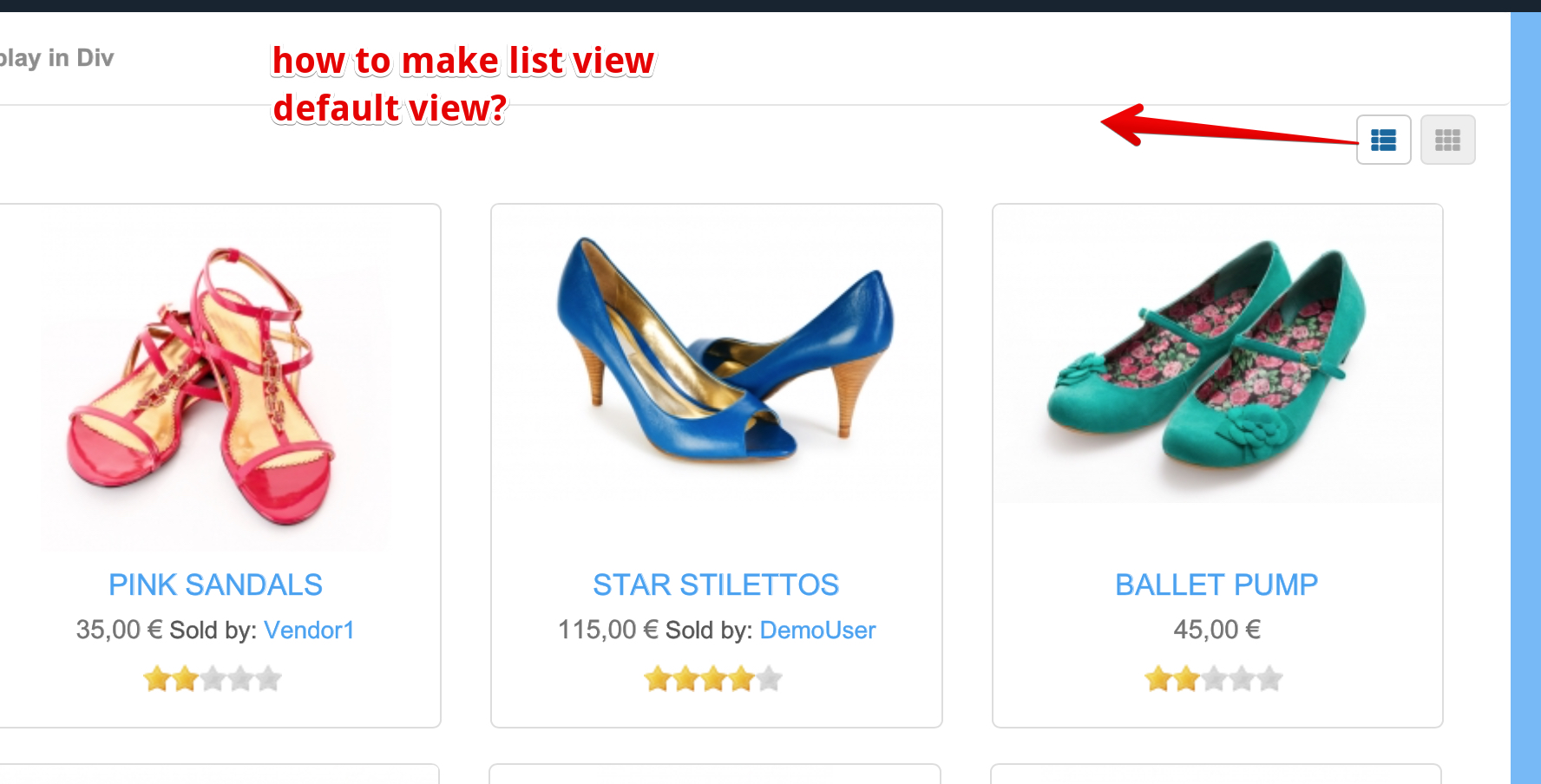
1.how do i make the default display for the table switcher list view and not the grid view?
2. if i were to replicate product listing > div >table switcher > list view on a new menu, which should i choose on the menu settings? table or list?
i tried table and list but cant replicate the list view generated by the table swithcer
thanks.

-- Joomla version -- : 3.8
-- PHP version -- : 7.2
-- Error-message(debug-mod must be tuned on) -- : none
hi
1.how do i make the default display for the table switcher list view and not the grid view?
2. if i were to replicate product listing > div >table switcher > list view on a new menu, which should i choose on the menu settings? table or list?
i tried table and list but cant replicate the list view generated by the table swithcer
thanks.
Please Log in or Create an account to join the conversation.

5 years 9 months ago - 5 years 9 months ago #330053
by Philip
Replied by Philip on topic Question on table switcher
Hello,
1. Go to Views in order to create an override view of the product/listing_div, around line 70, you have this code :

=> Modify the value of the variable : $cookie_value = 'display_grid'; for $cookie_value = 'display_list';
This will make the list display type by default.
2. Here, the tricky points, the list create by the display switcher is different because of the html that allow just with command css to switch from div display to list display.
And so, this is therefore necessarily a different display.
If you want replicate this listing type, the first answer (about list display by default) will help you to reproduce for all item menu to have by default the switcher list view (and if the table switcher is enable).
Maybe if you want, you can hide via custom css the switcher button, (see this documentation to see how to proceed) and add this kind of pseudo css command :
Hope this will meet your expectations.
Regards
1. Go to Views in order to create an override view of the product/listing_div, around line 70, you have this code :
=> Modify the value of the variable : $cookie_value = 'display_grid'; for $cookie_value = 'display_list';
This will make the list display type by default.
2. Here, the tricky points, the list create by the display switcher is different because of the html that allow just with command css to switch from div display to list display.
And so, this is therefore necessarily a different display.
If you want replicate this listing type, the first answer (about list display by default) will help you to reproduce for all item menu to have by default the switcher list view (and if the table switcher is enable).
Maybe if you want, you can hide via custom css the switcher button, (see this documentation to see how to proceed) and add this kind of pseudo css command :
Code:
.hikashop_switcher_btn_class {display: none;}
Hope this will meet your expectations.
Regards
Last edit: 5 years 9 months ago by Philip.
The following user(s) said Thank You: ronron
Please Log in or Create an account to join the conversation.
5 years 8 months ago #330144
by ronron
Replied by ronron on topic Question on table switcher
thanks Philip
great response
great response
The following user(s) said Thank You: Philip
Please Log in or Create an account to join the conversation.
Time to create page: 0.049 seconds