

- Posts: 5
- Thank you received: 0
user control panel problem
11 years 5 months ago #202764
by katchris
user control panel problem was created by katchris
-- HikaShop version -- : 2.4.0
-- Joomla version -- : 3.4.1
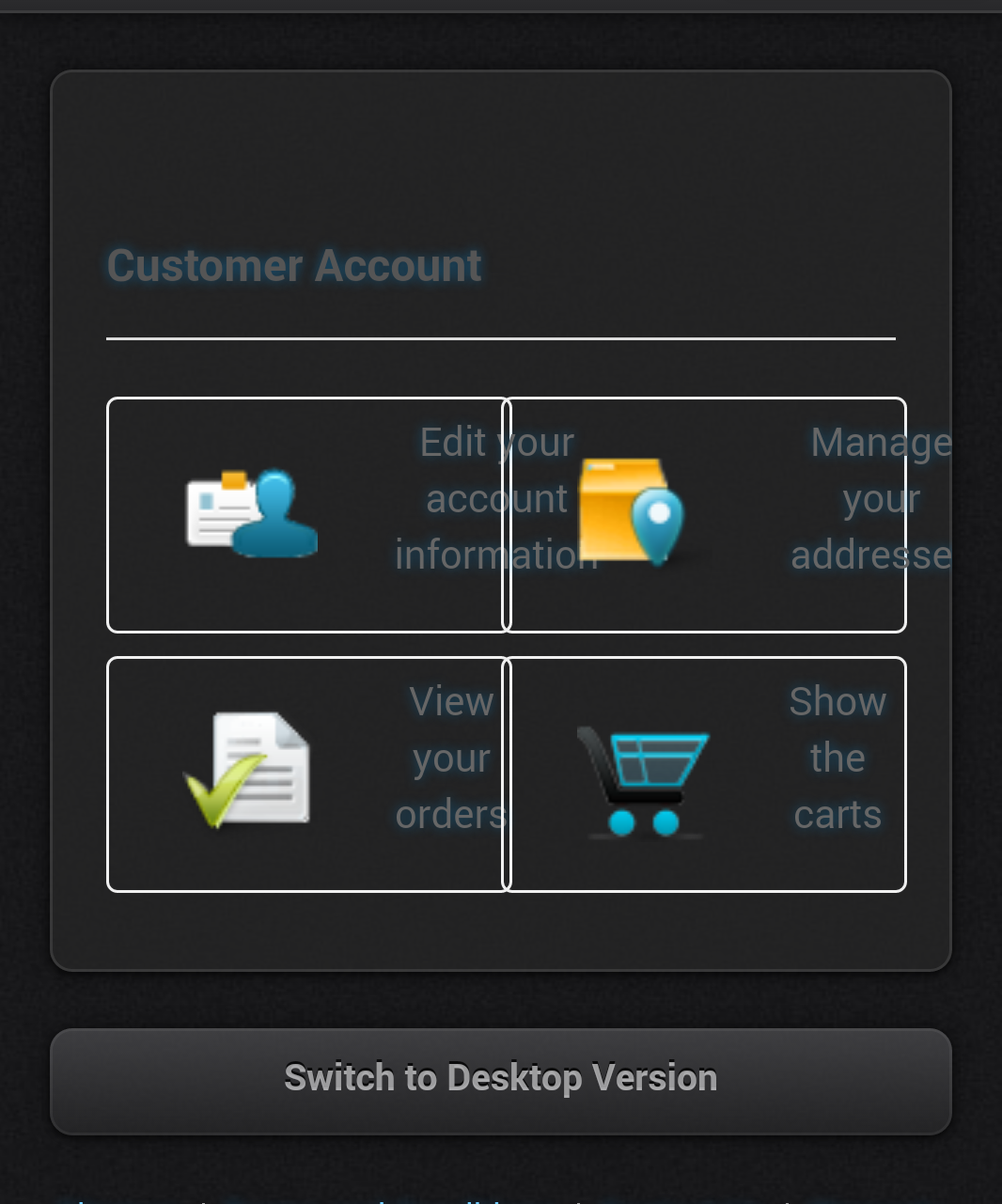
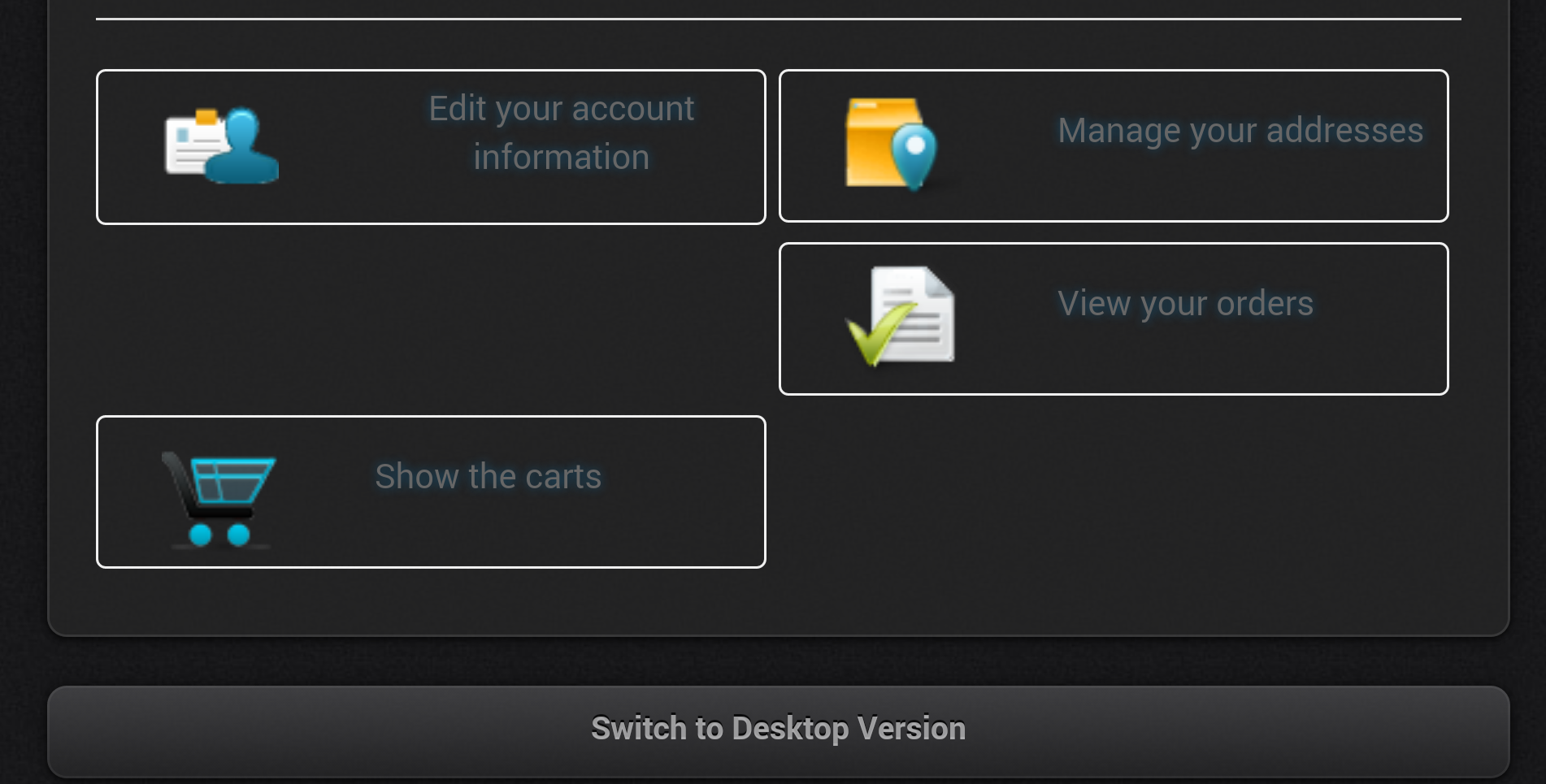
My Hikashop user control panel does not show up correctly in my mobile site. The writing in the boxes are half in and half out. Also when you turn your phone on the side all the boxes move and are not next to eachother. I do have a mobile site and a desktop site but they appear fine in the desktop site. The issue only seems to be when its resized In the mobile site but still with Hikashop.
Thanks
Mobile normal
Mobile on the side
-- Joomla version -- : 3.4.1
My Hikashop user control panel does not show up correctly in my mobile site. The writing in the boxes are half in and half out. Also when you turn your phone on the side all the boxes move and are not next to eachother. I do have a mobile site and a desktop site but they appear fine in the desktop site. The issue only seems to be when its resized In the mobile site but still with Hikashop.
Thanks
Mobile normal
Mobile on the side
Please Log in or Create an account to join the conversation.

11 years 5 months ago #202801
by nicolas
Replied by nicolas on topic user control panel problem
Hi,
Add the CSS code below to your website and that will avoid the problem:
@media (max-width:768px) {
.hikashop_cpanel_icon_div{
width: 100% !important;
}
}
www.hikashop.com/support/documentation/1...ize-the-display.html
Add the CSS code below to your website and that will avoid the problem:
@media (max-width:768px) {
.hikashop_cpanel_icon_div{
width: 100% !important;
}
}
www.hikashop.com/support/documentation/1...ize-the-display.html
The following user(s) said Thank You: katchris
Please Log in or Create an account to join the conversation.
11 years 5 months ago #202895
by katchris
Replied by katchris on topic user control panel problem
Worked like a charm!
Please Log in or Create an account to join the conversation.
Time to create page: 0.197 seconds