

- Posts: 21
- Thank you received: 2
Order Invoice and Email Popups blank with message refused to connect
4 years 1 month ago #345141
by yorkits
-- HikaShop version -- : 4.6.2
-- Joomla version -- : 4.2.2
-- PHP version -- : 8.0.23
-- Browser(s) name and version -- : Chrome 105.0.5195.102
-- Error-message(debug-mod must be tuned on) -- : Refused to Connect
Hi Guys,
I have a problem that has recently started to be troublesome. On the main Windows 10 PC that is accessing the site administrator, when clicking on the Invoice or Email buttons at the top of the Order in the order management screen, the resulting popup is blank except for an icon of a page with a sad face and a turned down corner, together with the error message "refused to connect". When this first started to happen, clearing the browser cache fixed it, but not anymore. On the specific PC, it is happening in both Edge and Chrome browsers, but doesn't happen on my iPad or Windows 11 laptop.
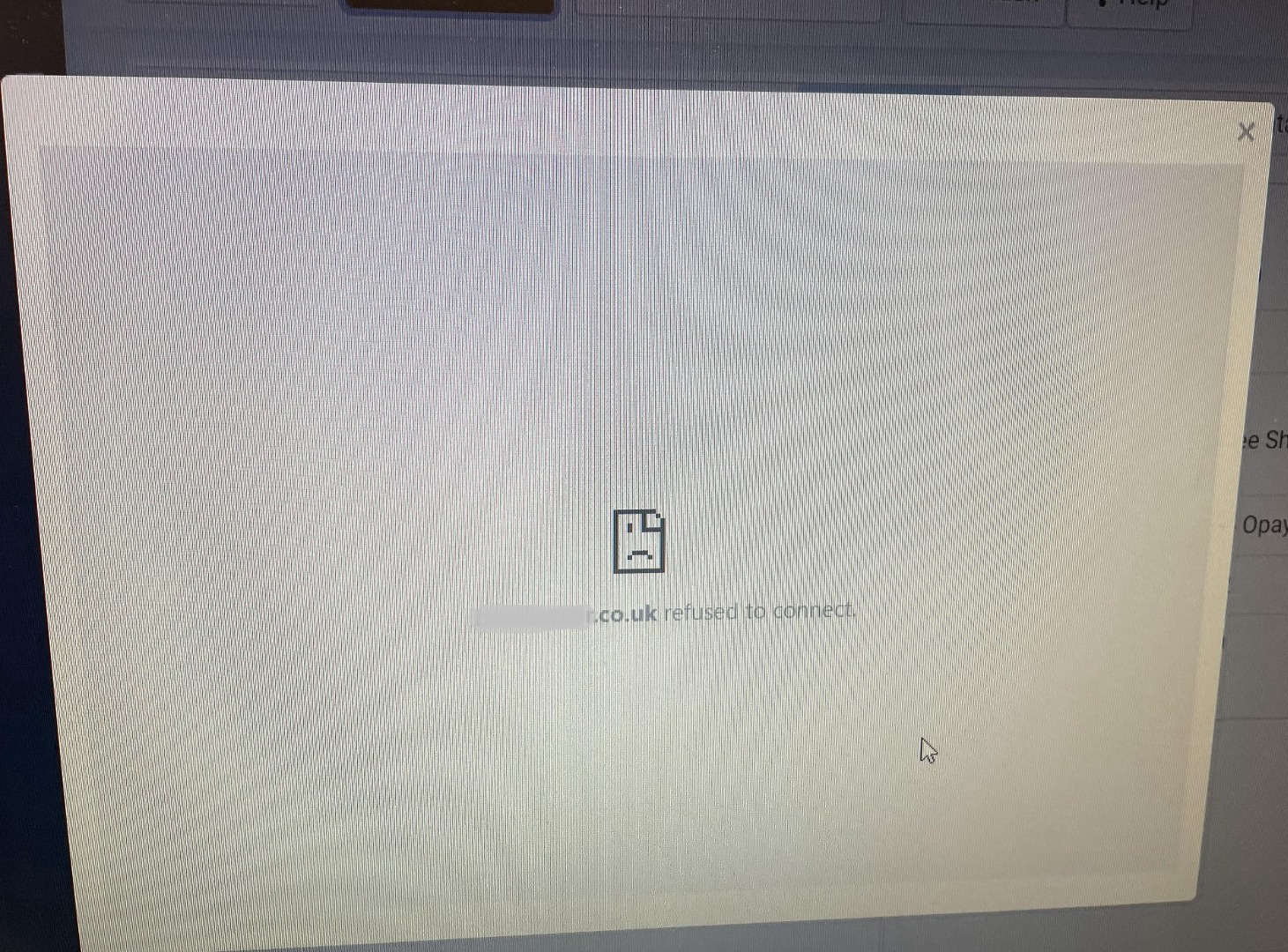
Do you have any idea why this might be happening or what the error means?
Many thanks
Dave
-- Joomla version -- : 4.2.2
-- PHP version -- : 8.0.23
-- Browser(s) name and version -- : Chrome 105.0.5195.102
-- Error-message(debug-mod must be tuned on) -- : Refused to Connect
Hi Guys,
I have a problem that has recently started to be troublesome. On the main Windows 10 PC that is accessing the site administrator, when clicking on the Invoice or Email buttons at the top of the Order in the order management screen, the resulting popup is blank except for an icon of a page with a sad face and a turned down corner, together with the error message "refused to connect". When this first started to happen, clearing the browser cache fixed it, but not anymore. On the specific PC, it is happening in both Edge and Chrome browsers, but doesn't happen on my iPad or Windows 11 laptop.
Do you have any idea why this might be happening or what the error means?
Many thanks
Dave
Please Log in or Create an account to join the conversation.

4 years 1 month ago #345151
by nicolas
Replied by nicolas on topic Order Invoice and Email Popups blank with message refused to connect
Hi,
"Refused to connect" means that between your website's server and your computer, something blocked the connection.
It could be a firewall, on your computer, or on your server, or on your local network, or on your router, or on your hosting network detecting a false positive and blocking the request.
It could also come from a module of the web server, or some other software on your computer (antivirus, firewall, VPN, etc).
Basically, it could be a lot of things so hard to say exactly what to do.
"Refused to connect" means that between your website's server and your computer, something blocked the connection.
It could be a firewall, on your computer, or on your server, or on your local network, or on your router, or on your hosting network detecting a false positive and blocking the request.
It could also come from a module of the web server, or some other software on your computer (antivirus, firewall, VPN, etc).
Basically, it could be a lot of things so hard to say exactly what to do.
Please Log in or Create an account to join the conversation.
4 years 1 month ago #345153
by yorkits
Replied by yorkits on topic Order Invoice and Email Popups blank with message refused to connect
Hi Nicolas,
Thanks for the quick response. Other computers on the same network are working fine, so it is obviously something to do with the PC. As I say, clearing cookies had fixed it in the past, so I was expecting it to be a cookie issue, but I'll try turning the firewall off and see if that works as the first step. I'll let you know what fixes the problem for anyone else looking for the same problem.
Many thanks
Dave
Thanks for the quick response. Other computers on the same network are working fine, so it is obviously something to do with the PC. As I say, clearing cookies had fixed it in the past, so I was expecting it to be a cookie issue, but I'll try turning the firewall off and see if that works as the first step. I'll let you know what fixes the problem for anyone else looking for the same problem.
Many thanks
Dave
The following user(s) said Thank You: Philip
Please Log in or Create an account to join the conversation.
Time to create page: 0.072 seconds