

- Posts: 16
- Thank you received: 0
Editing CSS [Please Help]
15 years 6 months ago - 15 years 6 months ago #12178
by ilikeants
Editing CSS [Please Help] was created by ilikeants
Gentlemen (and Ladies),
I was wondering how I could go about editing the CSS for Hika shop easily. Specifically, I want to change the lightbox color behind the products on the product listing. I attached an image to show exactly what I mean.
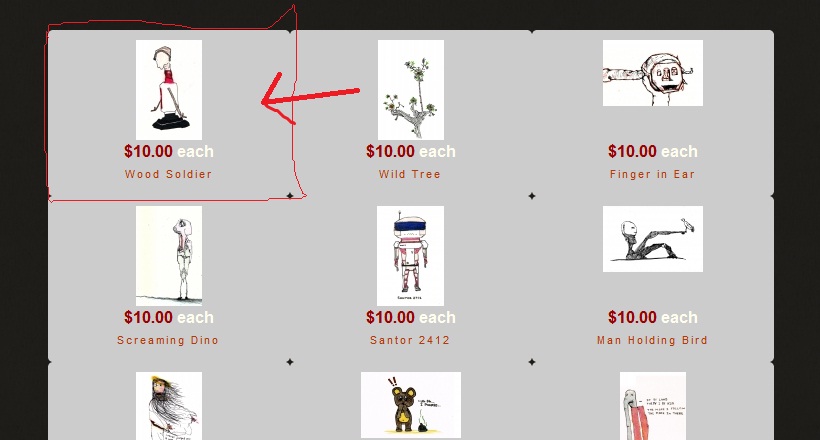
I checked in /media/com_hikashop/css/ I renamed the entire folder and it didn't change the color.
Which leads me to believe it is somewhere else.
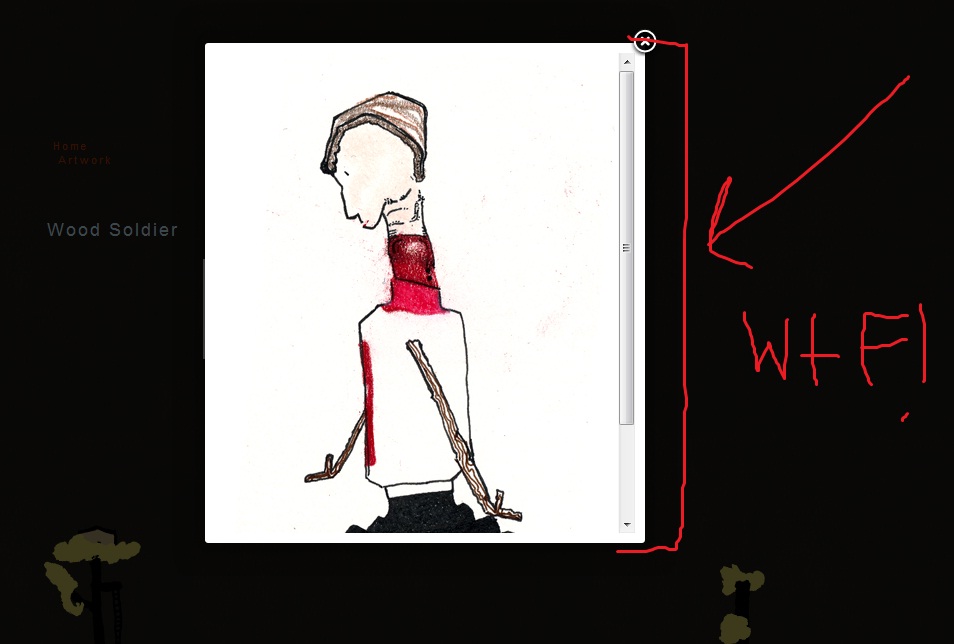
*and one more thing, even more importantly. When my images open (if they are taller then wide) they have a scrollbar.
So I would like to change the default size for that as well. I attached another example.
Thank you for the help,
mark.
I was wondering how I could go about editing the CSS for Hika shop easily. Specifically, I want to change the lightbox color behind the products on the product listing. I attached an image to show exactly what I mean.
I checked in /media/com_hikashop/css/ I renamed the entire folder and it didn't change the color.
Which leads me to believe it is somewhere else.
*and one more thing, even more importantly. When my images open (if they are taller then wide) they have a scrollbar.
So I would like to change the default size for that as well. I attached another example.
Thank you for the help,
mark.
Last edit: 15 years 6 months ago by ilikeants.
Please Log in or Create an account to join the conversation.

15 years 6 months ago #12182
by nicolas
Replied by nicolas on topic Re: Editing CSS [Please Help]
You don't need to edit files for that.
Just go in the menu Display->Content menus and edit your menu. There you have a color option that you can change.
For the popup size, you can change it in the config under the tab files (options "Full image popup max width" and "Full image popup max height").
Just go in the menu Display->Content menus and edit your menu. There you have a color option that you can change.
For the popup size, you can change it in the config under the tab files (options "Full image popup max width" and "Full image popup max height").
Please Log in or Create an account to join the conversation.
15 years 6 months ago - 15 years 6 months ago #12223
by ilikeants
Replied by ilikeants on topic Re: Editing CSS [Please Help]
I tried what you said but when i click on the artwork link, which is a category listing link, I still get a white background.
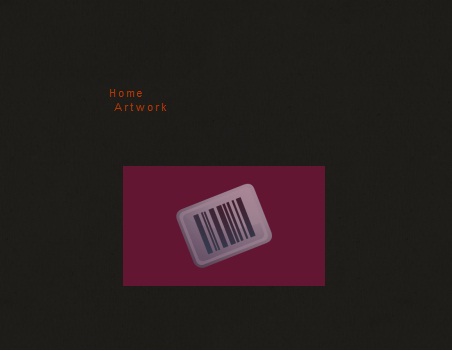
I attached an example of what I can change.
I changed the settings in the Config > Display tab with no effect as well.
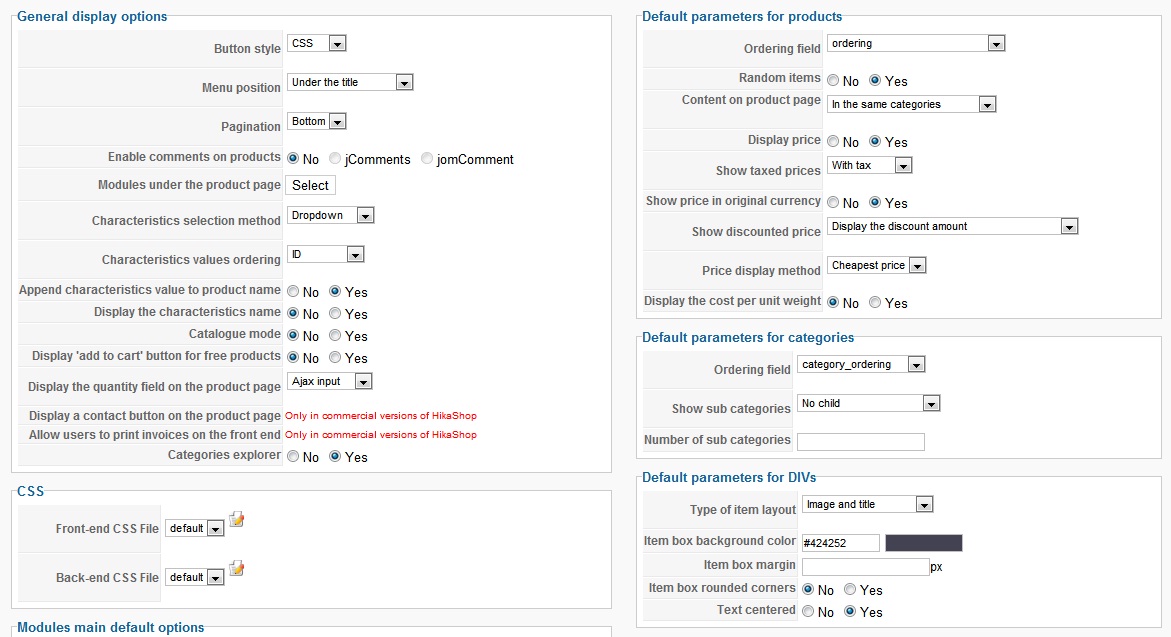
I attached an example of what I can change.
I changed the settings in the Config > Display tab with no effect as well.
Last edit: 15 years 6 months ago by ilikeants.
Please Log in or Create an account to join the conversation.
15 years 6 months ago #12237
by nicolas
Replied by nicolas on topic Re: Editing CSS [Please Help]
That is the Display tab of the configuration of hikashop.
It is only applied to NEW modules and menus you create. If you create a new menu, you will have the good color.
For existing menus and modules, you need to go in the menu Display->Content menus/modules and edit your menu/module settings.
It is only applied to NEW modules and menus you create. If you create a new menu, you will have the good color.
For existing menus and modules, you need to go in the menu Display->Content menus/modules and edit your menu/module settings.
Please Log in or Create an account to join the conversation.
15 years 6 months ago #12246
by ilikeants
Replied by ilikeants on topic Re: Editing CSS [Please Help]
Thank you very much good sirs.
Please Log in or Create an account to join the conversation.
Time to create page: 0.211 seconds