

- Posts: 12
- Thank you received: 0
Product In Stock
14 years 10 months ago #31572
by DaveSkye
Product In Stock was created by DaveSkye
Hey
Rather that having a stock number is there a way to show stock status??
Exaple- See attached mock up (PNG attached)
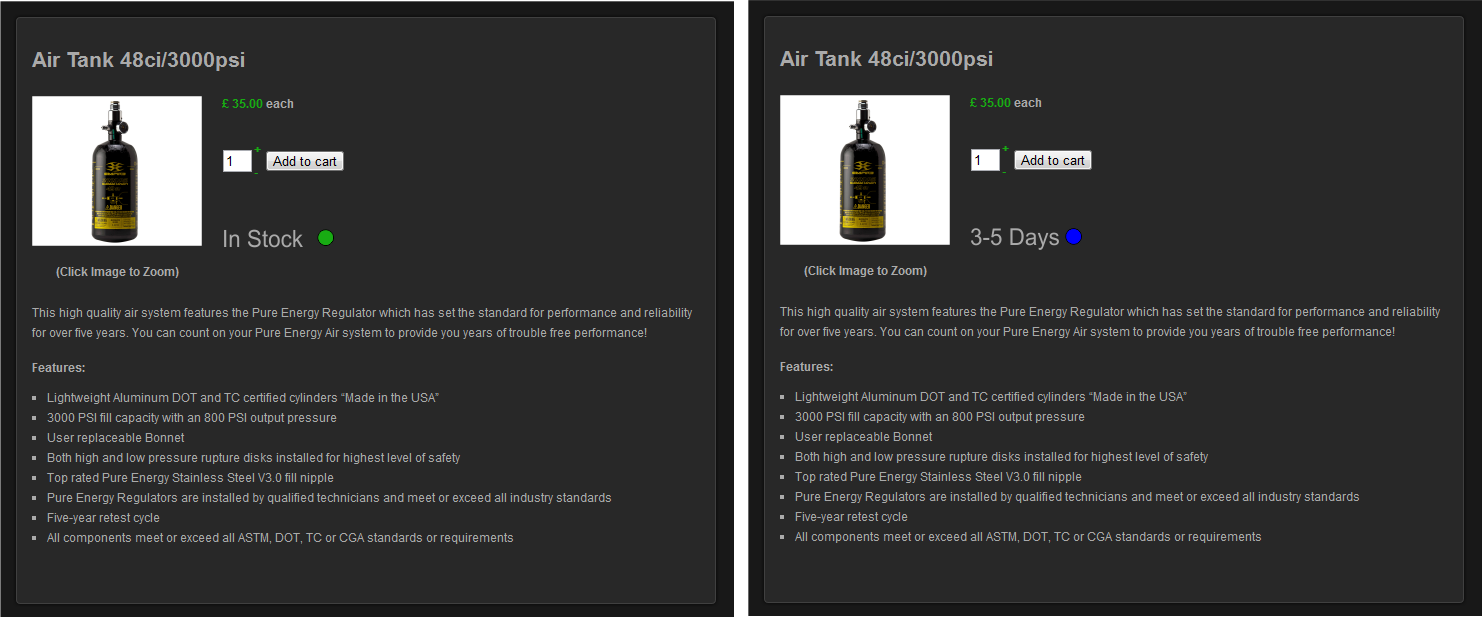
Rather that having a stock number is there a way to show stock status??
Exaple- See attached mock up (PNG attached)
Please Log in or Create an account to join the conversation.

14 years 10 months ago #31588
by nicolas
Replied by nicolas on topic Re: Product In Stock
Yes. You should override the translations of these messages to set what you want. You can do that by following the documentation here:
www.hikashop.com/en/download/languages.html#modify
www.hikashop.com/en/download/languages.html#modify
Please Log in or Create an account to join the conversation.
14 years 10 months ago #31607
by DaveSkye
Replied by DaveSkye on topic Re: Product In Stock
Hey
Presently I don't have any text to modify.
Is there a way to create the Stock status, that can be adjusted from the back end for each product, in turn would give the frontend product status as illustrated in the attached image.
Presently I don't have any text to modify.
Is there a way to create the Stock status, that can be adjusted from the back end for each product, in turn would give the frontend product status as illustrated in the attached image.
Please Log in or Create an account to join the conversation.
14 years 10 months ago #31640
by nicolas
Replied by nicolas on topic Re: Product In Stock
If you want to add a status display with different possibilities that can be selected on the back end for each product, you should create a custom field of the table "product" and of the type "dropdown" via the menu Display->Custom fields (commercial editions only). Make sure that the field is published on the front end and enter the different values for it.
Please Log in or Create an account to join the conversation.
Time to create page: 0.200 seconds