

- Posts: 38
- Thank you received: 2
Let user edit product amount on checkout cart
13 years 11 months ago - 13 years 11 months ago #80928
by fg80hun
Let user edit product amount on checkout cart was created by fg80hun
Hi all,
I would like to let users to change the amount of purchased products during checkout where their cart shows up. How can I achive this?
Thanks in advance.
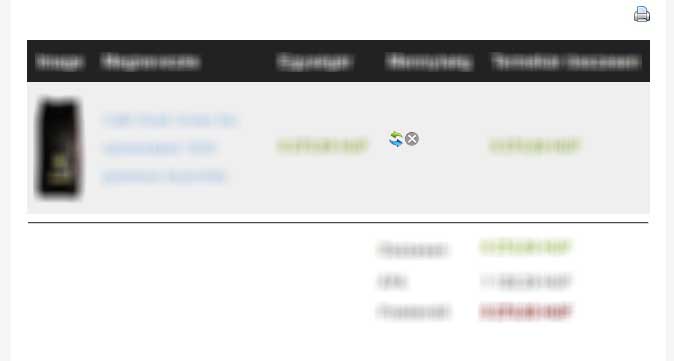
I would like to let users to change the amount of purchased products during checkout where their cart shows up. How can I achive this?
Thanks in advance.
Last edit: 13 years 11 months ago by fg80hun.
Please Log in or Create an account to join the conversation.

13 years 11 months ago #81050
by nicolas
Replied by nicolas on topic Let user edit product amount on checkout cart
Hi,
That's the case by default. If you don't see the input box, it means that either you removed it via the edition of the cart view, or that it was removed with CSS on your website.
We wouldn't be able to say without looking at the HTML/CSS of that page directly on your website.
That's the case by default. If you don't see the input box, it means that either you removed it via the edition of the cart view, or that it was removed with CSS on your website.
We wouldn't be able to say without looking at the HTML/CSS of that page directly on your website.
Please Log in or Create an account to join the conversation.
13 years 11 months ago #81053
by fg80hun
Replied by fg80hun on topic Let user edit product amount on checkout cart
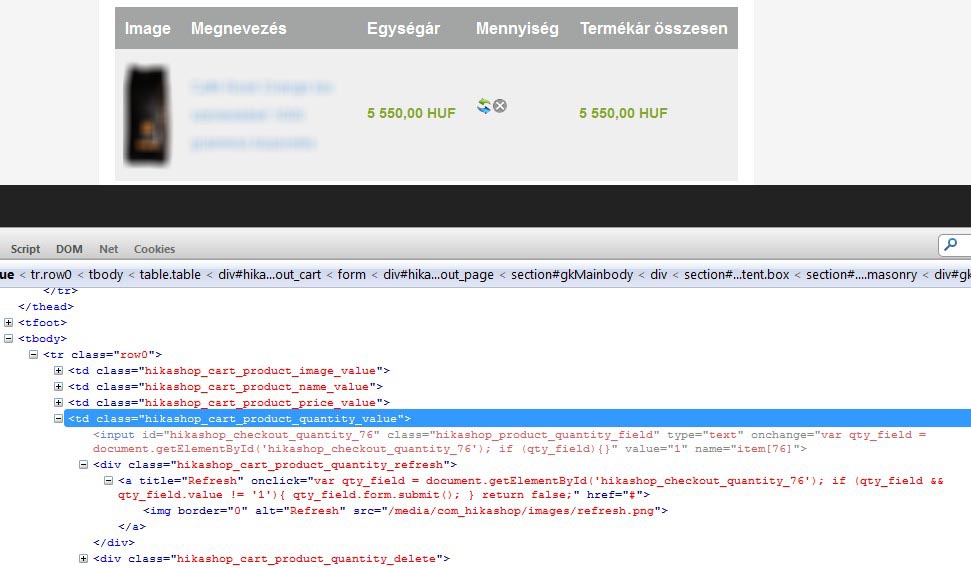
The html output:
Thank you
Thank you
Please Log in or Create an account to join the conversation.

13 years 11 months ago #81164
by Xavier
Replied by Xavier on topic Let user edit product amount on checkout cart
Hi,
It seems taht it's in "display:none;" property, can you check in your CSS file if the class "hikashop_product_quantity_field" has not this property ?
Else try to add the property:
[code]
.hikashop_product_quantity_field{
display; inherit !important;
}
[code]
In the Frontend CSS file of hikashop (Configuration > Display)
Please Log in or Create an account to join the conversation.
13 years 11 months ago #81291
by fg80hun
Replied by fg80hun on topic Let user edit product amount on checkout cart
Finally works. It had the display: none; property, I removed it. The css was edited several times I dont think this property was present in the original package.
Another question: how can be the widths of each cart segments edited? i would like the total price be a bit thinner, and also the image, but the product amount field should be wider because of the amounts inputted to it.
Thanks,
Another question: how can be the widths of each cart segments edited? i would like the total price be a bit thinner, and also the image, but the product amount field should be wider because of the amounts inputted to it.
Thanks,
Please Log in or Create an account to join the conversation.
13 years 11 months ago #81356
by Xavier
Replied by Xavier on topic Let user edit product amount on checkout cart
you can use the classes like: ".hikashop_cart_product_name_value{}" or ".hikashop_cart_product_price_value()"
Please Log in or Create an account to join the conversation.
Time to create page: 0.056 seconds