
[SOLVED] Discount Not Applied to Variants

Maybe this is by design or maybe I missed something, but if I apply a percentage discount to a category of products, that discount does not show for any variants of those products. I expected the same percentage would be applied to the products in that category as well as all variants. I tried with sub-categories included and excluded with the same result.
Is there a way to include a discount on variants?
Regards,
Ed
Please Log in or Create an account to join the conversation.
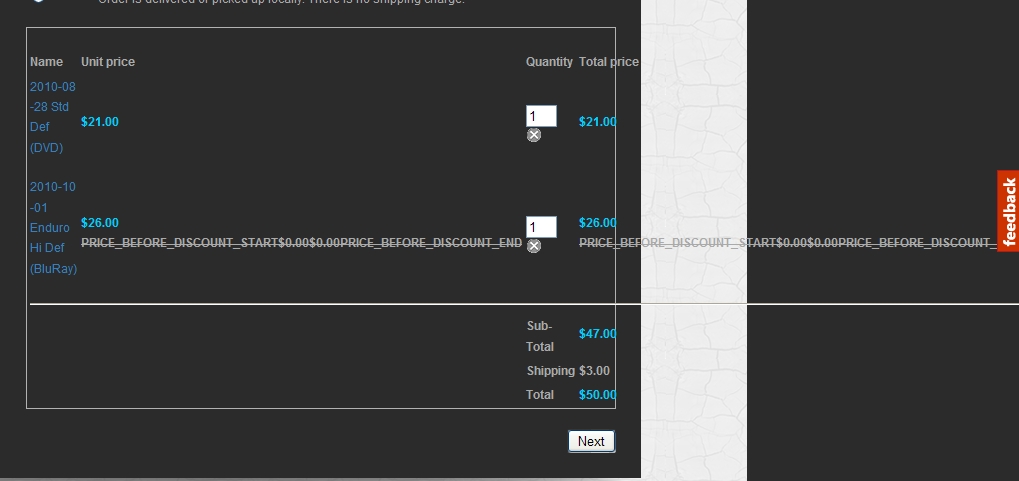
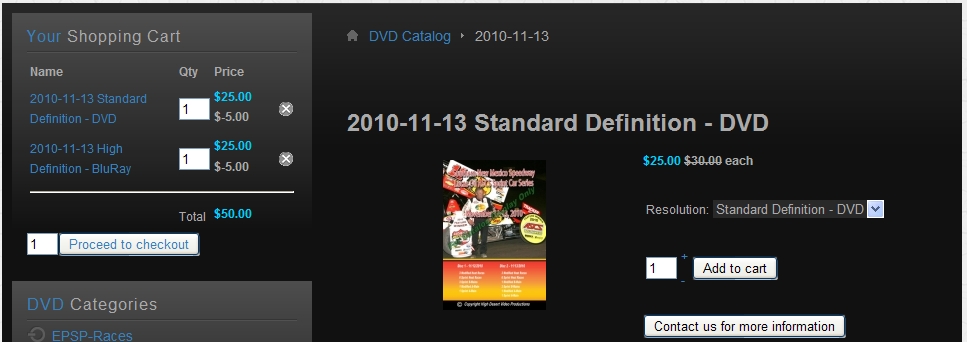
In the example below, there should have been a 30% discount applied to the price, but the undiscounted price is what shows in the cart.
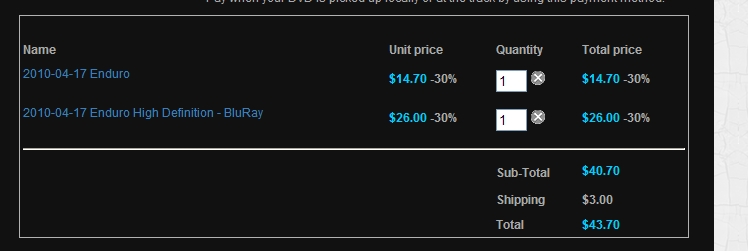
A normal cart should look like this:

Please Log in or Create an account to join the conversation.
Please Log in or Create an account to join the conversation.

Please Log in or Create an account to join the conversation.
Do you have some idea when this issue might be fixed? Also, does the coupon/variant problem only exist when the coupon is applied to Categories, or would it also be a problem with other coupon restrictions?
Sorry to be a pain, but this is an important one for me.
Regards,
Ed
Please Log in or Create an account to join the conversation.
We'll look at that over the weekend.
Please Log in or Create an account to join the conversation.
Regards,
Ed
Please Log in or Create an account to join the conversation.
If you apply the discount directly to the variant, I suppose it should work.
We'll look at that over the weekend.
I couldn't find a way to apply a coupon directly to a variant, but I'll wait to see what you come up with for a fix. Not urgent for me right now (maybe others), but it is something I would like to see in a near-future release.
Ed
Please Log in or Create an account to join the conversation.
We uploaded a new build of hikashop which should add that capability. You should now be able to filter per categories discounts and coupons on products AND variants.
Please Log in or Create an account to join the conversation.
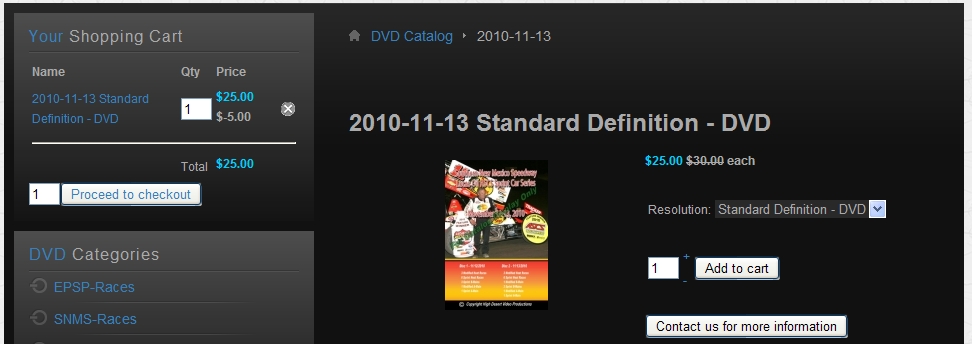
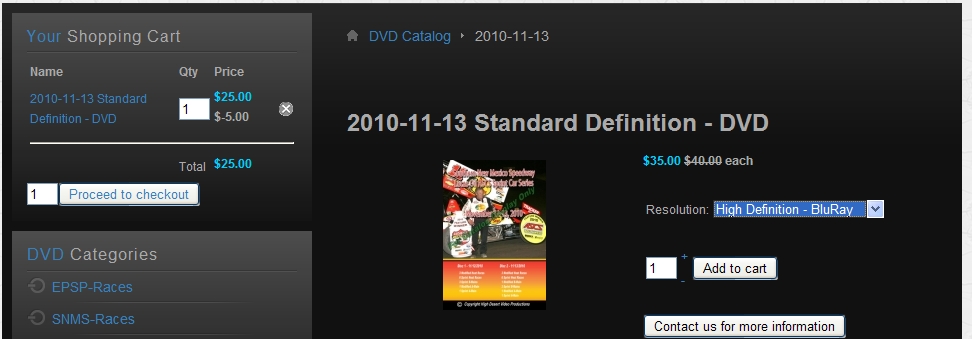
This first shot is the product display showing a $5.00 flat rate discount correctly applied to the default product variant combination (Standard Definition DVD original price $30.00 with $5.00 discount = $25.00). When added to cart, all looks OK.
Please Log in or Create an account to join the conversation.
Please Log in or Create an account to join the conversation.
Please Log in or Create an account to join the conversation.

Please Log in or Create an account to join the conversation.
Please Log in or Create an account to join the conversation.
Something else that I forgot to ask is what is the number to the left of Proceed to Checkout in the Cart Module?
Hope the new office move has gone well for you,
Ed
Please Log in or Create an account to join the conversation.
It's going well. We'll be busy next week settling down there.
Please Log in or Create an account to join the conversation.
That should be better if you edit the file administrator/components/com_hikashop/classes/currency.php and replace the line:
if(!empty($element->discount)){
by:
if(empty($element->discount) && !empty($element->discount)){
and the line:
if(!empty($row->prices)){
by:
if(empty($row->discount) && !empty($row->prices)){
Please Log in or Create an account to join the conversation.
The two lines you gave are identical and there is only one instance of that line in the referenced file. Does the that change need to be made in another file?
Thanks,
Ed
Please Log in or Create an account to join the conversation.

Please Log in or Create an account to join the conversation.
if(!empty($row->prices)){
is in that file three times. Should all three be changed?
Ed
Please Log in or Create an account to join the conversation.