
- Posts: 48
- Thank you received: 0
Where to change layout of product details?
- theweasel68
-
 Topic Author
- Offline
Less
More
13 years 9 months ago - 13 years 9 months ago #89488
by theweasel68
Where to change layout of product details? was created by theweasel68
Hi,
I cant find out where to change certain parameters of product detail pages.
Image 1 - when a user clicks on a category and then selects a vendor:
Where are the settings for the white background color?
Where can I switch off the showing of the product image?
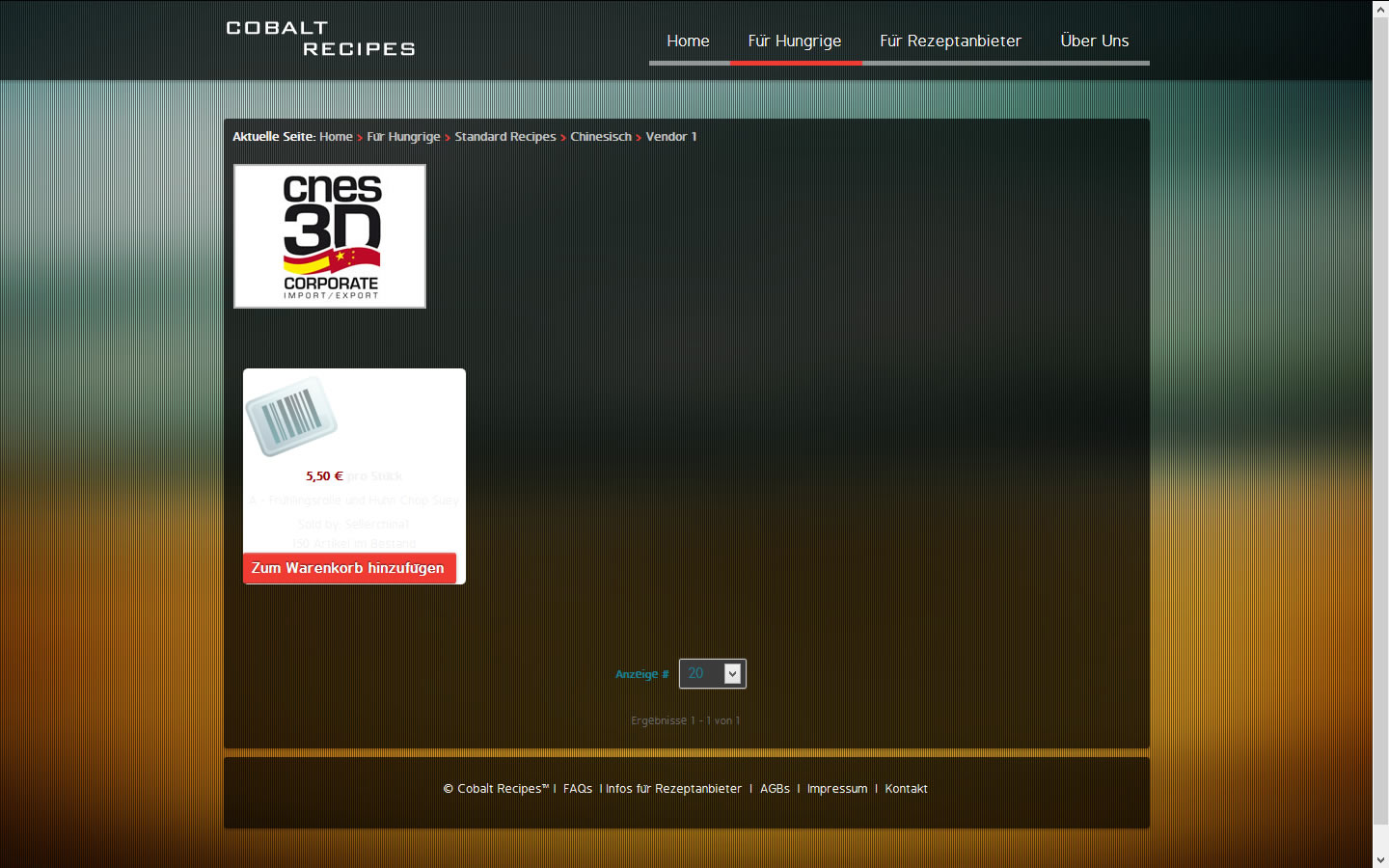
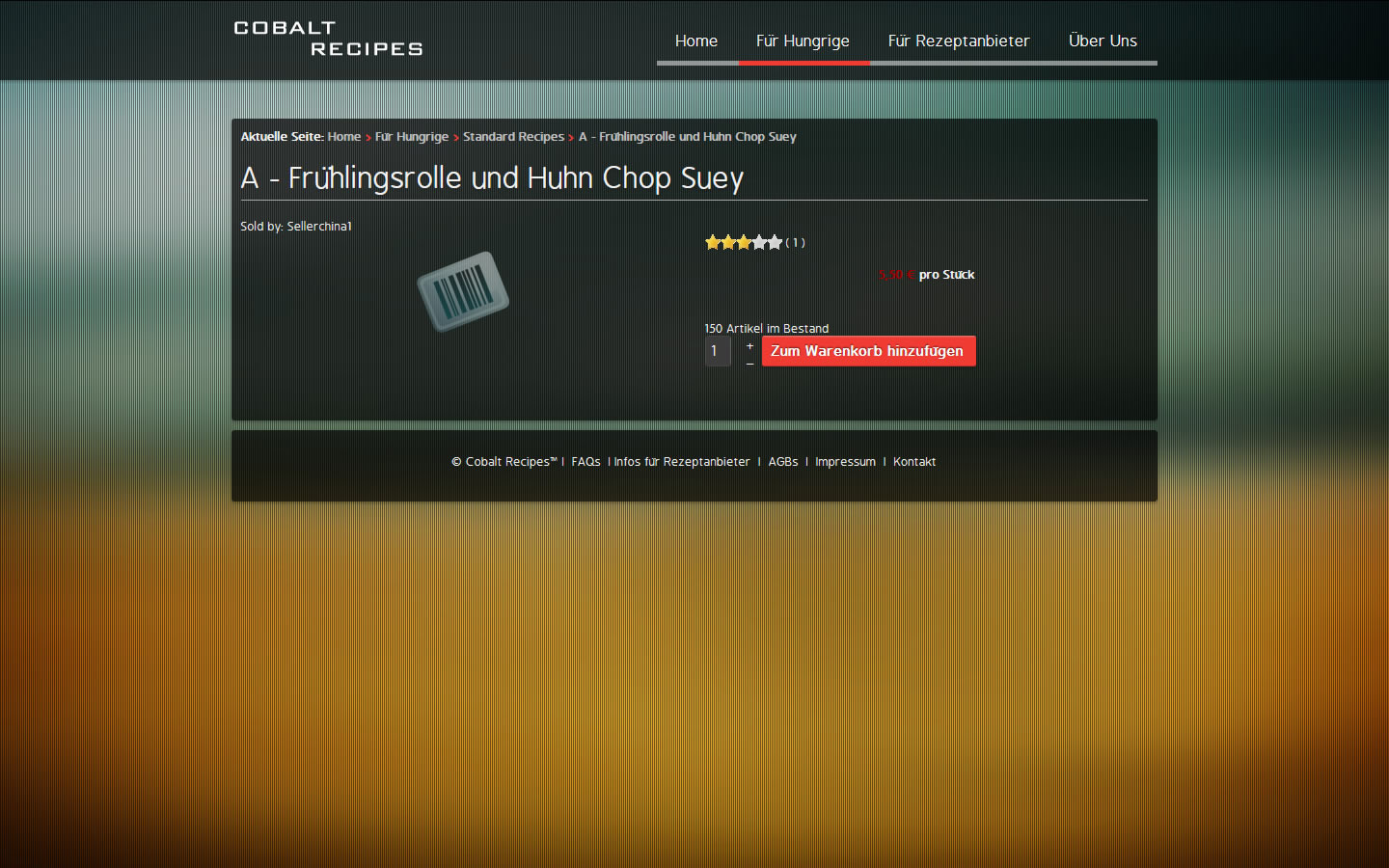
Image 2 - when the user is coming from a product listing page to a product detail page: different look.
Where are the settings for this page?
I couldn´t find any relevant settings in DISPLAY / CONTENT MENUS.
I don´t think I need to make the changes in the PHP, do I?
Thx
I cant find out where to change certain parameters of product detail pages.
Image 1 - when a user clicks on a category and then selects a vendor:
Where are the settings for the white background color?
Where can I switch off the showing of the product image?
Image 2 - when the user is coming from a product listing page to a product detail page: different look.
Where are the settings for this page?
I couldn´t find any relevant settings in DISPLAY / CONTENT MENUS.
I don´t think I need to make the changes in the PHP, do I?
Thx
Last edit: 13 years 9 months ago by theweasel68.
Please Log in or Create an account to join the conversation.
- theweasel68
-
Topic Author
- Offline
Less
More
- Posts: 48
- Thank you received: 0
13 years 9 months ago #89515
by theweasel68
Replied by theweasel68 on topic Where to change layout of product details?
Found the solution for image 1: The settings can be found in the "Hikashop Content Module" under HIKASHOP / DISPLAY / CONTENT MODULES.
For image 2, that´s still unclear to me...
For image 2, that´s still unclear to me...
Please Log in or Create an account to join the conversation.

13 years 9 months ago #89597
by Xavier
Replied by Xavier on topic Where to change layout of product details?
Hi,
The settings are in Config > Display > Default options for product.
You can too customize the view via css or editing the view "product / show_default".
The settings are in Config > Display > Default options for product.
You can too customize the view via css or editing the view "product / show_default".
Please Log in or Create an account to join the conversation.
Time to create page: 0.050 seconds