

- Posts: 33
- Thank you received: 2
don't see button "add to wishlist" in product
11 years 2 months ago #213180
by xtrmutor
don't see button "add to wishlist" in product was created by xtrmutor
-- HikaShop version -- : 2.5.0
-- Joomla version -- : 3.4.3
-- PHP version -- : 5.5.9
don't see button "add to wishlist" in product.
ps that is written in this forum, it did not help.
-- Joomla version -- : 3.4.3
-- PHP version -- : 5.5.9
don't see button "add to wishlist" in product.
ps that is written in this forum, it did not help.
Please Log in or Create an account to join the conversation.

11 years 2 months ago #213195
by Xavier
Replied by Xavier on topic don't see button "add to wishlist" in product
Hi,
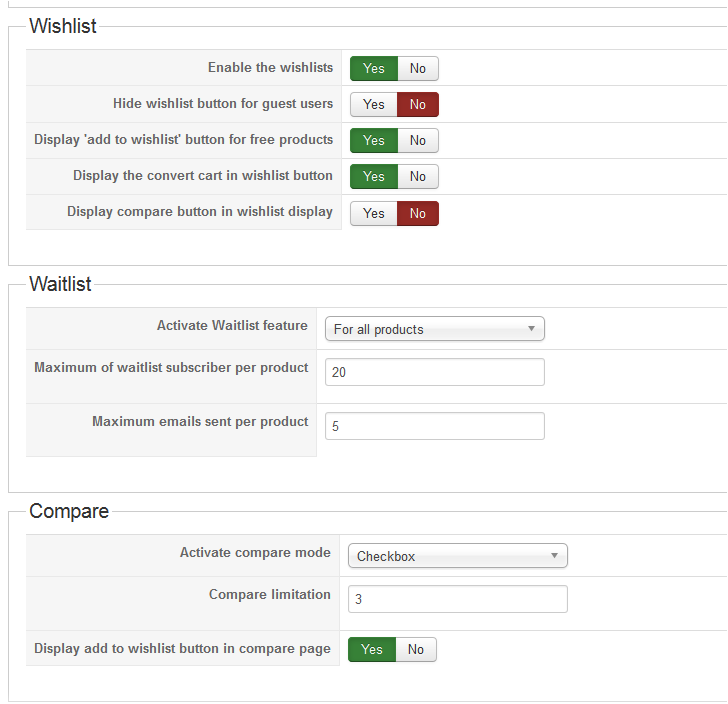
Please check your settings under Configuration > Features > Wishlist, that feature must be enabled.
To see the button, by default the customer must be logged in, unless you disabled the option "Hide wishlist button for guest users".
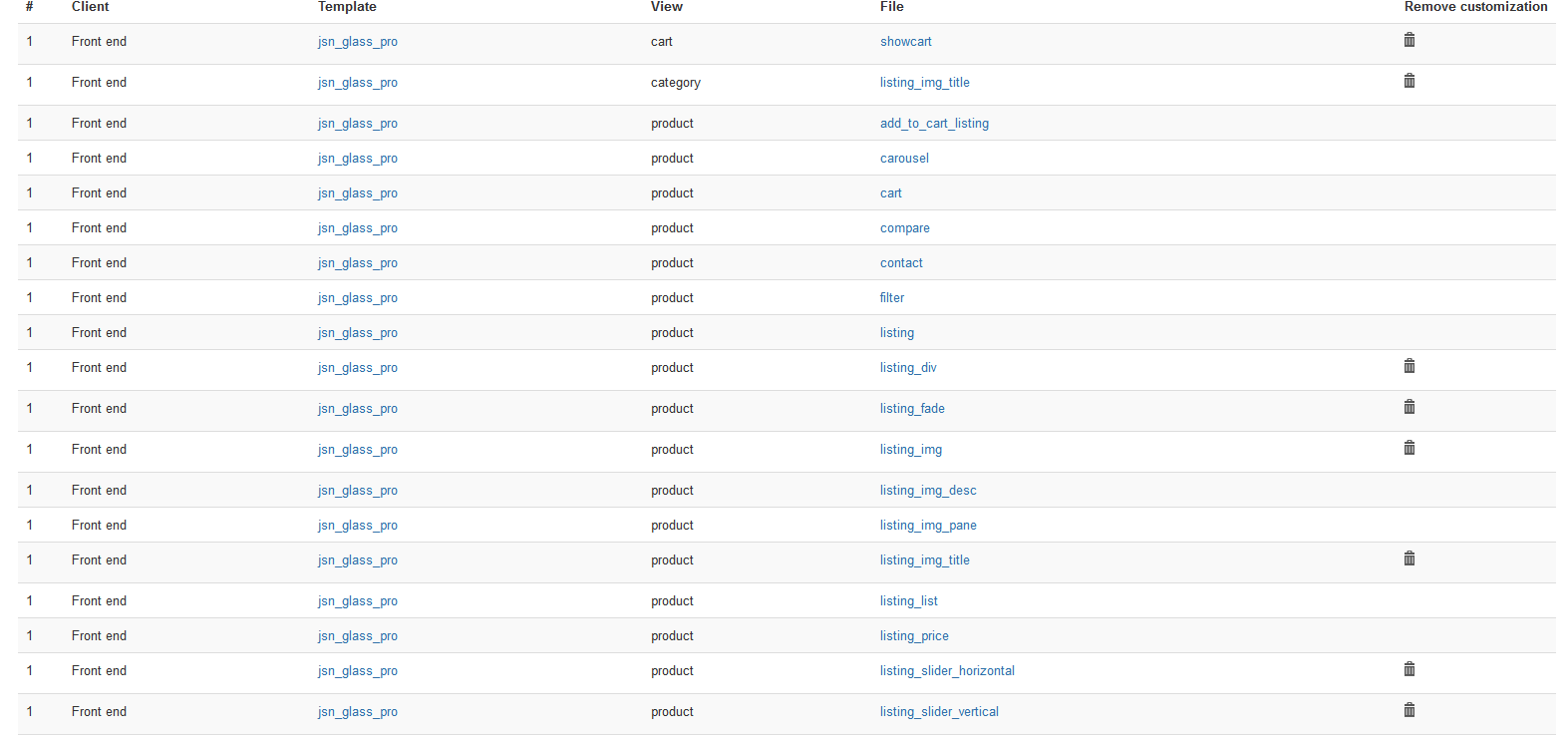
If with these settings you still don't see the wishlist button on the product page, so you potentially have an override on the view "product / quantity", so please do a backup of that view and remove the override.
Or you potentially have css rules which are hiding that button, or this button is placed behind another element on the page.
You should have all the possible way to display back that button.
Please Log in or Create an account to join the conversation.

11 years 1 month ago #215894
by RobertC
Replied by RobertC on topic don't see button "add to wishlist" in product
-- HikaShop business version -- : 2.6.0
-- Joomla version -- : 3.4.4
-- PHP version -- : 5.4.13
Hi. I follow all the steps above. No override on the view and the settings are OK. At the products menu the same
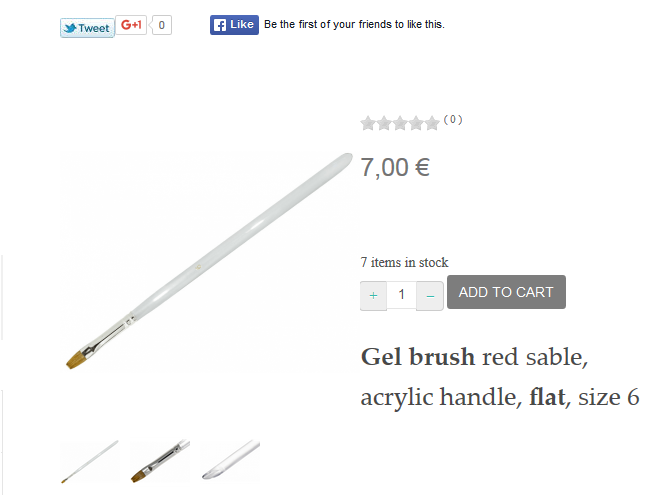
I cant see the ad to wishlist button.
-- Joomla version -- : 3.4.4
-- PHP version -- : 5.4.13
Hi. I follow all the steps above. No override on the view and the settings are OK. At the products menu the same
I cant see the ad to wishlist button.
Please Log in or Create an account to join the conversation.
11 years 1 month ago #215916
by Xavier
Replied by Xavier on topic don't see button "add to wishlist" in product
Hi,
When you display that product page and you are logged in, is the button displayed ?
You don't have override on the view "product / quantity" ?
If the answer is "no" for these questions, please provide a backend access to your website via our contact form.
Don't forget to give the url to that topic in your message. hikashop.com/support/contact-us.html
Please Log in or Create an account to join the conversation.
11 years 1 month ago #215996
by Xavier
Replied by Xavier on topic don't see button "add to wishlist" in product
Hi,
I just tried to enable the wishlist feature on your website, and it is working fine.
The add to wishlist button is correctly displayed on the product detail page and on the listings.
I put the settings back to no, but you can enable this feature, it works.
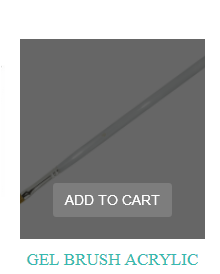
Just one thing, when enabling the wishlist the "add to cart" button is no more displayed on the listings, there is only the "add to wishlist" one, this is a template issue, so please contact your template provider.
If you still can't see the button, you maybe have a cache issue, so try to clear the browser cache.
The following user(s) said Thank You: RobertC
Please Log in or Create an account to join the conversation.
Time to create page: 0.092 seconds