
Wrong message comments "thanks for your vote"

10 years 3 weeks ago #254171
by gioxd
Wrong message comments "thanks for your vote" was created by gioxd
-- HikaShop version -- : 2.6.4
hello,
I searched this problem on the forum but I have not found an answer.
When a user comments a product appears a message "Thanks for your vote", but the correct message is "thank you for your comment". It is not an override problem, because I tried to delete the translation and the wrong message persists.
In System> global configuration> functionality> vote & comment I have these settings:
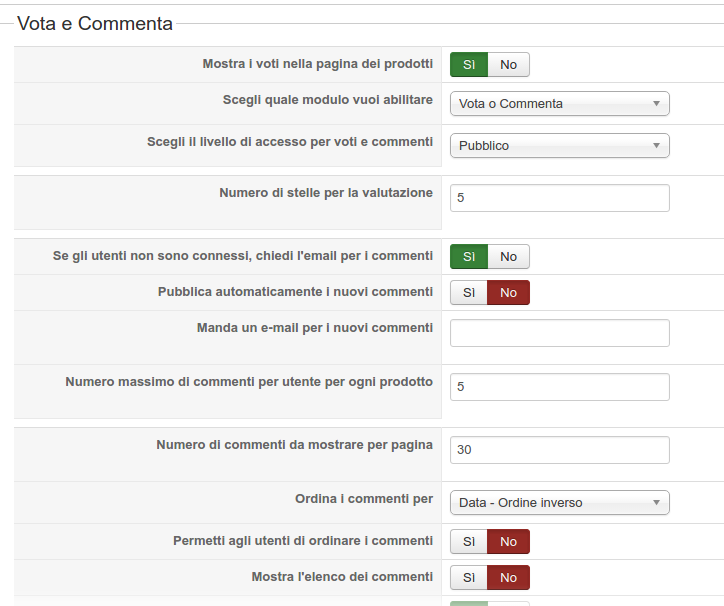
This is a screenshot of the language files.
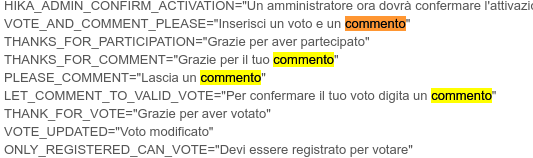
So, when someone comments, should get out the message about:
THANKS_FOR_COMMENT
and not
THANK_FOR_VOTE
Thanks for your help!
hello,
I searched this problem on the forum but I have not found an answer.
When a user comments a product appears a message "Thanks for your vote", but the correct message is "thank you for your comment". It is not an override problem, because I tried to delete the translation and the wrong message persists.
In System> global configuration> functionality> vote & comment I have these settings:
This is a screenshot of the language files.
So, when someone comments, should get out the message about:
THANKS_FOR_COMMENT
and not
THANK_FOR_VOTE
Thanks for your help!
Please Log in or Create an account to join the conversation.

10 years 3 weeks ago #254201
by nicolas
Replied by nicolas on topic Wrong message comments "thanks for your vote"
Hi,
Try changing the code:
to:
in the file administrator/components/com_hikashop/classes/vote.php
That should fix the problem.
Try changing the code:
Code:
$this->error = array('code' => '2', 'message' => JText::_('THANK_FOR_VOTE'));
Code:
$ if(!empty($element->vote_comment)){
$this->error = array('code' => '2', 'message' => JText::_('THANKS_FOR_COMMENT'));
}else{
$this->error = array('code' => '2', 'message' => JText::_('THANK_FOR_VOTE'));
}
That should fix the problem.
Please Log in or Create an account to join the conversation.
10 years 3 weeks ago #254256
by gioxd
Replied by gioxd on topic Wrong message comments "thanks for your vote"
Nicolas hello, thanks for the reply.
Here's how it becomes the page after changing the code.
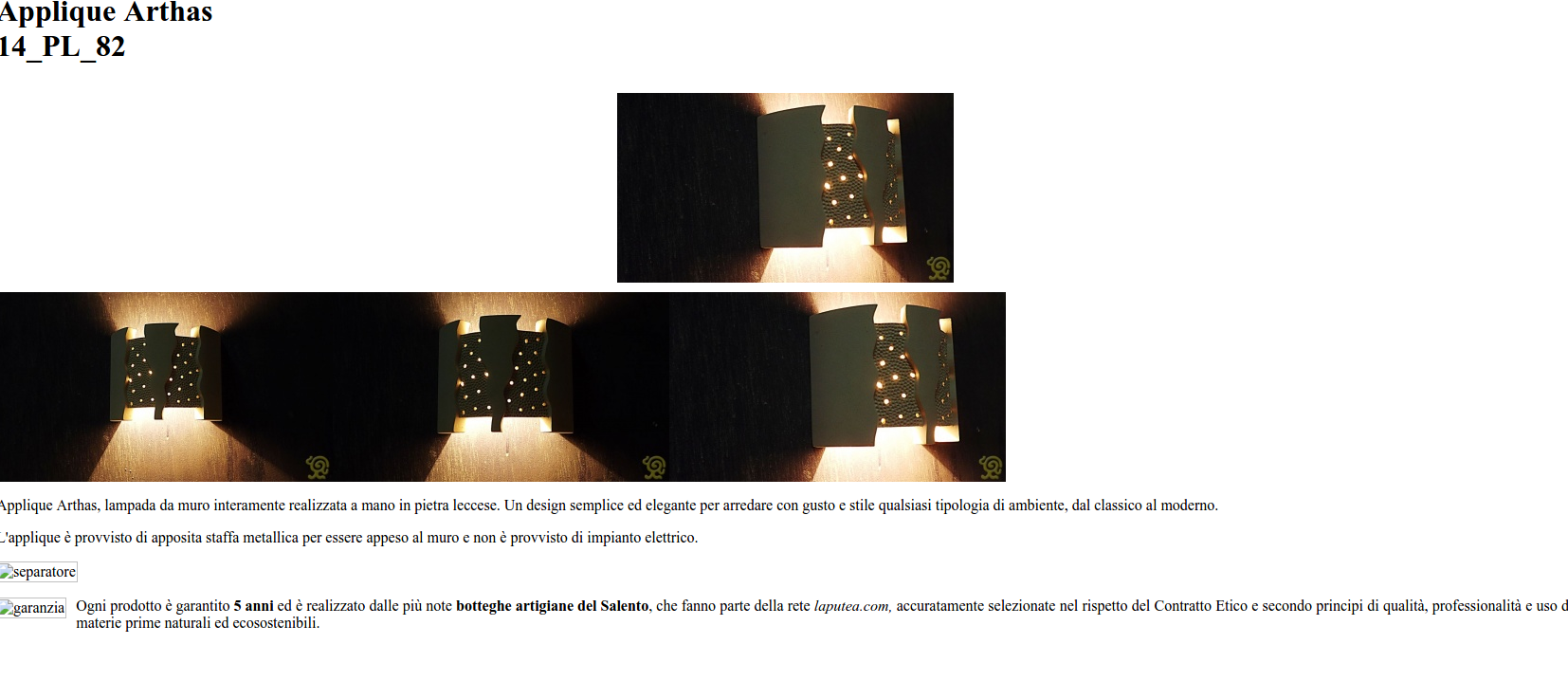
there is an error in the code, or it conflicts with something?
Here's how it becomes the page after changing the code.
there is an error in the code, or it conflicts with something?
Please Log in or Create an account to join the conversation.
10 years 3 weeks ago #254258
by nicolas
Replied by nicolas on topic Wrong message comments "thanks for your vote"
Hi,
There is a typo in my previous message. At the beginning of the second code section, there is a $ symbol all alone which shouldn't be there.
Remove it and it should help.
There is a typo in my previous message. At the beginning of the second code section, there is a $ symbol all alone which shouldn't be there.
Remove it and it should help.
Please Log in or Create an account to join the conversation.
10 years 3 weeks ago #254309
by gioxd
Replied by gioxd on topic Wrong message comments "thanks for your vote"
Hello Nicolas,
even that works. Same problem.
even that works. Same problem.
Please Log in or Create an account to join the conversation.
10 years 3 weeks ago #254314
by nicolas
Replied by nicolas on topic Wrong message comments "thanks for your vote"
Hi,
Then please turn on the "error reporting" of the Joomla configuration and provide the error message that you have on your product page, as well as a screenshot of the code where you did the modification.
Then please turn on the "error reporting" of the Joomla configuration and provide the error message that you have on your product page, as well as a screenshot of the code where you did the modification.
Please Log in or Create an account to join the conversation.
10 years 3 weeks ago #254397
by gioxd
Replied by gioxd on topic Wrong message comments "thanks for your vote"
ok, I solved by turning off the plugin jch optimize and clearing cache
Please Log in or Create an account to join the conversation.
Time to create page: 0.070 seconds