

- Posts: 12
- Thank you received: 0
How to ... filter by size
11 years 1 week ago #220215
by sport
How to ... filter by size was created by sport
-- url of the page with the problem -- :
atvtyre.ru/shop
-- HikaShop version -- : last business
-- Joomla version -- : last
Hi
Our shop sale tires
How I can to do filter by size?
Like on this page - www.rockymountainatvmc.com/Tire-And-Wheel-Information/43/ATV
-- HikaShop version -- : last business
-- Joomla version -- : last
Hi
Our shop sale tires
How I can to do filter by size?
Like on this page - www.rockymountainatvmc.com/Tire-And-Wheel-Information/43/ATV
Please Log in or Create an account to join the conversation.

11 years 1 week ago #220242
by nicolas
Replied by nicolas on topic How to ... filter by size
Hi,
So you want to create a custom product field via the menu Display>Custom fields so that you can select the size of the tire in each product. Then, create a filter via the menu Display>Filters and select that custom field as data applied on the filter and that will do it.
So you want to create a custom product field via the menu Display>Custom fields so that you can select the size of the tire in each product. Then, create a filter via the menu Display>Filters and select that custom field as data applied on the filter and that will do it.
Please Log in or Create an account to join the conversation.
11 years 1 week ago #220312
by sport
Replied by sport on topic How to ... filter by size
Hi
Can you help me with this - more details...
Can you help me with this - more details...
Please Log in or Create an account to join the conversation.
11 years 1 week ago #220344
by nicolas
Replied by nicolas on topic How to ... filter by size
Hi,
Sure. What did you not understand with my explanations ?
How did you configure your custom field and your filter ? What didn't work ?
Sure. What did you not understand with my explanations ?
How did you configure your custom field and your filter ? What didn't work ?
Please Log in or Create an account to join the conversation.
11 years 1 week ago - 11 years 1 week ago #220455
by sport
Replied by sport on topic How to ... filter by size
My way:
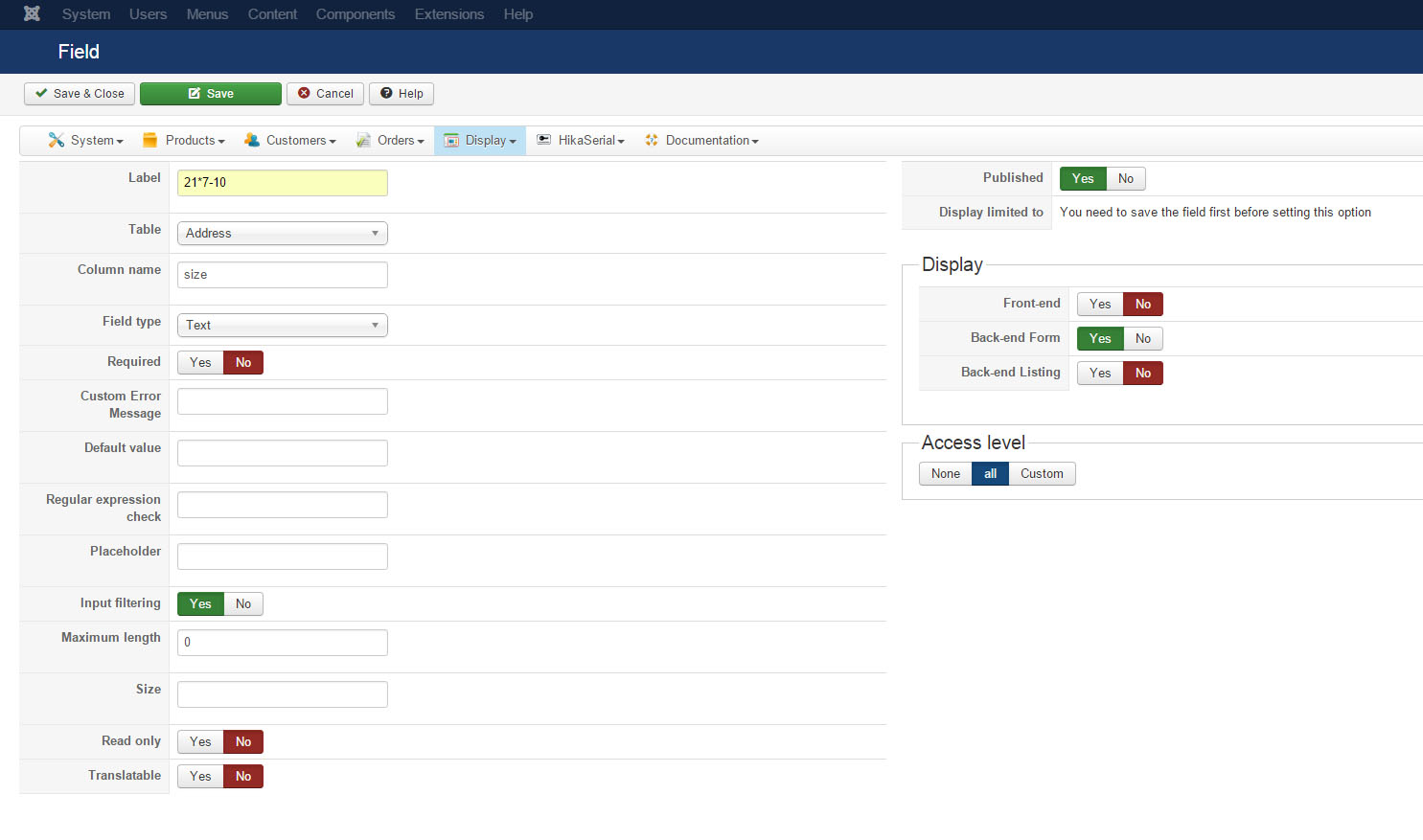
1. Create new custom field

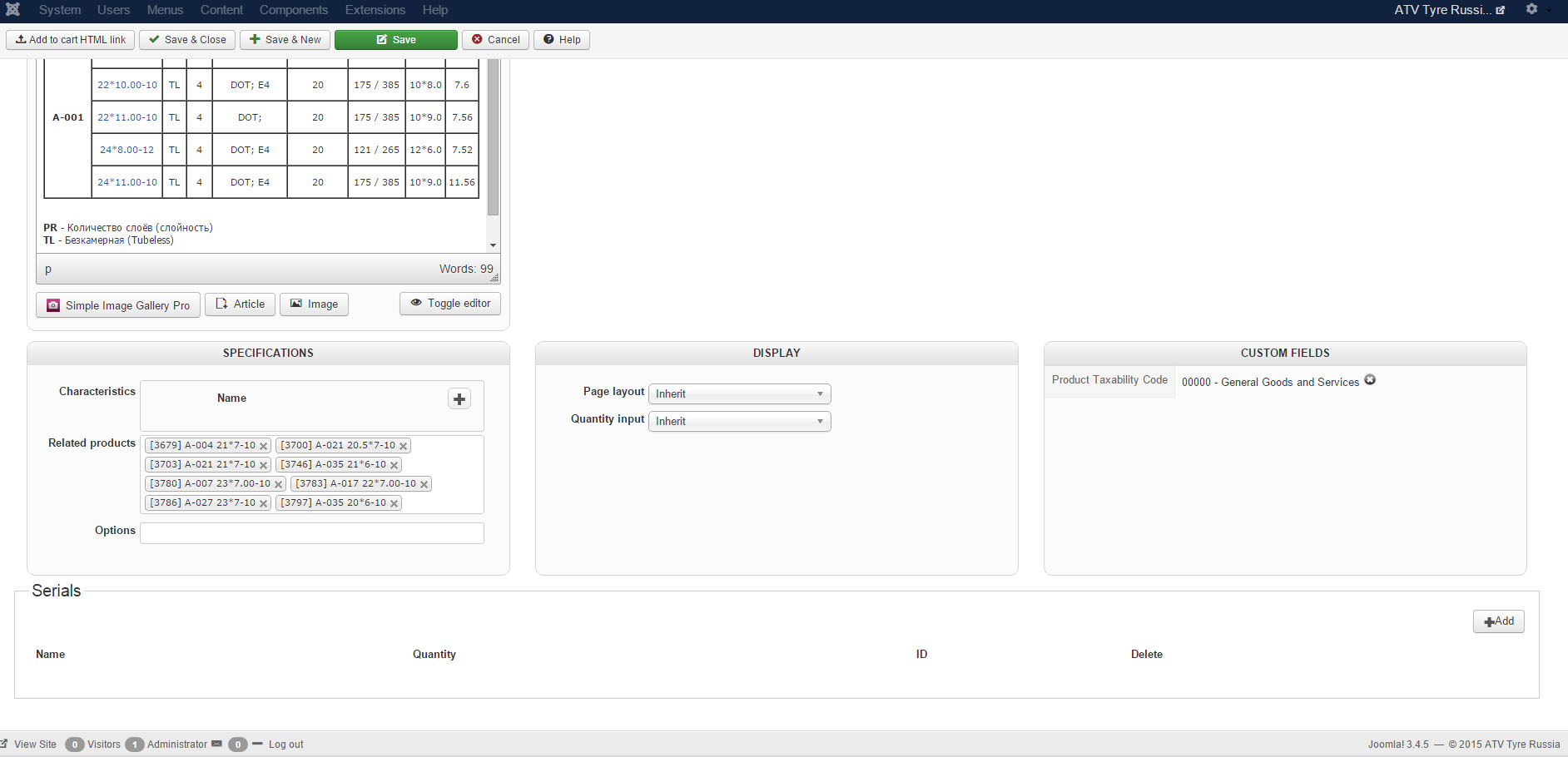
2. Try to add custom field in page of products (how to do that?)
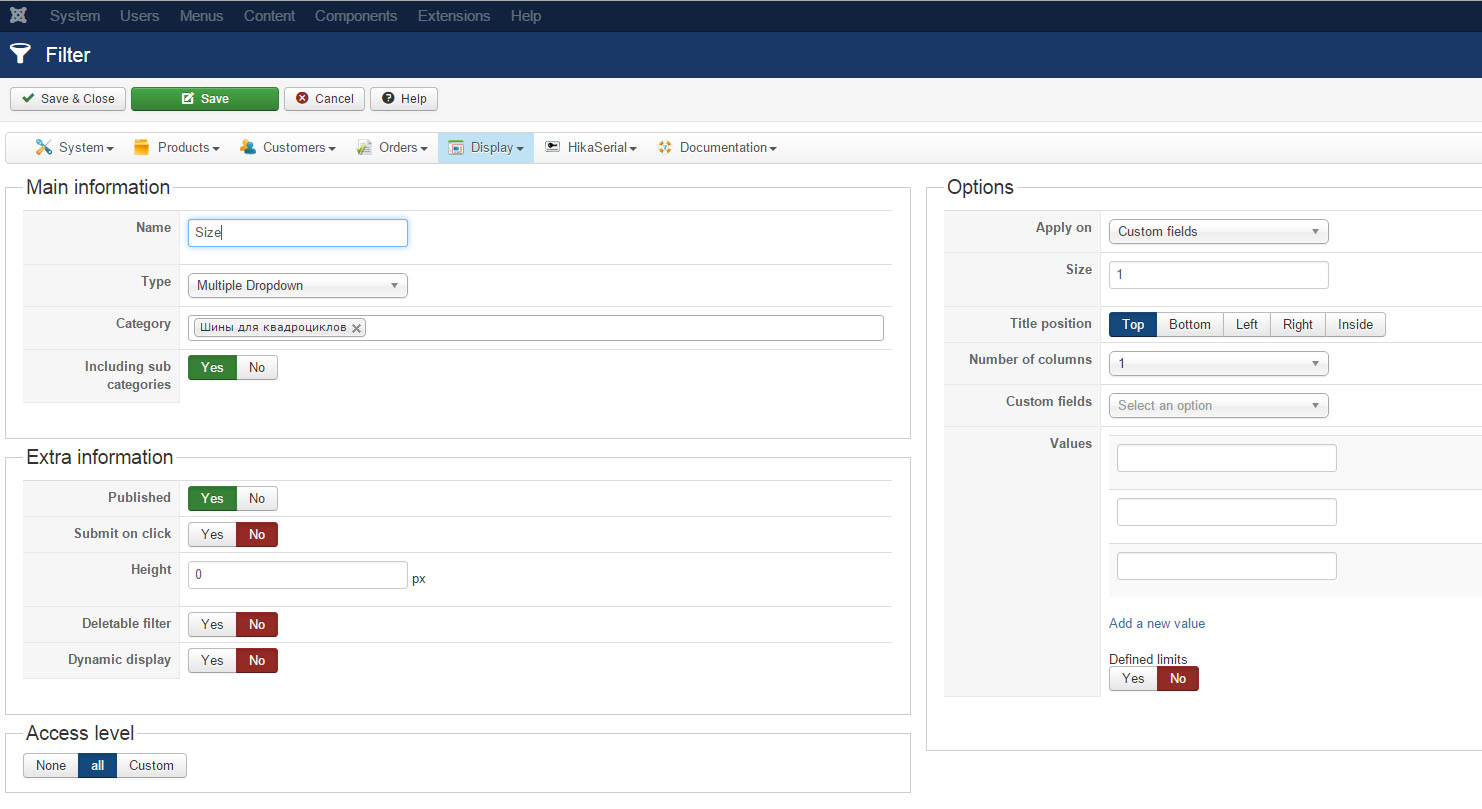
3. Create filter
4. Create module (hikashop filter module)
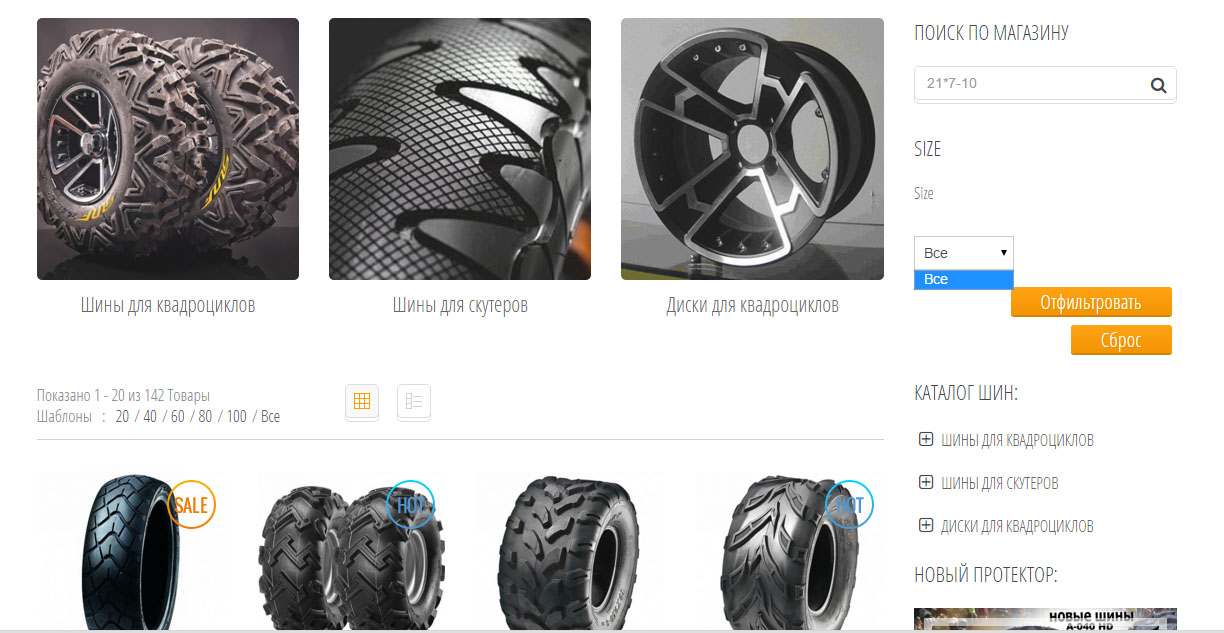
You can see - atvtyre.ru/shop (right module) dropdown
1. Create new custom field
2. Try to add custom field in page of products (how to do that?)
3. Create filter
4. Create module (hikashop filter module)
You can see - atvtyre.ru/shop (right module) dropdown
Last edit: 11 years 1 week ago by sport.
Please Log in or Create an account to join the conversation.

Less
More
- Posts: 12953
- Thank you received: 1778
11 years 1 week ago #220462
by Mohamed Thelji
Replied by Mohamed Thelji on topic How to ... filter by size
Hello,
You'll have to create a custom field from the "Product" table and not the "Address" table.
Also, you'll have to select your product custom field through the "Custom fields" option of your filter configuration page.
You'll have to create a custom field from the "Product" table and not the "Address" table.
Also, you'll have to select your product custom field through the "Custom fields" option of your filter configuration page.
Please Log in or Create an account to join the conversation.

11 years 6 days ago - 11 years 6 days ago #220650
by ioanna
Replied by ioanna on topic How to ... filter by size
Hi
i have issue with size filter also
I created the custom shields but i dont have the choise on the filter.
Also, on the CORE column field is not activcated. Is this normal or something s wrong?
Thanks
i have issue with size filter also
I created the custom shields but i dont have the choise on the filter.
Also, on the CORE column field is not activcated. Is this normal or something s wrong?
Thanks
Last edit: 11 years 6 days ago by ioanna.
Please Log in or Create an account to join the conversation.
11 years 6 days ago #220657
by ioanna
Replied by ioanna on topic How to ... filter by size
I found the anwser
I didn't select the custom fields in the options
Anyway, about the Core option not activate, is there something i have to do?
I didn't select the custom fields in the options
Anyway, about the Core option not activate, is there something i have to do?
Please Log in or Create an account to join the conversation.
11 years 5 days ago #220731
by nicolas
Replied by nicolas on topic How to ... filter by size
Hi,
There is nothing to do for that.
That's normal. It just means that this field isn't one of the "core" ones that are included by default with HikaShop (unlike the address fields).
There is nothing to do for that.
That's normal. It just means that this field isn't one of the "core" ones that are included by default with HikaShop (unlike the address fields).
Please Log in or Create an account to join the conversation.
Time to create page: 0.084 seconds