
- Posts: 2
- Thank you received: 0
Emails notifications
- ehsan.mohammadi
-
 Topic Author
- Offline
Less
More
4 years 10 months ago #337412
by ehsan.mohammadi
Emails notifications was created by ehsan.mohammadi
-- HikaShop version -- : 4.4.4
-- HikaAuction version -- : 3.2.0
-- Joomla version -- : 3.10.3
-- PHP version -- : 7.13.0
-- Browser(s) name and version -- : Chrome 96.0.4664.45 ) (64-bit),firefox 94.0.2
-- Error-message(debug-mod must be tuned on) -- : Emails notifications
I have Hikashop auction software ,They users also recieved the activation email. Now after the price change my users won’t receive any email. In the Hikashop-> system -> Emails the auction emails notifications part is also turned on.
-- HikaAuction version -- : 3.2.0
-- Joomla version -- : 3.10.3
-- PHP version -- : 7.13.0
-- Browser(s) name and version -- : Chrome 96.0.4664.45 ) (64-bit),firefox 94.0.2
-- Error-message(debug-mod must be tuned on) -- : Emails notifications
I have Hikashop auction software ,They users also recieved the activation email. Now after the price change my users won’t receive any email. In the Hikashop-> system -> Emails the auction emails notifications part is also turned on.
Please Log in or Create an account to join the conversation.

Less
More
- Posts: 12953
- Thank you received: 1778
4 years 10 months ago #337509
by Mohamed Thelji
Replied by Mohamed Thelji on topic Emails notifications
Hello,
Are you able to send Joomla / Hikashop emails from your website ?
If you're still not receiving emails, can you check the menu "Hikashop-> Customers-> Emails history" to tell us if emails are sent ?
If yes, then HikaShop/HikaAuction sent them to the email server but the email server was not able to send them to the recipient email server.
So you'll have to check the logs of the email server to understand why this is happening.
You'll probably have to contact your hosting support with a screenshot of the details of one email from the history that wasn't delivered so that they can tell you what's wrong.
It's probably something related to the settings under the Emails section of the HikaShop configuration.
Also, note that HikaAuction will send its emails after every cron execution, so can you check that your HikaShop cron is correctly configured via "Hikashop->System->Configuration->Cron" and was correctly triggered ? Thank you.
www.hikashop.com/support/documentation/5...ashop-cron-task.html
Kind regards,
Mohamed.
Are you able to send Joomla / Hikashop emails from your website ?
If you're still not receiving emails, can you check the menu "Hikashop-> Customers-> Emails history" to tell us if emails are sent ?
If yes, then HikaShop/HikaAuction sent them to the email server but the email server was not able to send them to the recipient email server.
So you'll have to check the logs of the email server to understand why this is happening.
You'll probably have to contact your hosting support with a screenshot of the details of one email from the history that wasn't delivered so that they can tell you what's wrong.
It's probably something related to the settings under the Emails section of the HikaShop configuration.
Also, note that HikaAuction will send its emails after every cron execution, so can you check that your HikaShop cron is correctly configured via "Hikashop->System->Configuration->Cron" and was correctly triggered ? Thank you.
www.hikashop.com/support/documentation/5...ashop-cron-task.html
Kind regards,
Mohamed.
Please Log in or Create an account to join the conversation.
- ehsan.mohammadi
-
Topic Author
- Offline
Less
More
- Posts: 2
- Thank you received: 0
4 years 10 months ago - 4 years 10 months ago #337574
by ehsan.mohammadi
 Hi,
Hi,
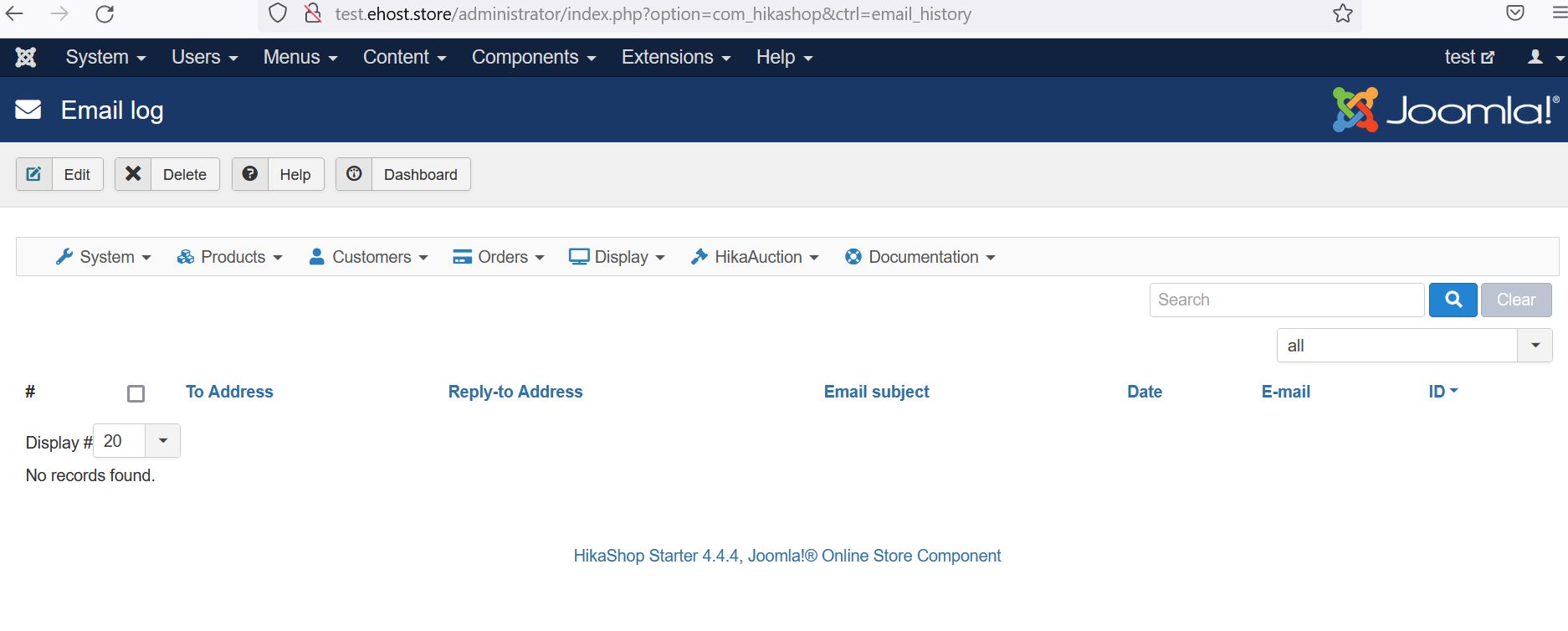
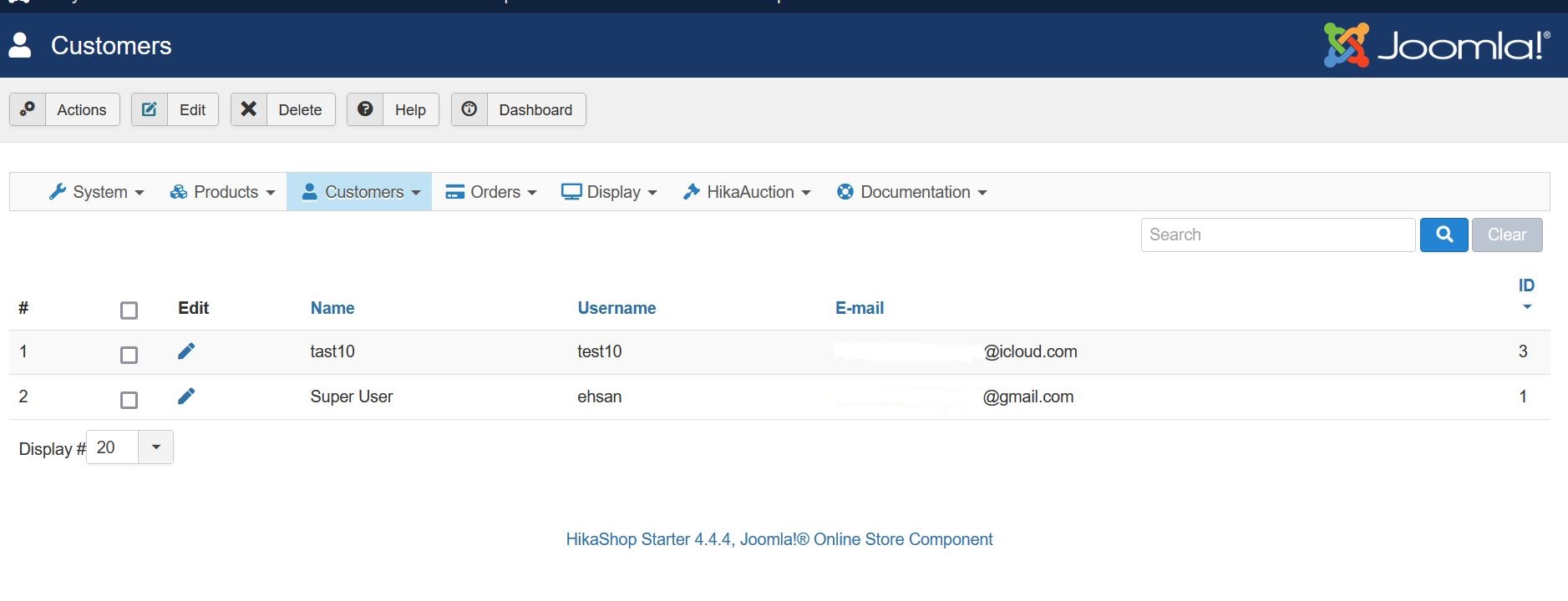
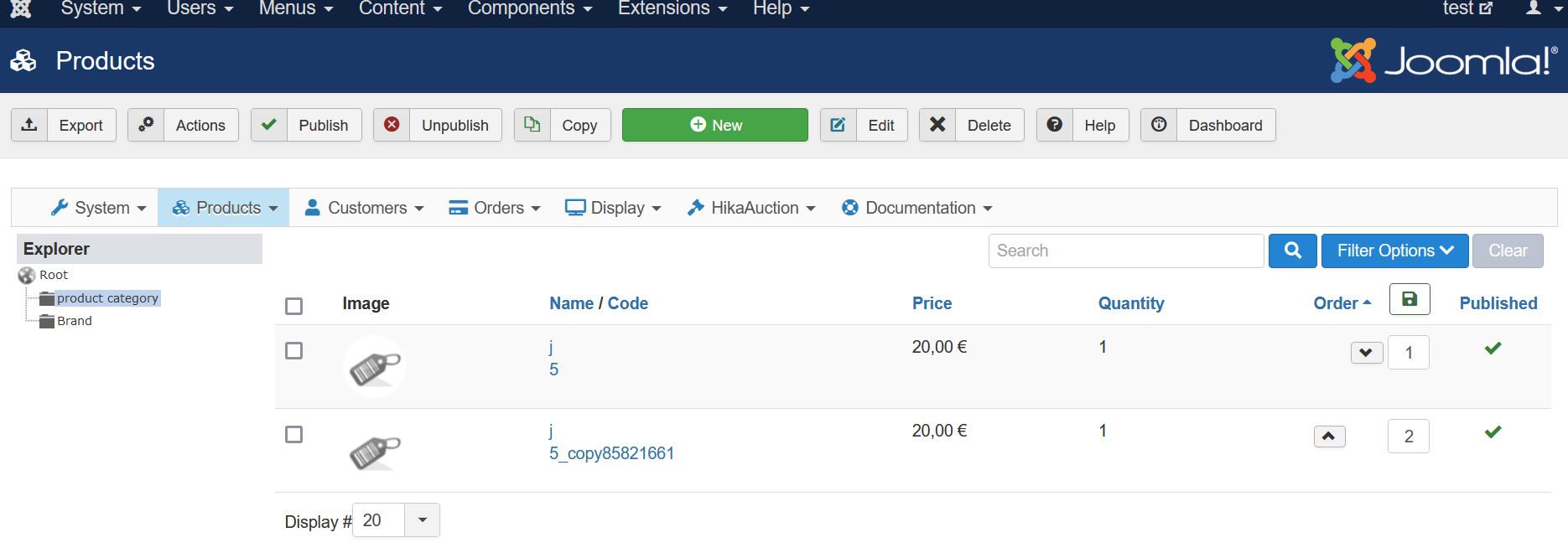
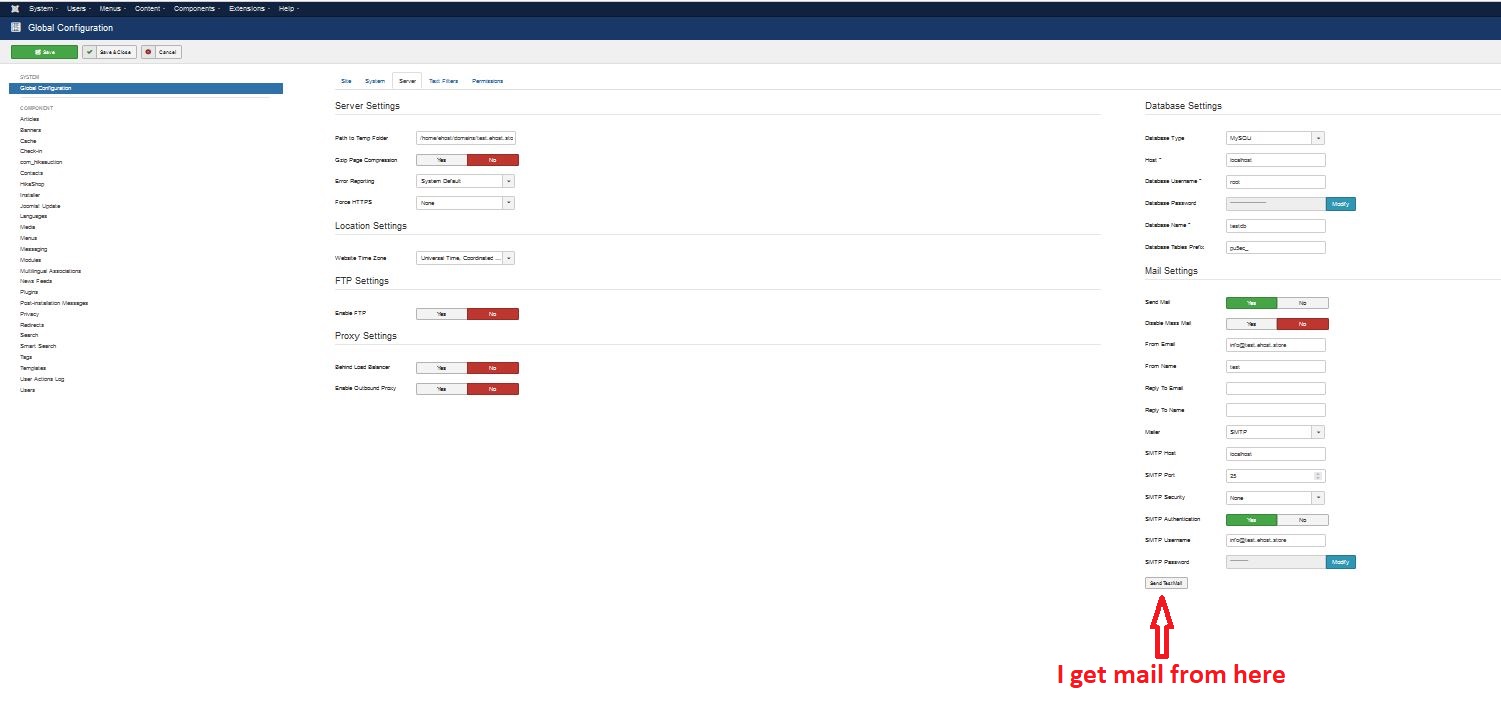
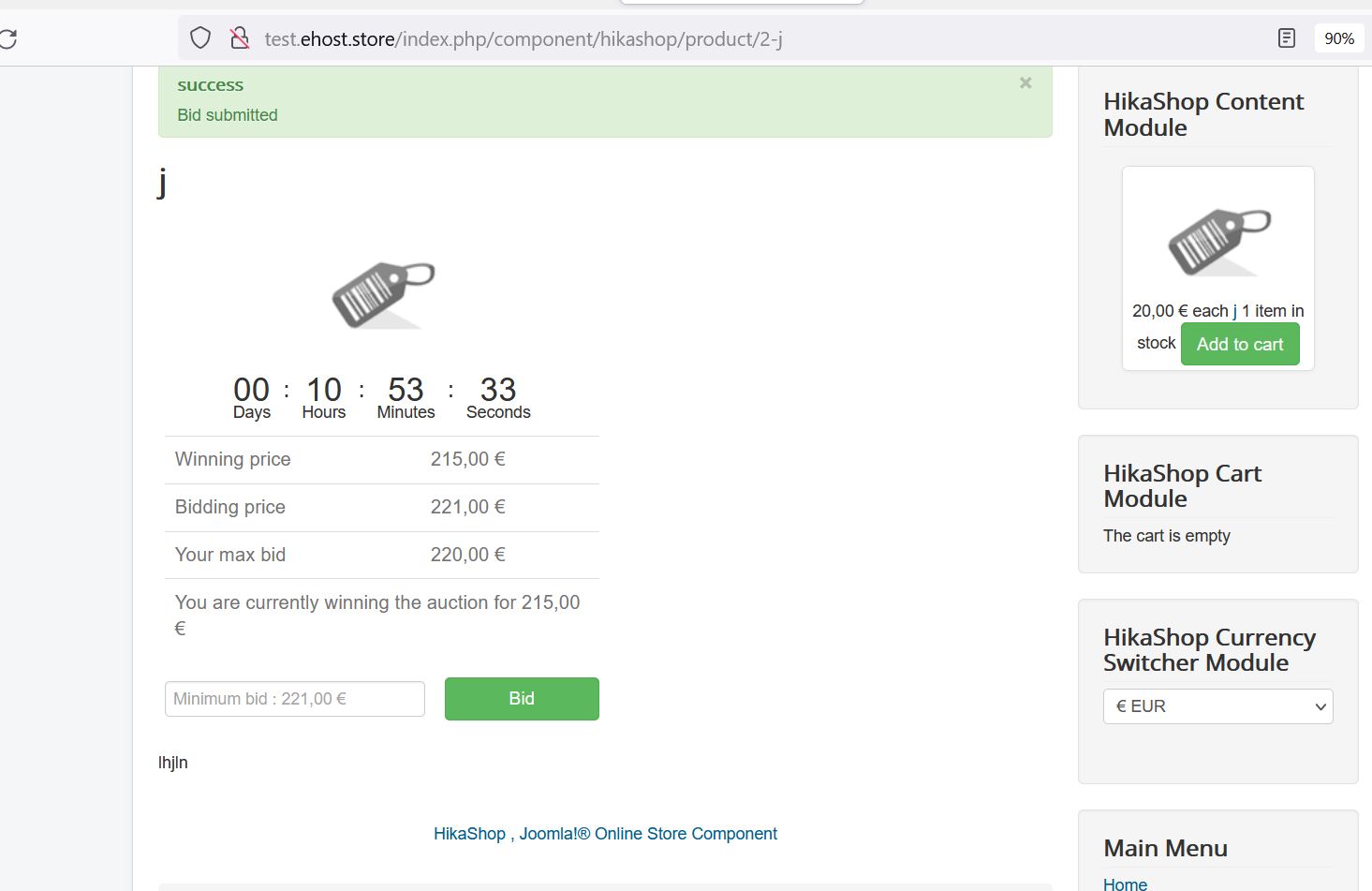
I'm using a Linux server and I did the settings exactly as you said Cron ist install, hikashop -> Email notification ist on, Customers -> Email-history ist empty, SMTP is adjusted and sends test email! , but the system does not send any emails.
You can see some screenshots in the attachment.
Kind regards
Ehsan
Replied by ehsan.mohammadi on topic Emails notifications
I'm using a Linux server and I did the settings exactly as you said Cron ist install, hikashop -> Email notification ist on, Customers -> Email-history ist empty, SMTP is adjusted and sends test email! , but the system does not send any emails.
You can see some screenshots in the attachment.
Kind regards
Ehsan
Last edit: 4 years 10 months ago by ehsan.mohammadi.
Please Log in or Create an account to join the conversation.
Less
More
- Posts: 12953
- Thank you received: 1778
4 years 10 months ago #337677
by Mohamed Thelji
Replied by Mohamed Thelji on topic Emails notifications
Hello,
We just tested it on our end with the same settings without success as it worked fine on our end.
Can you give us a temporary FTP access to your website so that we can directly test and debug it ? Thank you.
Kind regards,
Mohamed.
We just tested it on our end with the same settings without success as it worked fine on our end.
Can you give us a temporary FTP access to your website so that we can directly test and debug it ? Thank you.
Kind regards,
Mohamed.
Please Log in or Create an account to join the conversation.
4 years 7 months ago #339799
by eneasneto
Replied by eneasneto on topic Emails notifications
Greetig to you all!
Guys apparently I have the same problem, no client receive a single bid Email or winner comunication from website, however I added cronjobs there and I can receive all Emails triggered by the site, the shop works perfectly, but the auction don't...
I am taking any sugestions...
Guys apparently I have the same problem, no client receive a single bid Email or winner comunication from website, however I added cronjobs there and I can receive all Emails triggered by the site, the shop works perfectly, but the auction don't...
I am taking any sugestions...
Please Log in or Create an account to join the conversation.

4 years 7 months ago #339848
by nicolas
Replied by nicolas on topic Emails notifications
Hi,
First, which version of Joomla, HikaShop and HikaAuction are you using ?
Do you have the auction emails in the menu System>Emails of HikaShop ? Are they enabled there ?
Also, can you confirm that you've added a cron job to call index.php?option=com_hikaauction&ctrl=cron&task=executeCron ?
If you call the cron URL manually with your browser is HikaAuction sending the emails ? Or do you get some error messages on the page ?
First, which version of Joomla, HikaShop and HikaAuction are you using ?
Do you have the auction emails in the menu System>Emails of HikaShop ? Are they enabled there ?
Also, can you confirm that you've added a cron job to call index.php?option=com_hikaauction&ctrl=cron&task=executeCron ?
If you call the cron URL manually with your browser is HikaAuction sending the emails ? Or do you get some error messages on the page ?
Please Log in or Create an account to join the conversation.
4 years 7 months ago - 4 years 7 months ago #339853
by eneasneto
Replied by eneasneto on topic Emails notifications
Hi! Greetings again, answering that:
I use Rochen Servers, the best for joomla
1. Joomla! version 3.10.6 is the current version. Your website is up-to-date.
2. I added the Cron job too at server
The Interesting Part:
3. Using this page: bigfishbrazil.com.br/shop/index.php?opti...ron&task=executeCron I receive that error message:
3.1 1146 Table 'jpvicsuj_joom217.#__hikamarket_vendor' doesn't exist
But the vendor is there: prnt.sc/3qU6XpWg18Oc
What shoul'd I do? Please...
I use Rochen Servers, the best for joomla
1. Joomla! version 3.10.6 is the current version. Your website is up-to-date.
2. I added the Cron job too at server
The Interesting Part:
3. Using this page: bigfishbrazil.com.br/shop/index.php?opti...ron&task=executeCron I receive that error message:
3.1 1146 Table 'jpvicsuj_joom217.#__hikamarket_vendor' doesn't exist
But the vendor is there: prnt.sc/3qU6XpWg18Oc
What shoul'd I do? Please...
Last edit: 4 years 7 months ago by eneasneto.
Please Log in or Create an account to join the conversation.
4 years 7 months ago #339854
by eneasneto
Replied by eneasneto on topic Emails notifications
eneasneto wrote: Hi! Greetings again, answering that:
I use Rochen Servers, the best for joomla
1. Joomla! version 3.10.6 is the current version. Your website is up-to-date.
2. I added the Cron job too at server
The Interesting Part:
3. Using this page: bigfishbrazil.com.br/shop/index.php?opti...ron&task=executeCron I receive that error message:
3.1 1146 Table 'jpvicsuj_joom217.#__hikamarket_vendor' doesn't exist
But that is present: prnt.sc/3qU6XpWg18Oc to see the image on a browser...
What shoul'd I do? Please...
Please Log in or Create an account to join the conversation.
4 years 7 months ago #339855
by nicolas
Replied by nicolas on topic Emails notifications
Hi,
This indicates that some of your products with the auction mode activated have a vendor id linked to them even though you don't have HikaMarket Multivendor installed on your website.
This shouldn't happen normally.
What you can do is to go in the menu System>Mass actions of HikaShop and create a new mass action. There, select the data type "product" and add an action "update the values" with the "product_vendor_id" column selected, the mode "int" and the value 0
Finally, press on the "process" button and it will remove any potential link to vendors in your products.
That should prevent that error message when the cron is being run and thus it should allow the emails to flow.
This indicates that some of your products with the auction mode activated have a vendor id linked to them even though you don't have HikaMarket Multivendor installed on your website.
This shouldn't happen normally.
What you can do is to go in the menu System>Mass actions of HikaShop and create a new mass action. There, select the data type "product" and add an action "update the values" with the "product_vendor_id" column selected, the mode "int" and the value 0
Finally, press on the "process" button and it will remove any potential link to vendors in your products.
That should prevent that error message when the cron is being run and thus it should allow the emails to flow.
Please Log in or Create an account to join the conversation.
Moderators: Mohamed Thelji
Time to create page: 0.149 seconds