
HikaShop for Zapier
HikaShop for Zapier is a free extension, for Joomla and for WordPress, which connects your HikaShop shop to Zapier, and through Zapier to more than 7,000 services: Google Sheets, Slack, Gmail, Mailchimp, HubSpot, Xero, QuickBooks, Trello and many more. Your orders, customers, products and coupons start automations in these services, and these services can update your shop, without a line of code.
What you can automate- Each paid order added to a Google Sheets or Excel spreadsheet.
- A Slack or Microsoft Teams message to your team for each new order.
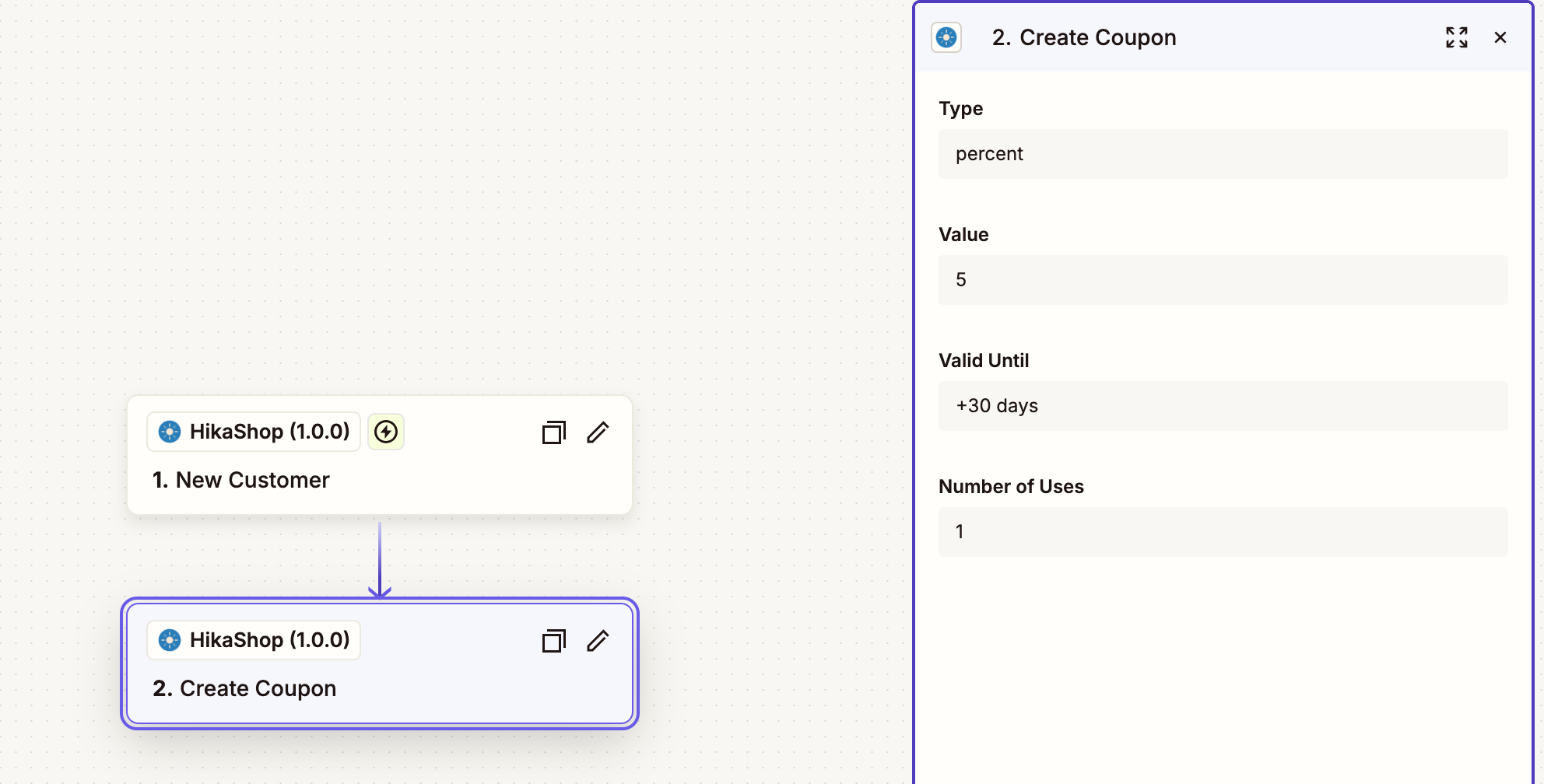
- A welcome coupon created for each new customer, and sent by email.
- New customers added to your Mailchimp, Brevo or Klaviyo list.
- An email to your supplier when a product runs low.
- The stock of your products updated from your warehouse sheet.
- An invoice in Xero or QuickBooks for each paid order.
- Orders marked as shipped, with the HikaShop email to the customer, when your shipping tool sends the parcel.
- Customers created from Typeform, Google Forms or your CRM.
The HikaShop app is in beta on Zapier: it is not listed in Zapier's app directory yet. Contact us to get the invitation link that adds it to your Zapier account, then install this plugin on your shop and connect it.
Features- 7 instant triggers: new order, order paid, order status changed (optionally to one status only), new customer, new product, product low stock and new coupon. Your shop sends them to Zapier the moment they happen.
- 6 actions: create a product, update the stock of a product or variant (set, add or subtract), update its price, change the status of an order (with or without the email to the customer), create or update a customer with their address, and create a coupon.
- Each trigger gives the whole record: the order with its customer, addresses, products, totals and a link to it in your backend.
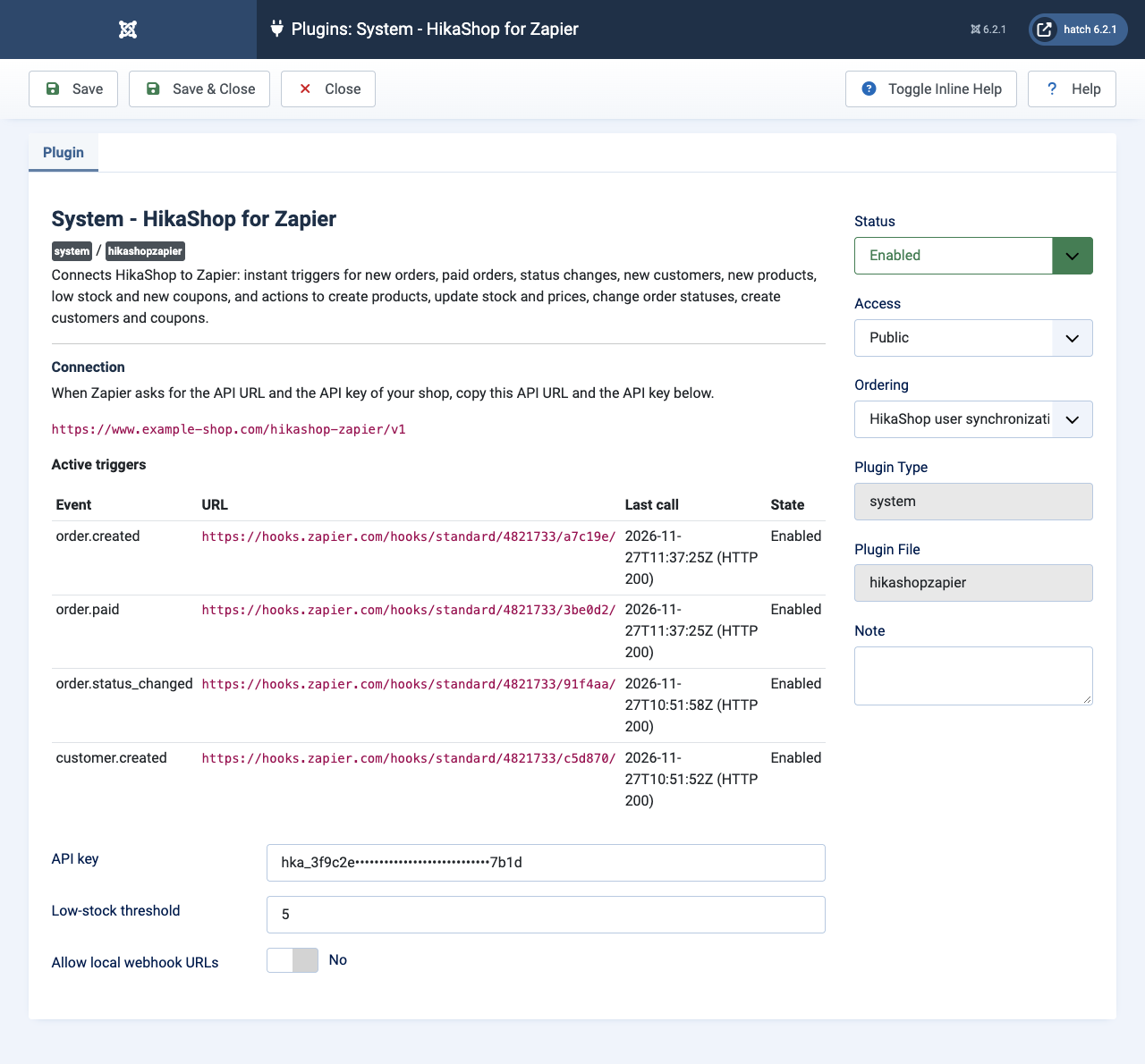
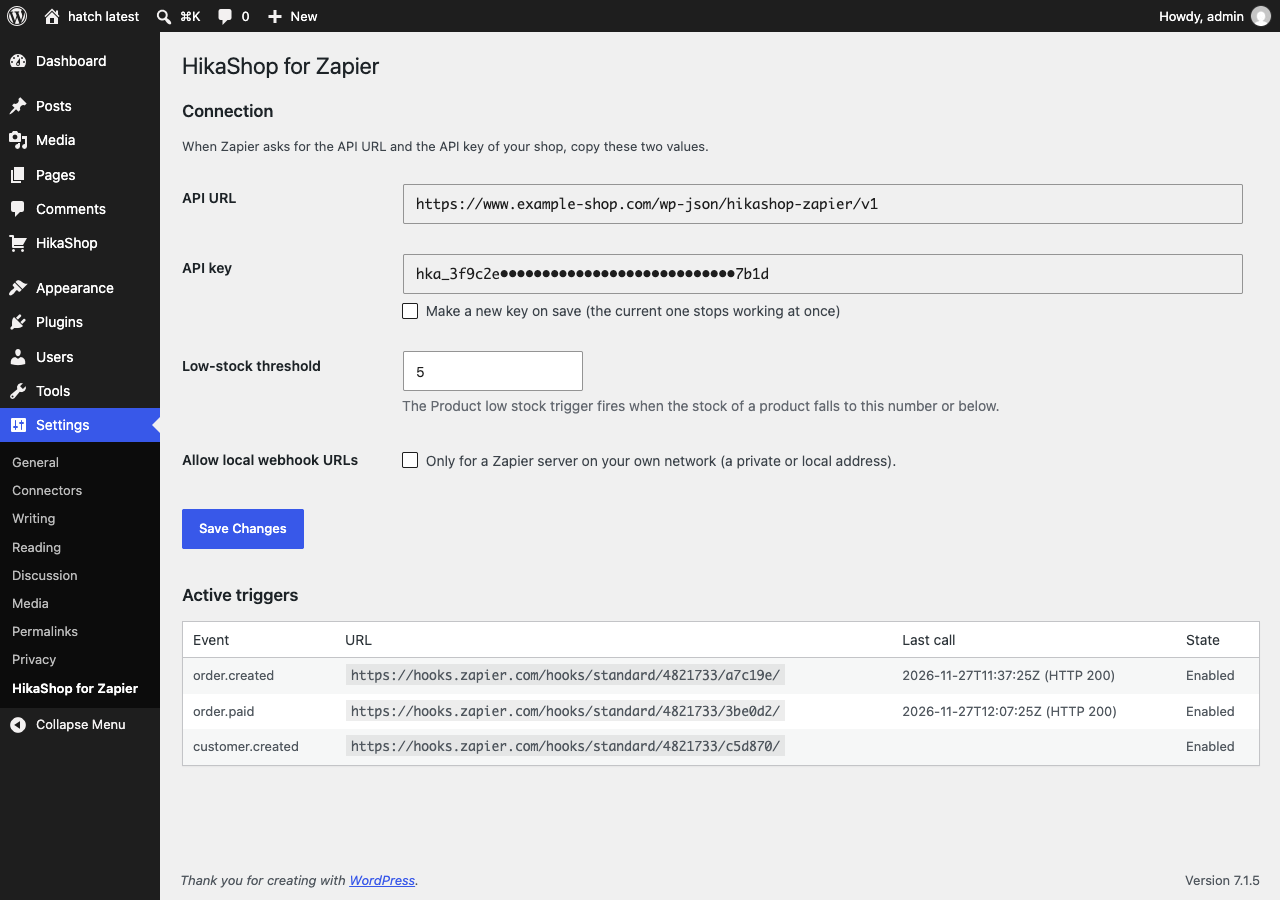
- Connected in one minute: copy the API URL and the API key of the plugin settings into Zapier.
- Sent after the page is shown, so the checkout is not slowed down, and tried again for up to 12 hours if Zapier cannot be reached.
- Every call to Zapier is signed, and Zapier only gets in with your API key.
- The list of the Zaps that listen to your shop, with their last call, in the plugin settings.
- The same plugin on Joomla and on WordPress, for all the editions of HikaShop.
- Free and open source (GPL), on GitHub.
- Requires HikaShop, on Joomla 4, 5 or 6, or on WordPress 6.5 or newer
- Requires PHP 7.4 minimum
- Requires a Zapier account (the free plan of Zapier is enough for two-step Zaps)
- Free
- No limit of time
- No limit of use
The HikaShop for Zapier documentation explains how to install the plugin, connect your shop to Zapier, and what each trigger and action does, with ready-to-use recipes.
The changes of each version are listed on its release page.
- Type
- Integration