
FLEXIcontent integration
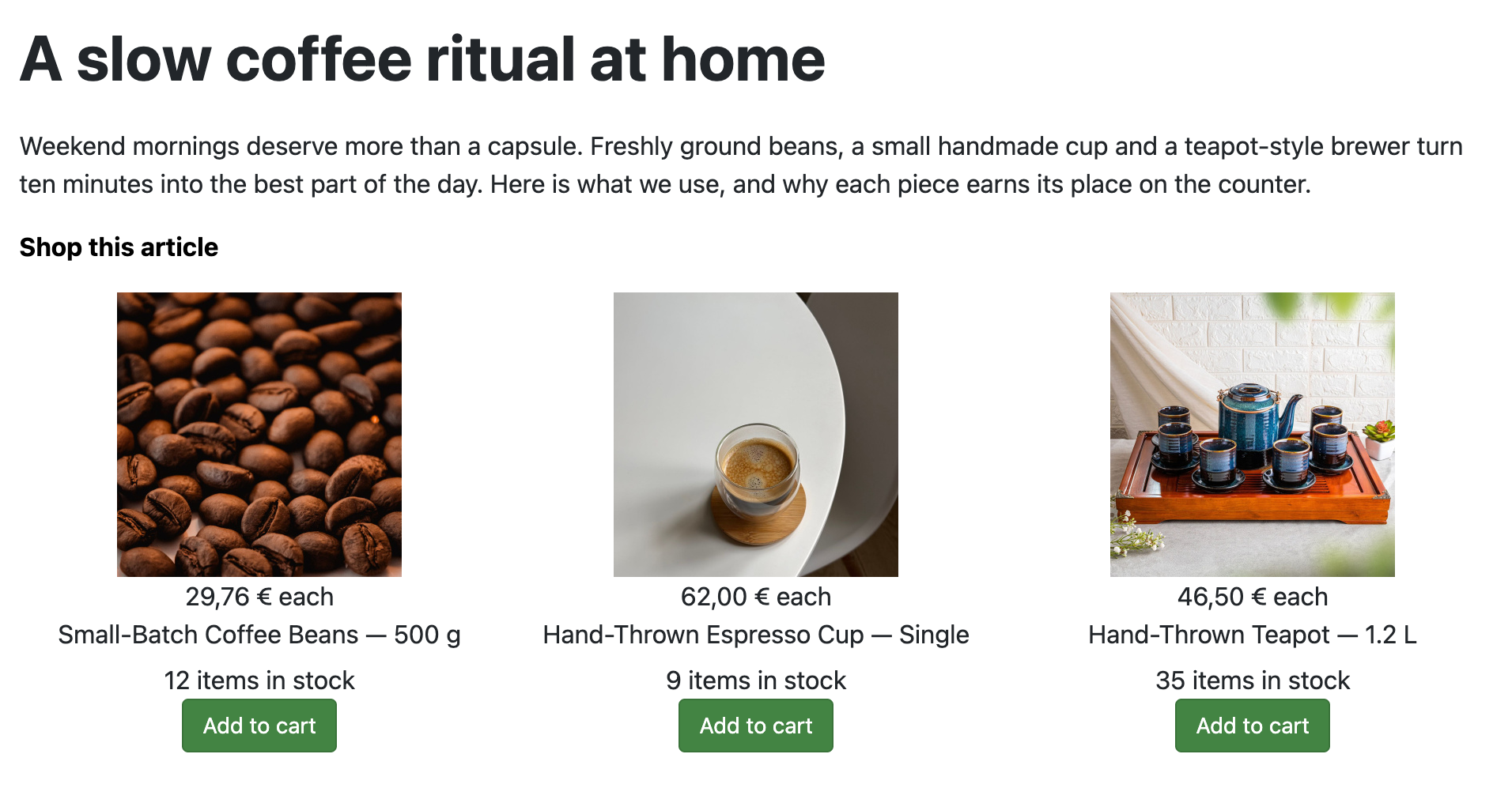
This free plugin adds a HikaShop product field to FLEXIcontent. Pick one or more products of your shop in a FLEXIcontent item, and the item page shows their price, stock and an add to cart button: a book review, a course page or a gear guide written in FLEXIcontent sells the products it talks about, without sending your visitors to another page.
 Features
- Picks the products in the item form with the same search as the HikaShop backend: type part of a name or a code, or browse your categories.
- One product or several per item, in the order you choose.
- Shows a product block (image, name, price, add to cart) made by HikaShop itself, so it looks like your shop and follows your HikaShop settings and template overrides.
- Or shows only what you need where your FLEXIcontent template puts the field: the price, the add to cart button, the price and the button, the stock, the image, the name or the product code.
- Prices follow HikaShop: the customer's currency, taxes, discounts and user group prices.
- The add to cart button works like in your shop, without leaving the page, and a product with variants or options leads to its product page to choose them.
- Products that are unpublished or that the customer is not allowed to see are not shown.
- Adds a price range filter, or an "in stock only" filter, to your FLEXIcontent category pages.
- Your visitors find an item by the name or the code of its products in the FLEXIcontent search.
- Works in item pages and in category lists.
- 1. You add a field of the type "HikaShop product" to your FLEXIcontent content type and place it in your template.
- 2. In each item, you pick the products it sells.
- 3. The visitor reads the item, sees the price and adds the product to the cart from the page.
- 4. The order is placed in the HikaShop checkout, as usual.
Use
- Compatible with all the editions of HikaShop
- Requires FLEXIcontent 5
- Joomla 4, 5 and 6 (FLEXIcontent only exists on Joomla)
- Free
- No limit of time
- No limit of use
Changelog
1.0.0 on the 12th of November 2026
- First version.
Free


The add to cart button will appear once you select the values above
- Type
- Integration