
Installation
- Install the plugin with the Joomla installer (System > Install > Extensions).
- In System > Manage > Plugins, search for "JCH Optimize empty cart cookie" and enable it.
- In the same list, check that the "User - JCH Optimize User State" plugin of JCH Optimize is enabled.
- In JCH Optimize, keep the page cache's Exclude form users option on, and keep the HikaShop pages that are personal out of the page cache: cart, checkout, customer account, orders, addresses, and the cart module's address (ctrl=product&task=cart).
Configuration
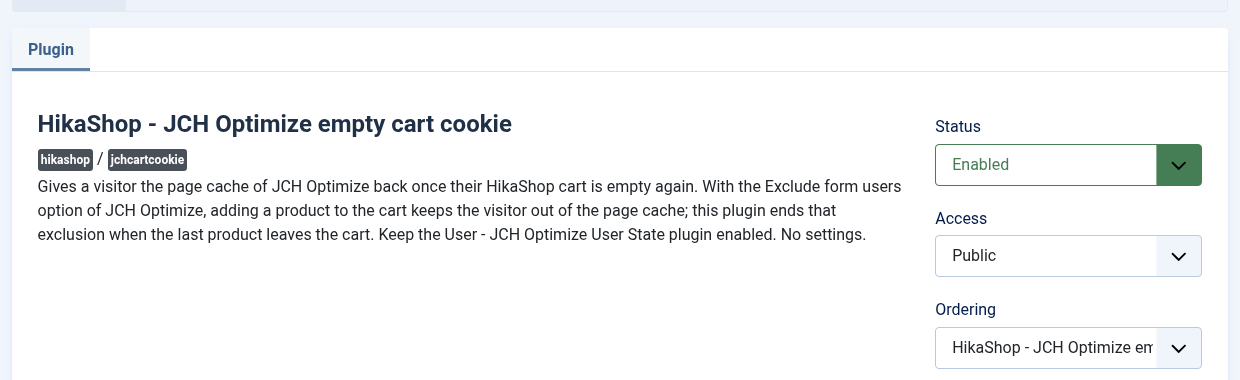
The plugin has no settings: once enabled, it works on every cart of the shop.
Troubleshooting
- The visitor still gets no cached page after emptying the cart: open the developer tools of the browser, Storage tab, and look at the jch_optimize_no_cache_user_activity cookie after removing the last product. If it is still there, check that this plugin and "User - JCH Optimize User State" are both enabled. If it comes back, look in the Network tab for the request whose answer sets it again (its Set-Cookie header) and send it to our support.
- The cookie disappears after another form: the Exclude form users option sets the same cookie for any form (contact, login...). When such a visitor empties their cart, the plugin ends the exclusion too. This is harmless for a visitor who is not logged in, since the cached pages are the same for every such visitor, as long as the personal pages above stay out of the cache.