
Installation
- Install the plugin with the HikaShop or Joomla installer, then publish it in the plugin manager (actionlog - Action log for HikaShop).
- Open the settings of the plugin and tick the types of data whose changes you want to keep, then save.
- The actions are then listed in the Joomla User Actions Log (Users, User Actions Log), next to the ones of Joomla itself.
This plugin works with Joomla 4 and newer, and uses the User Actions Log of Joomla, which must itself be enabled.
Configuration
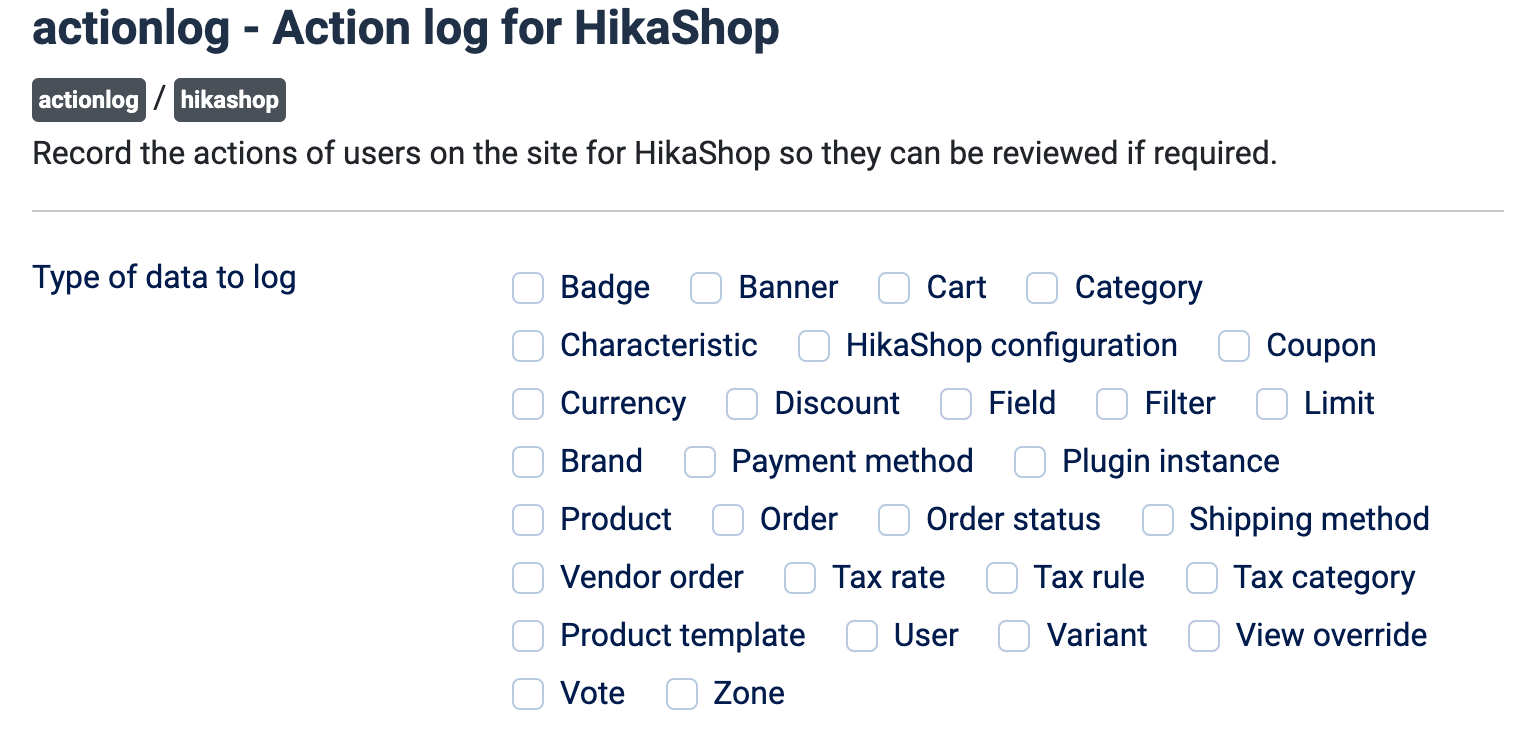
- Type of data to log: tick each type of HikaShop data whose creations, modifications and deletions must be recorded: Badge, Banner, Cart, Category, Characteristic, HikaShop configuration, Coupon, Currency, Discount, Field, Filter, Limit, Brand, Payment method, Plugin instance, Product, Order, Order status, Shipping method, Vendor order, Tax rate, Tax rule, Tax category, Product template, User, Variant, View override, Vote and Zone. Nothing is ticked by default, and a type that is not ticked is never recorded.
The plugin also records the product and order exports, the product imports, the mass actions and the emails sent by HikaShop, for the types you ticked.
Troubleshooting
- Nothing appears in the User Actions Log: check that at least one type is ticked in the settings, that the plugin is published, and that the Joomla action log is enabled and keeps its entries (Users, Options, Actions Log).
- An action of a given type is missing: tick that type in the settings, only the changes made after that are recorded.