
- Posts: 610
- Thank you received: 13
HELP, down graded to 4.7.5 NO ACCESS
- mohairbears
-
 Topic Author
- Offline
Less
More
3 years 1 week ago #356078
by mohairbears
HELP, down graded to 4.7.5 NO ACCESS was created by mohairbears
-- HikaShop version -- : 4.7.5
-- Joomla version -- : 4
-- PHP version -- : 7
-- Browser(s) name and version -- : google
Help please.
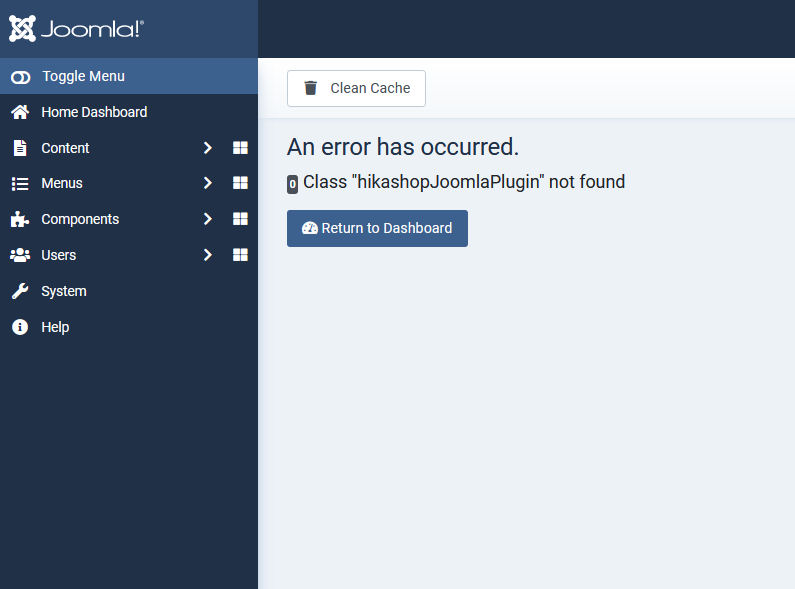
I have had PayPal IPN issues since Saturday? no changes for a while on the system. looked at upgrades an nothing was showing although I know there is an upgrade to Hika 5? I upgraded this manually and still got errors so down graded back to 4.7.5 and now cannot access anything on Joomla at all website is 404 error? cannot upgrade back to Hike 5?
-- Joomla version -- : 4
-- PHP version -- : 7
-- Browser(s) name and version -- : google
Help please.
I have had PayPal IPN issues since Saturday? no changes for a while on the system. looked at upgrades an nothing was showing although I know there is an upgrade to Hika 5? I upgraded this manually and still got errors so down graded back to 4.7.5 and now cannot access anything on Joomla at all website is 404 error? cannot upgrade back to Hike 5?
Please Log in or Create an account to join the conversation.

3 years 1 week ago #356080
by nicolas
Replied by nicolas on topic HELP, down graded to 4.7.5 NO ACCESS
Hi,
This error indicates that a plugin has been upgraded but that HikaShop hasn't been yet.
Because of this the plugin tries to use a class which doesn't exists.
Turn on the "debug" in the Joomla configuration in order to get the full error message. It will tell you which plugin is responsible for this. disable the plugin and you won't get the error anymore.
If you can't access your Joomla configuration page to enable the debug, you can manually edit the configuration.php file via FTP.
and if you can't access your Joomla plugins manager to disable the plugin responsible, you can rename its folder in the plugins folder of your website via FTP in order to deactivate it.
This error indicates that a plugin has been upgraded but that HikaShop hasn't been yet.
Because of this the plugin tries to use a class which doesn't exists.
Turn on the "debug" in the Joomla configuration in order to get the full error message. It will tell you which plugin is responsible for this. disable the plugin and you won't get the error anymore.
If you can't access your Joomla configuration page to enable the debug, you can manually edit the configuration.php file via FTP.
and if you can't access your Joomla plugins manager to disable the plugin responsible, you can rename its folder in the plugins folder of your website via FTP in order to deactivate it.
Please Log in or Create an account to join the conversation.
- mohairbears
-
Topic Author
- Offline
Less
More
- Posts: 610
- Thank you received: 13
3 years 1 week ago #356083
by mohairbears
Replied by mohairbears on topic HELP, down graded to 4.7.5 NO ACCESS
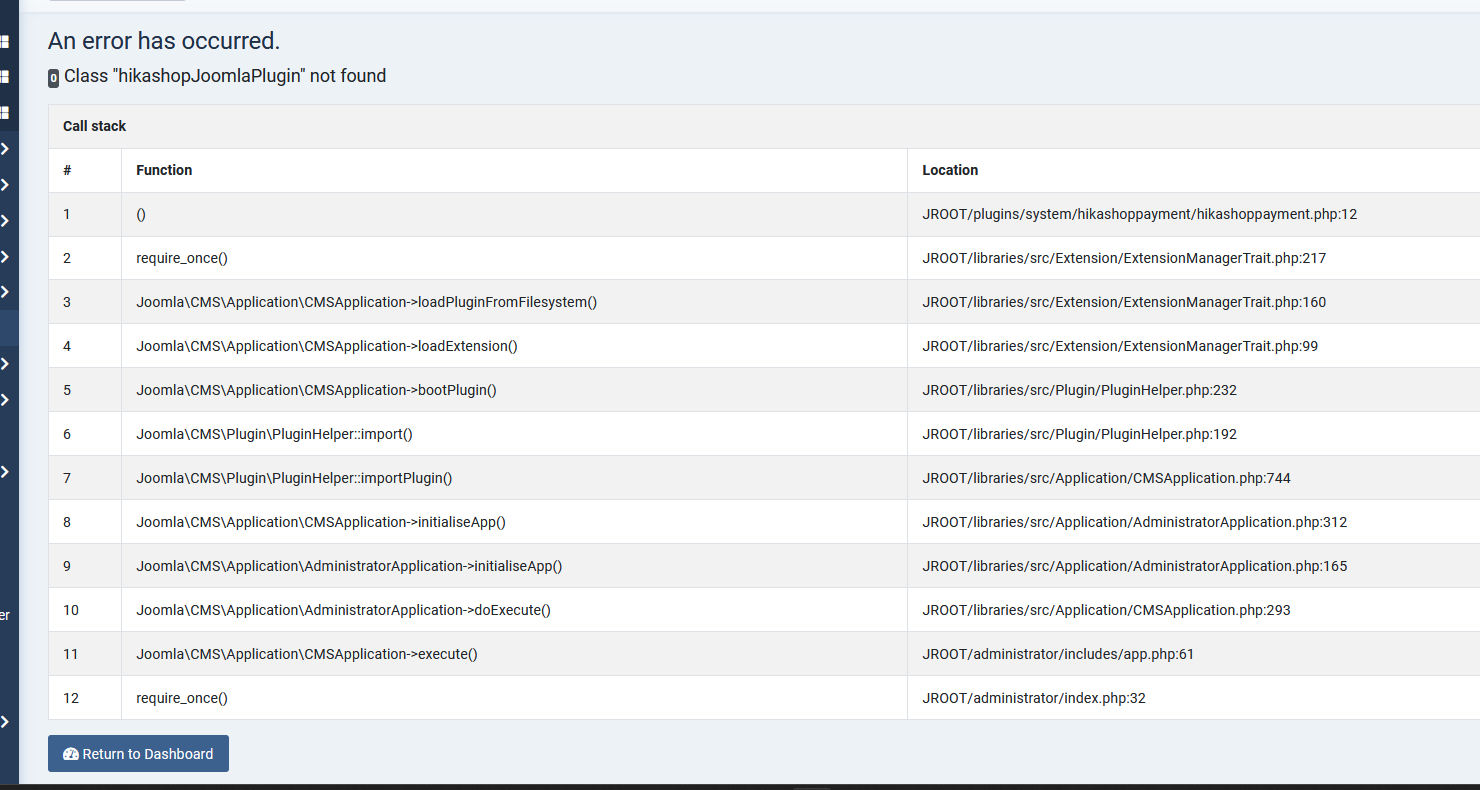
Hi, yes not access but now got "debug"
Had a few to disable but stuck on this one as I cannot find which payment one it is?
Rgds
Had a few to disable but stuck on this one as I cannot find which payment one it is?
Rgds
Please Log in or Create an account to join the conversation.
3 years 1 week ago #356084
by nicolas
Replied by nicolas on topic HELP, down graded to 4.7.5 NO ACCESS
Hi,
It's a system plugin. You can find it in plugins/system/hikashoppayment/ in your FTP
It's a system plugin. You can find it in plugins/system/hikashoppayment/ in your FTP
Please Log in or Create an account to join the conversation.
- mohairbears
-
Topic Author
- Offline
Less
More
- Posts: 610
- Thank you received: 13
3 years 1 week ago - 3 years 1 week ago #356085
by mohairbears
Replied by mohairbears on topic HELP, down graded to 4.7.5 NO ACCESS
Hi, I have now got it back working again (when de grading some of the php files had not gone back to 4.7.5 and were 5) sorted those and now back on 5.
However I still have a problem with no IPN's from PayPal and also updating, I'm guessing they are both connected?
See screen dump, Joomla is showing no updates available in one box but you can clearly see there are updates?
I get this message when trying to update Joomla
Update: Could not open update site #30 "Joomla! Update Component", URL: update.joomla.org/core/extensions/com_joomlaupdate.xml
Can you point me in the right direction please?
Rgds
However I still have a problem with no IPN's from PayPal and also updating, I'm guessing they are both connected?
See screen dump, Joomla is showing no updates available in one box but you can clearly see there are updates?
I get this message when trying to update Joomla
Update: Could not open update site #30 "Joomla! Update Component", URL: update.joomla.org/core/extensions/com_joomlaupdate.xml
Can you point me in the right direction please?
Rgds
Last edit: 3 years 1 week ago by mohairbears.
Please Log in or Create an account to join the conversation.
- mohairbears
-
Topic Author
- Offline
Less
More
- Posts: 610
- Thank you received: 13
3 years 1 week ago - 3 years 1 week ago #356091
by mohairbears
Replied by mohairbears on topic HELP, down graded to 4.7.5 NO ACCESS
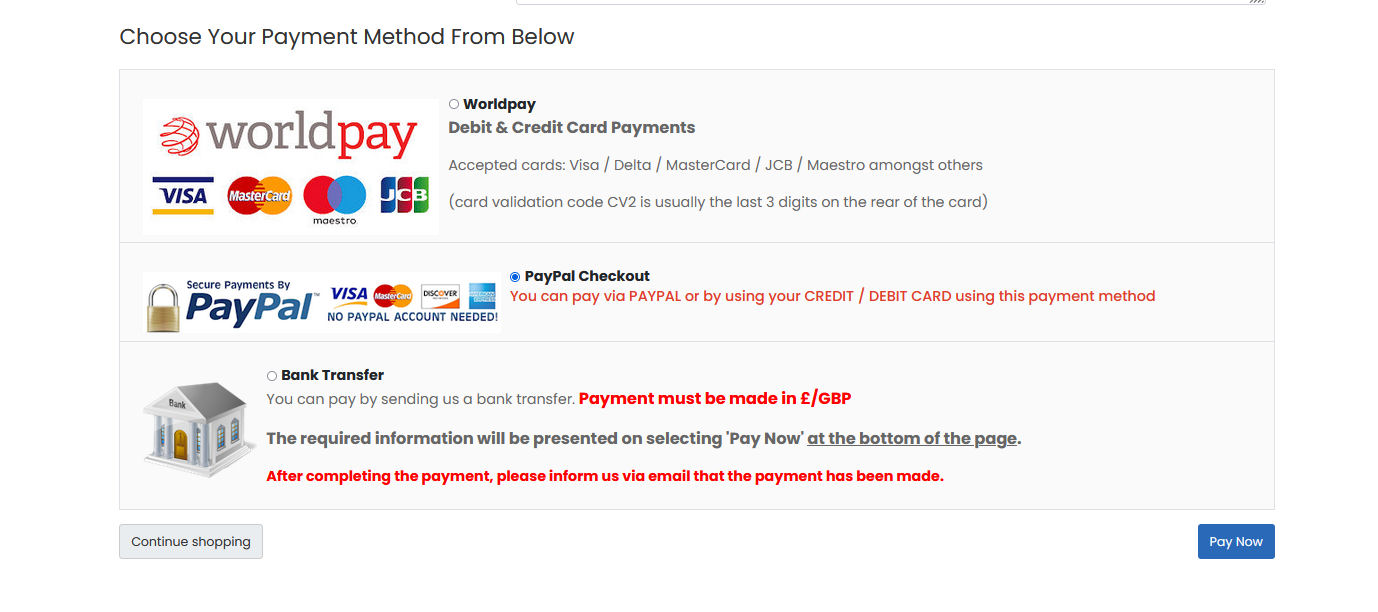
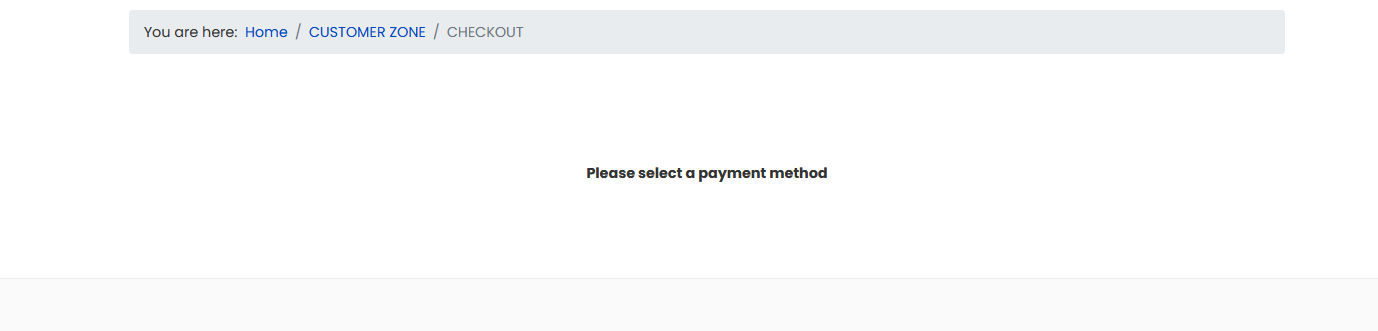
Hi, Further info. Now that i'm on 5 PayPal no longer works? WorldPay works ok?
See attached screen dumps please
Rgds
 after pressing pay now
See attached screen dumps please
Rgds
Last edit: 3 years 1 week ago by mohairbears.
Please Log in or Create an account to join the conversation.
3 years 1 week ago #356099
by nicolas
Replied by nicolas on topic HELP, down graded to 4.7.5 NO ACCESS
Hi,
I checked your website and the issue is that the client ID has not been provided in the settings of your payment method.
So I don't think it has anything to do with the update itself.
I checked your website and the issue is that the client ID has not been provided in the settings of your payment method.
So I don't think it has anything to do with the update itself.
Please Log in or Create an account to join the conversation.
- mohairbears
-
Topic Author
- Offline
Less
More
- Posts: 610
- Thank you received: 13
3 years 1 week ago - 3 years 1 week ago #356131
by mohairbears
Replied by mohairbears on topic HELP, down graded to 4.7.5 NO ACCESS
Hi, I used the "connect to PayPal checkout" to set this up again, went through the procedure with PayPal and all seems ok at that end, should hikashop populate those field auto as your help says it does?
EDIT: just tried a different browser and get the below error message? this is with admintools and RSfirewall turned off just in case they were blocking? if appears something is stopping Hikashop talking to PayPal and updates etc.?
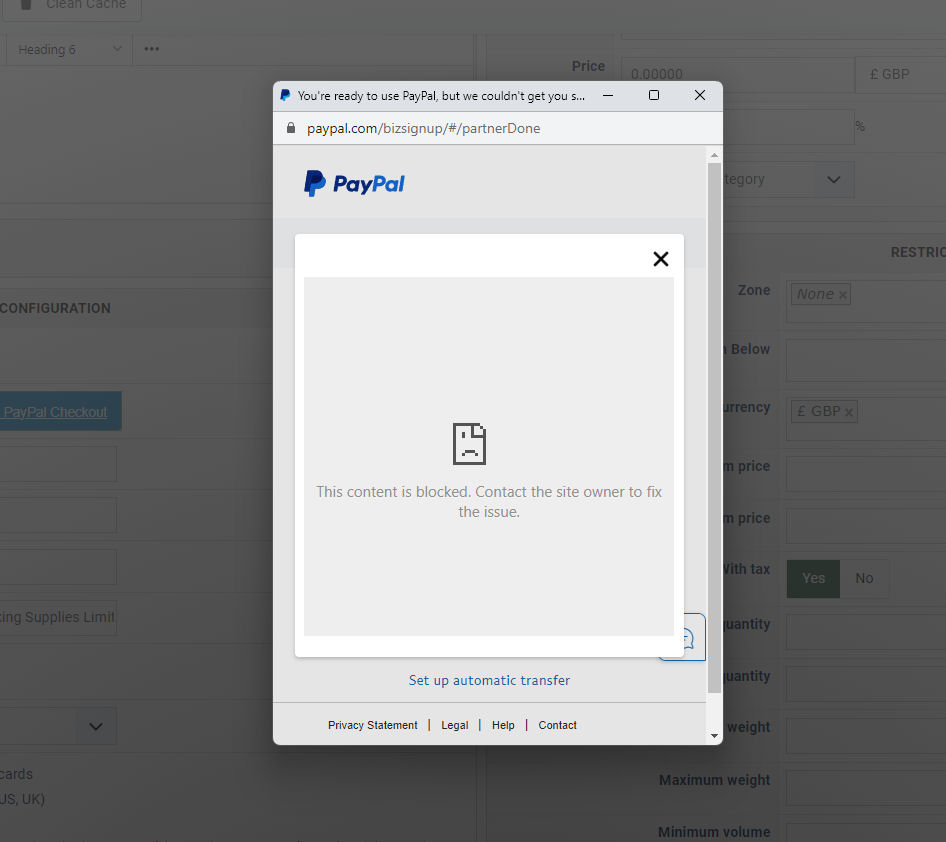
Rgds
EDIT: just tried a different browser and get the below error message? this is with admintools and RSfirewall turned off just in case they were blocking? if appears something is stopping Hikashop talking to PayPal and updates etc.?
Rgds
Last edit: 3 years 1 week ago by mohairbears.
Please Log in or Create an account to join the conversation.
- mohairbears
-
Topic Author
- Offline
Less
More
- Posts: 610
- Thank you received: 13
3 years 1 week ago #356142
by mohairbears
Replied by mohairbears on topic HELP, down graded to 4.7.5 NO ACCESS
Hi Again, I have managed to solve this.
Problems all started around midnight on Saturday. I had not been on the system as I was away until Monday morning.
I'm now guessing that my host kindly decided to update my PHP to 8.1.24? that looks like the problem all along, I have changed it to 8.0.30 and everything is working ok again ;o)
Rgds
Problems all started around midnight on Saturday. I had not been on the system as I was away until Monday morning.
I'm now guessing that my host kindly decided to update my PHP to 8.1.24? that looks like the problem all along, I have changed it to 8.0.30 and everything is working ok again ;o)
Rgds
Please Log in or Create an account to join the conversation.
- mohairbears
-
Topic Author
- Offline
Less
More
- Posts: 610
- Thank you received: 13
3 years 1 week ago #356143
by mohairbears
Replied by mohairbears on topic HELP, down graded to 4.7.5 NO ACCESS
Now getting this message? cannot update as PayPal and updates don't work on 8.1.24>

Please Log in or Create an account to join the conversation.
3 years 1 week ago #356136
by nicolas
Replied by nicolas on topic HELP, down graded to 4.7.5 NO ACCESS
Hi,
At the end of the connection process, the client id and client secret fields should be filled in automatically by PayPal.
If that's not the case, it means that something didn't work. The connection system is quite capricious.
So if that doesn't work for you, please manually get the client id and client secret from your PayPal account and input them manually.
The documentation explains where to find them:
www.hikashop.com/support/documentation/4...form.html#additional
At the end of the connection process, the client id and client secret fields should be filled in automatically by PayPal.
If that's not the case, it means that something didn't work. The connection system is quite capricious.
So if that doesn't work for you, please manually get the client id and client secret from your PayPal account and input them manually.
The documentation explains where to find them:
www.hikashop.com/support/documentation/4...form.html#additional
Please Log in or Create an account to join the conversation.
- mohairbears
-
Topic Author
- Offline
Less
More
- Posts: 610
- Thank you received: 13
3 years 1 week ago #356182
by mohairbears
Replied by mohairbears on topic HELP, down graded to 4.7.5 NO ACCESS
Hi, Please read the 2 below the connection part. This was solved due to a PHP issue, screen shots included, will updated to Joomla 4.4 solve this?
Rgds
Rgds
Please Log in or Create an account to join the conversation.
3 years 1 week ago #356183
by nicolas
Replied by nicolas on topic HELP, down graded to 4.7.5 NO ACCESS
Hi,
Updating to Joomla 4.4 won't fix the warning with your PHP 8.0 version being too old.
The updates of Joomla not working on PHP 8.1 on your website is not something we can help with. You need to ask directly on forum.joomla.org as we don't know what could be the problem.
Regarding the connection to PayPal not working on PHP 8.1, I don't know anything about it. But even if that's true, then it's not a problem for you since you were able to solve it by downgrading temporarily to PHP 8.0. Once the connection is established in the payment method, you don't need to do it again, and thus you can move back to PHP 8.1. And even if you can't, as I said in my previous message, you can circumvent the problem by manually entering the credentials.
Updating to Joomla 4.4 won't fix the warning with your PHP 8.0 version being too old.
The updates of Joomla not working on PHP 8.1 on your website is not something we can help with. You need to ask directly on forum.joomla.org as we don't know what could be the problem.
Regarding the connection to PayPal not working on PHP 8.1, I don't know anything about it. But even if that's true, then it's not a problem for you since you were able to solve it by downgrading temporarily to PHP 8.0. Once the connection is established in the payment method, you don't need to do it again, and thus you can move back to PHP 8.1. And even if you can't, as I said in my previous message, you can circumvent the problem by manually entering the credentials.
Please Log in or Create an account to join the conversation.
- mohairbears
-
Topic Author
- Offline
Less
More
- Posts: 610
- Thank you received: 13
3 years 1 week ago #356188
by mohairbears
Replied by mohairbears on topic HELP, down graded to 4.7.5 NO ACCESS
Ok will try that.
Just for clarity, on 8.1 I did try to enter manually and it still would not work on 8.1? also I could not get updates on 8.1 either, changed back to 8 and both work.
Rgds
Just for clarity, on 8.1 I did try to enter manually and it still would not work on 8.1? also I could not get updates on 8.1 either, changed back to 8 and both work.
Rgds
Please Log in or Create an account to join the conversation.
Time to create page: 0.182 seconds