
Installation
- Install the plugin with the HikaShop or Joomla installer, then publish it in the plugin manager (Hikashop - EU legal guarantee notice and GARAN label).
- Edit each product whose producer offers, at no extra cost, a guarantee of durability of more than two years, and enter its duration in the "EU GARAN label" block of the product form. The label is drawn for you from the official template of the European Commission.
- Add the block "EU legal guarantee notice" to your checkout workflow, in the Checkout tab of the HikaShop configuration, where you want the notice to appear.
- Open the settings of the plugin and choose how the labels and the notice are displayed (see below), then save.
The duration is in whole or half years, for example 3, 5 or 2,5, typed with a dot or a comma. A duration of two years or less is refused. To fill many products at once, the CSV import of HikaShop can fill the columns product_garan_duration, product_garan_brand and product_garan_model.
Configuration
Plugin tab:
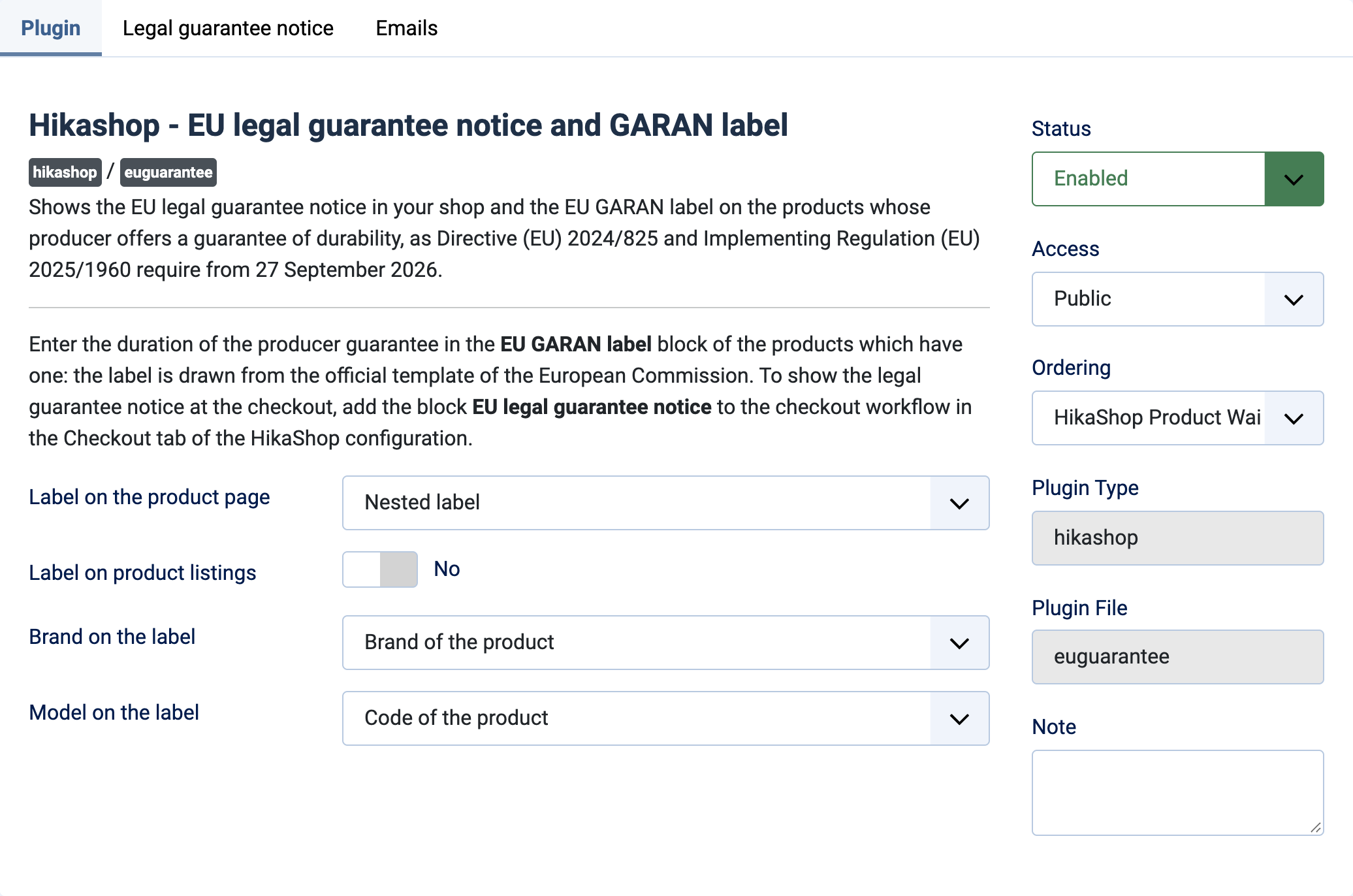
- Label on the product page: Nested label (default) is the small version the regulation allows online, next to the price: the full label opens when the customer hovers, clicks or taps it. Full label displays the label as it is.
- Label on product listings: Yes shows the nested label under the name of the products in the listings. No (default) shows it on the product page and at the checkout only.
- Brand on the label: Brand of the product (default), or Entered for each product, in its EU GARAN label block. The label needs the name of the producer: without it the label is not shown and the product form says so.
- Model on the label: Code of the product (default), or Entered for each product. The label needs the model identifier: without it the label is not shown and the product form says so.
Legal guarantee notice tab:
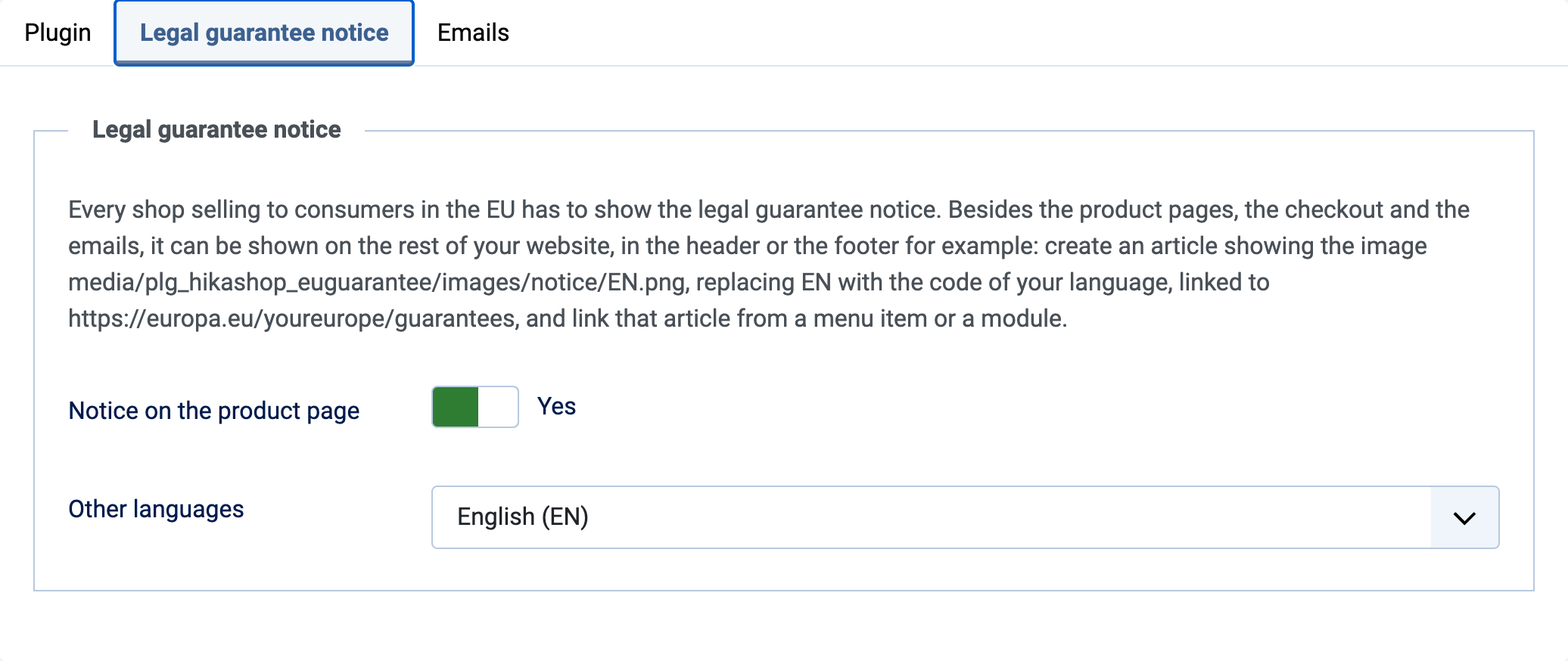
- Notice on the product page: Yes (default) shows a "Your legal guarantee rights" link on the product page, which opens the notice. The notice is also in the checkout block and, if you choose, in the emails.
- Other languages: the notice is shown in the language of the page when it is one of the 24 official languages of the EU. For the other languages of your website it is shown in the language chosen here, English by default.
The notice can also be shown on the rest of your website: create an article showing the image of the notice, linked to the Your Europe page, and link it from a menu or a module. The image is in the media folder of the plugin, in images/notice/, named after the language code, for example EN.png.
Emails tab:
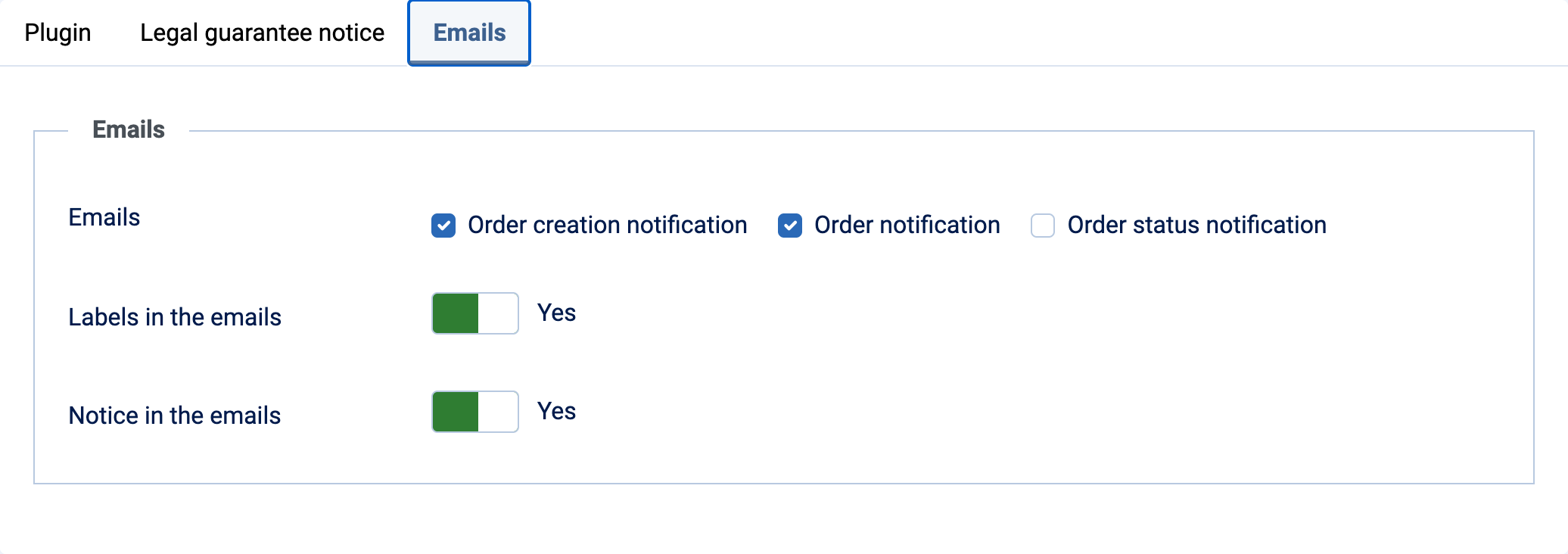
- Emails: the emails sent to the customer which receive the labels and the notice: Order creation notification and Order notification (both by default), and Order status notification. The Commission asks for them in the order confirmation email.
- Labels in the emails: Yes (default) adds the full label under each product of the order which has one.
- Notice in the emails: Yes (default) adds the legal guarantee notice at the end of the emails.
Troubleshooting
- "The guarantee must be more than 2 years, in whole or half years...": correct the duration in the product form. No label is shown until it is corrected.
- "The product has no brand, and the label needs the name of the producer...": choose a brand for the product, or choose "Entered for each product" in the settings and enter the brand in the EU GARAN label block.
- "The product has no code, and the label needs the model identifier.": give the product a code, or choose "Entered for each product" in the settings and enter the model.
- "Enter the brand: the label needs the name of the producer." or "Enter the model identifier: the label needs it.": fill the field of the EU GARAN label block.
- "The label could not be drawn. Reload the page to try again.": the label is drawn by your server when it can (PHP with GD and FreeType), otherwise by your browser when you open the product form. Reload the page; if it persists, ask your host to enable GD with FreeType.
- No notice at the checkout: the block "EU legal guarantee notice" has to be added to the checkout workflow.