

- Posts: 2
- Thank you received: 0
Specifications not demonstrated in the front page.
2 years 9 months ago #358120
by skolblaka
Specifications not demonstrated in the front page. was created by skolblaka
-- url of the page with the problem -- :
der-raubfischer.net/index.php/shop/lures...le-tools/chisel-lure
-- HikaShop version -- : 5.0.2
-- Joomla version -- : 4.4.1
-- PHP version -- : 8.1.26
although I have characteristics for both products. Set the size and color. Both values are only displayed for selection in the frontend.
And I would also like to know whether and how I can add another specification.
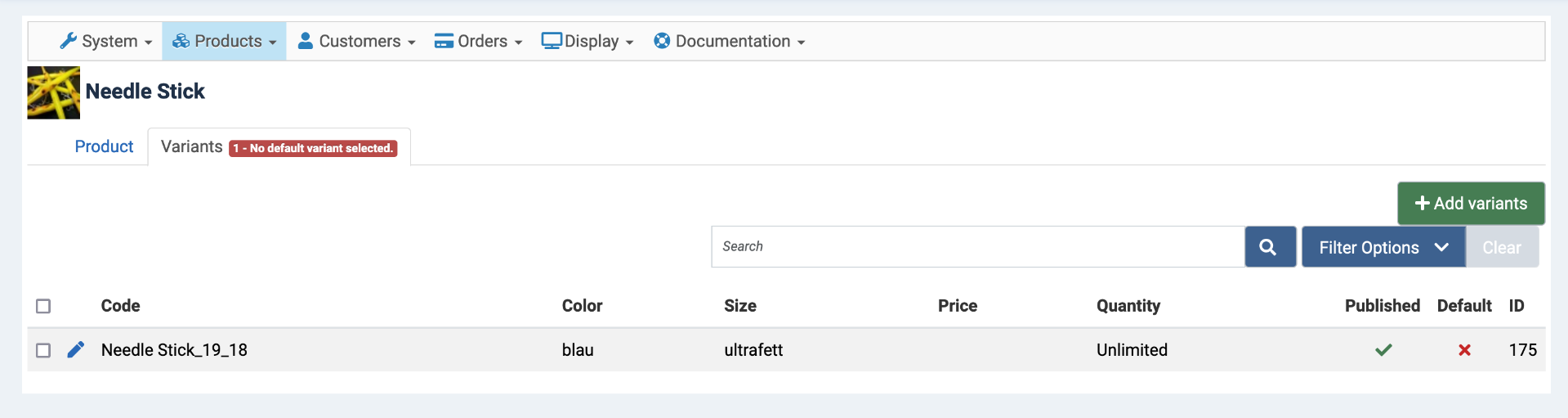
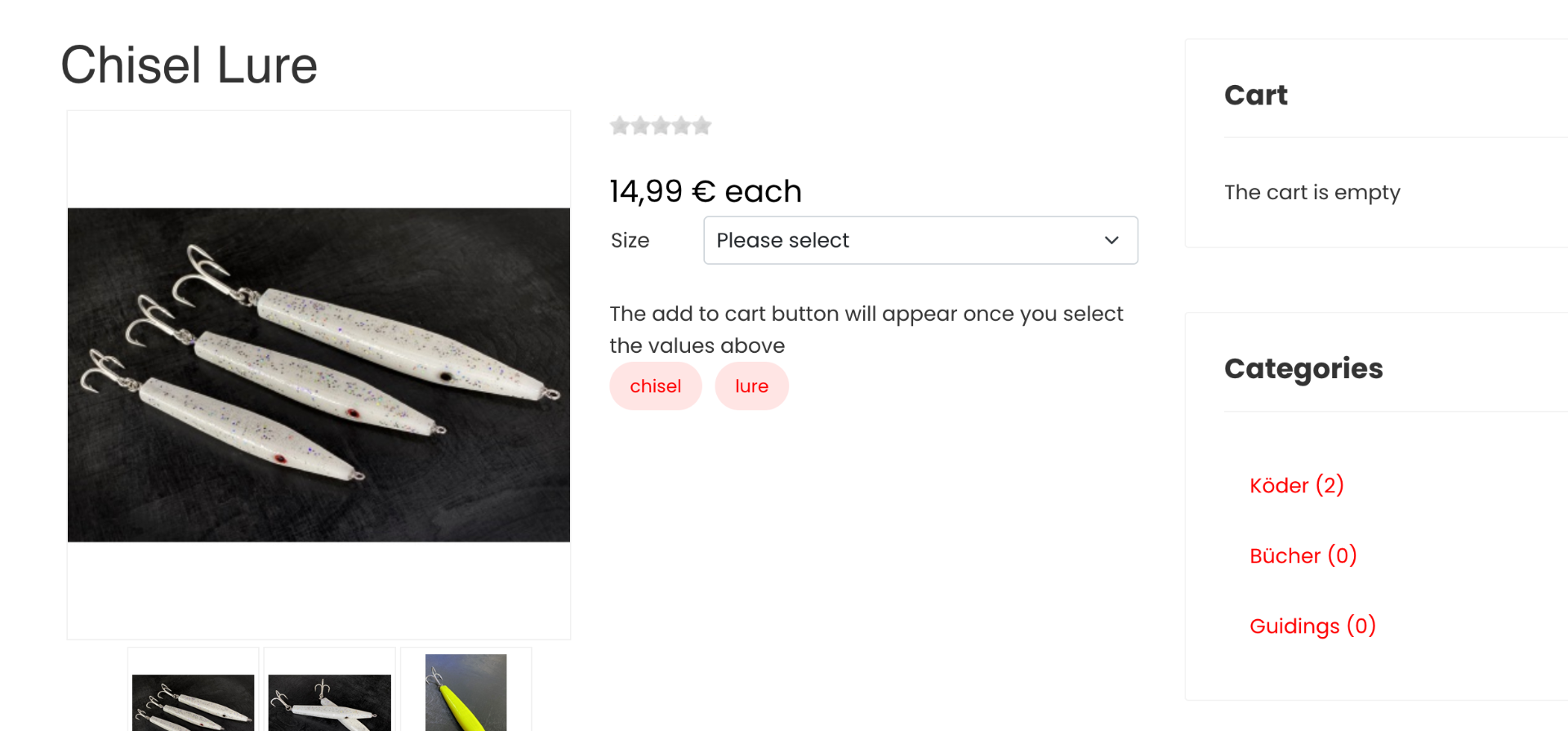
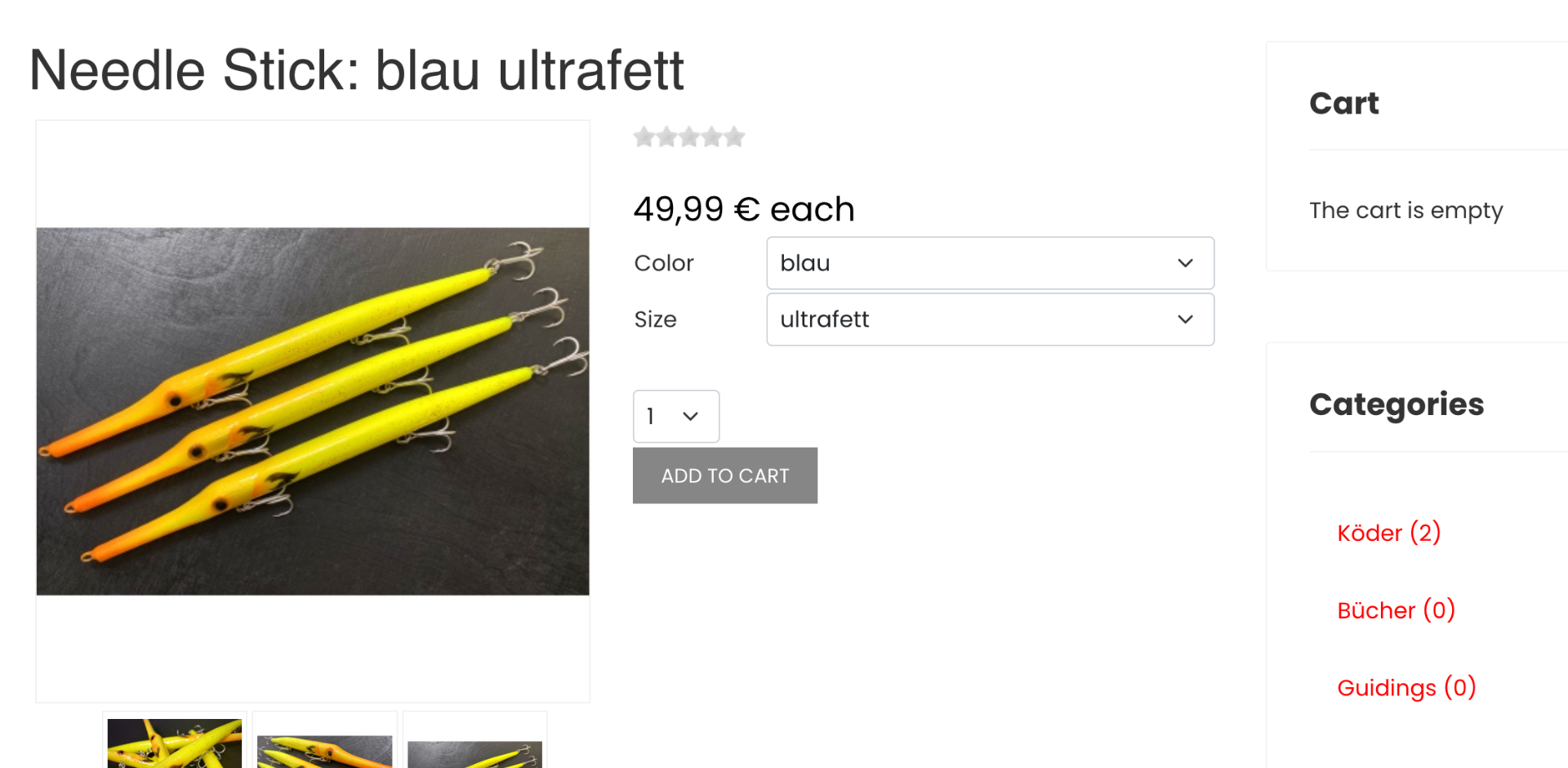
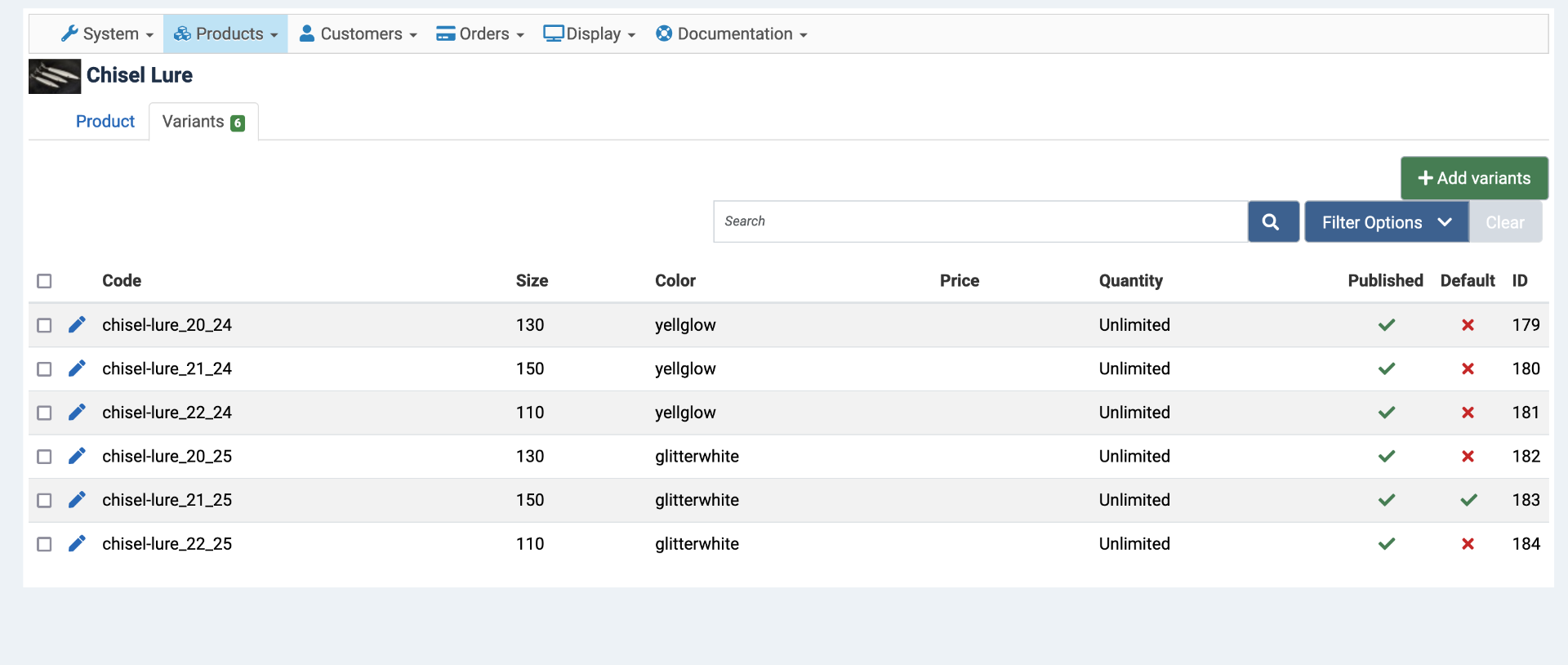
-- HikaShop version -- : 5.0.2
-- Joomla version -- : 4.4.1
-- PHP version -- : 8.1.26
although I have characteristics for both products. Set the size and color. Both values are only displayed for selection in the frontend.
And I would also like to know whether and how I can add another specification.
Please Log in or Create an account to join the conversation.

2 years 9 months ago - 2 years 9 months ago #358123
by Philip
Replied by Philip on topic Specifications not demonstrated in the front page.
Hello,
Sorry for this return, but we aren't sure to follow you, can you better specify your need and what you are unable to obtain?
For example, in what other context do you want to display the characteristics?
And what precisely prevents you from adding other specifications (or characteristics?...) as you have already done?
In any case, I would like to invite you to consult these documentations:
- Around Characteristic
- Around Options products
- Custom field , in table products this can provide you with another possible solution to add elements to your product (product table)
Remaining at your disposal for more information.
Regards
Sorry for this return, but we aren't sure to follow you, can you better specify your need and what you are unable to obtain?
For example, in what other context do you want to display the characteristics?
And what precisely prevents you from adding other specifications (or characteristics?...) as you have already done?
In any case, I would like to invite you to consult these documentations:
- Around Characteristic
- Around Options products
- Custom field , in table products this can provide you with another possible solution to add elements to your product (product table)
Remaining at your disposal for more information.
Regards
Last edit: 2 years 9 months ago by Philip.
Please Log in or Create an account to join the conversation.
2 years 9 months ago - 2 years 9 months ago #358208
by skolblaka
Replied by skolblaka on topic Specifications not demonstrated in the front page.
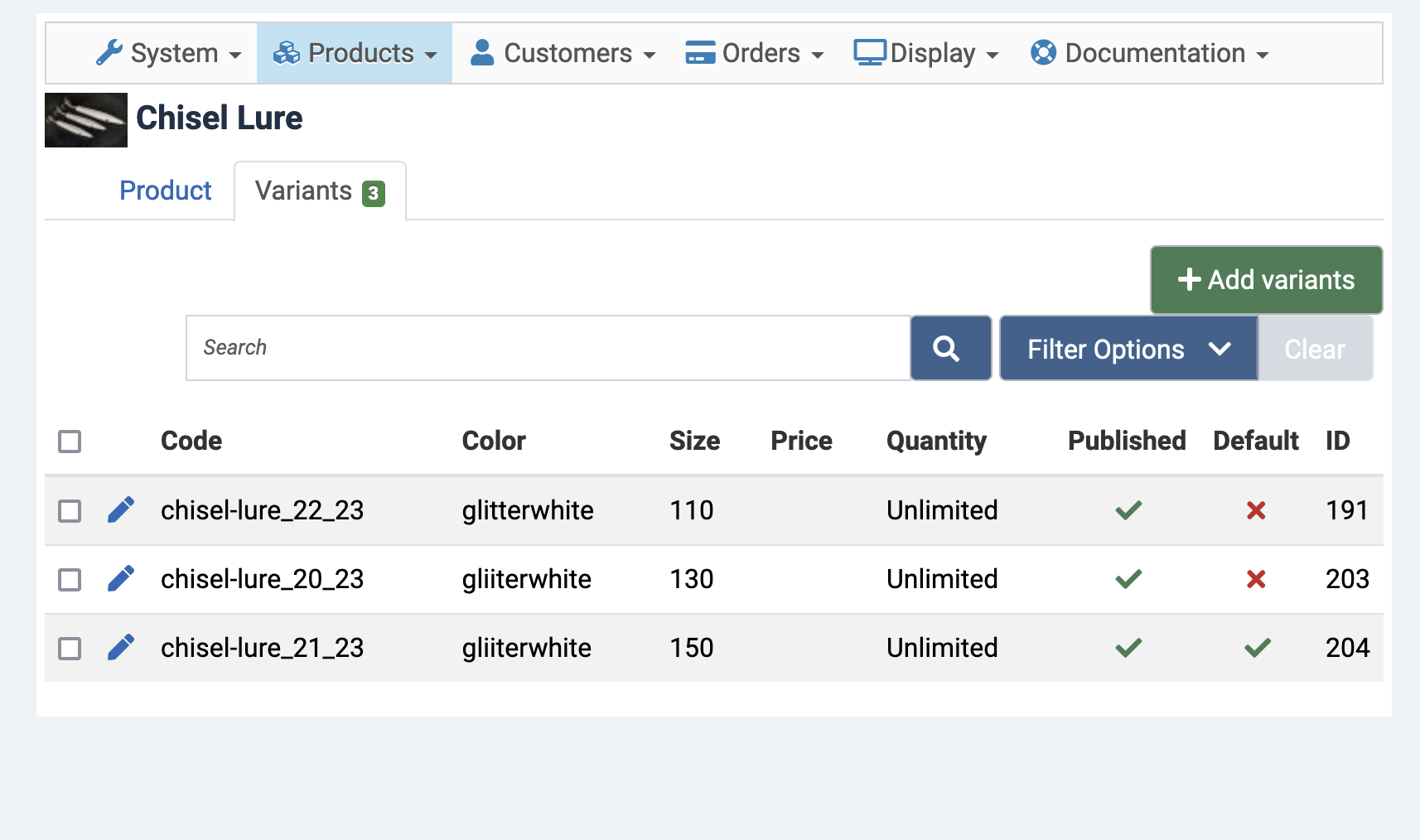
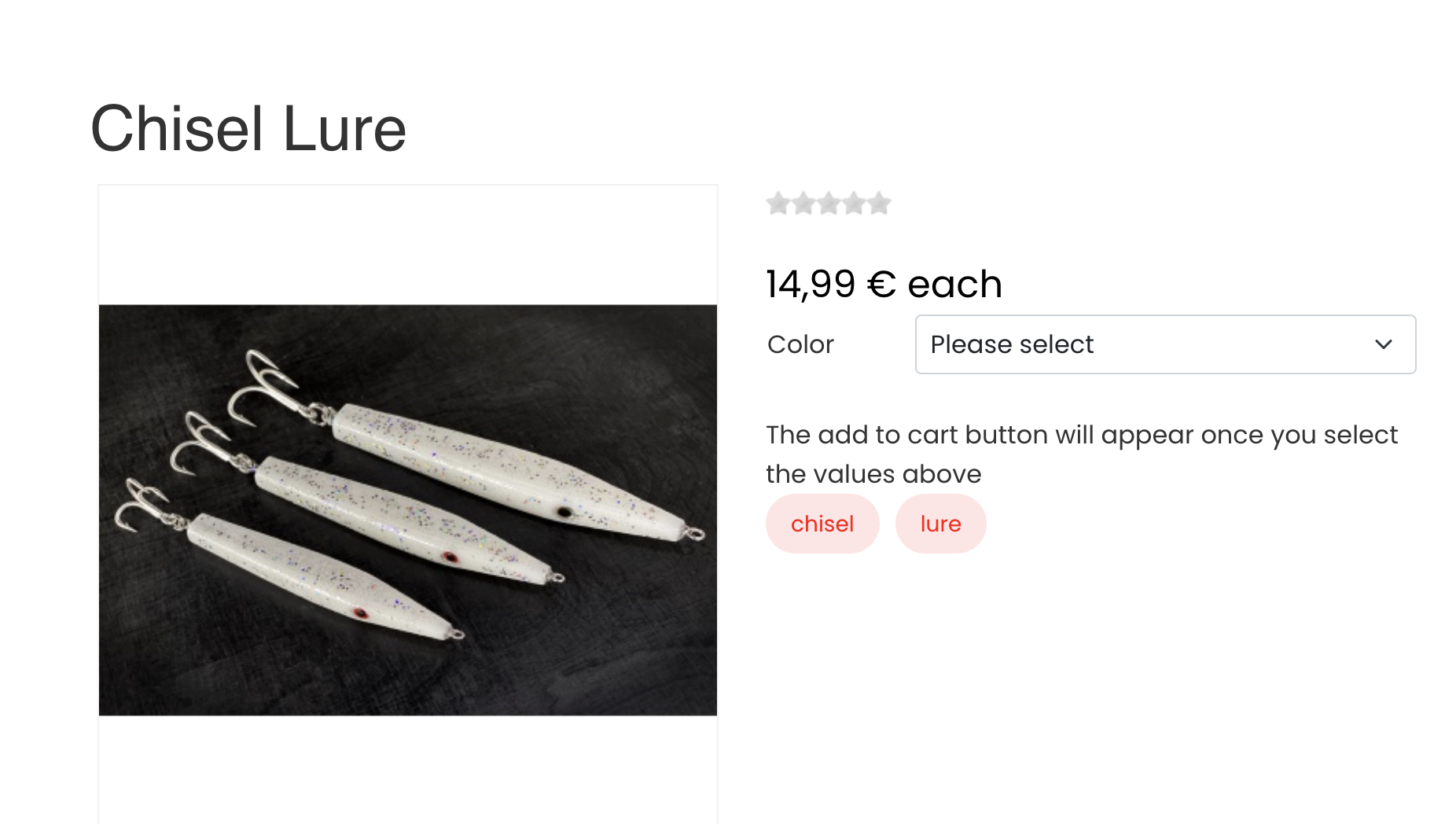
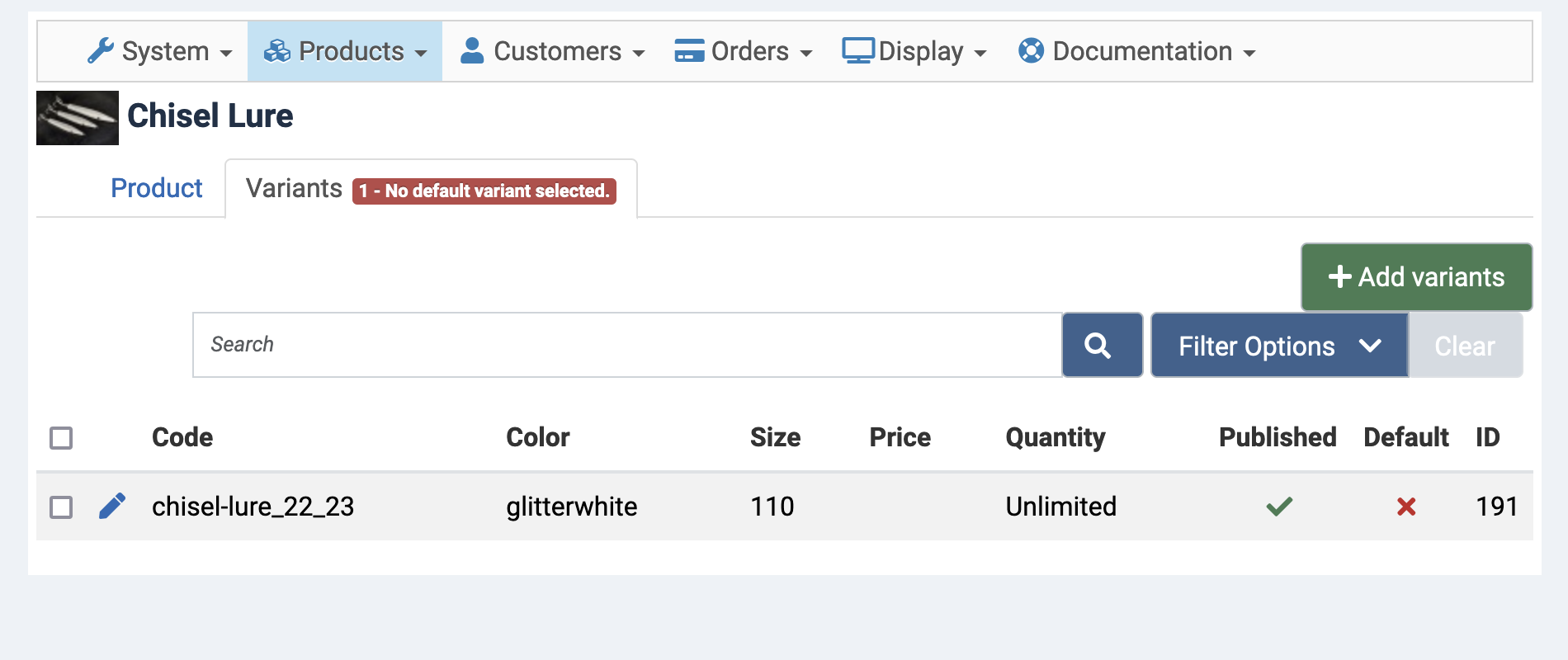
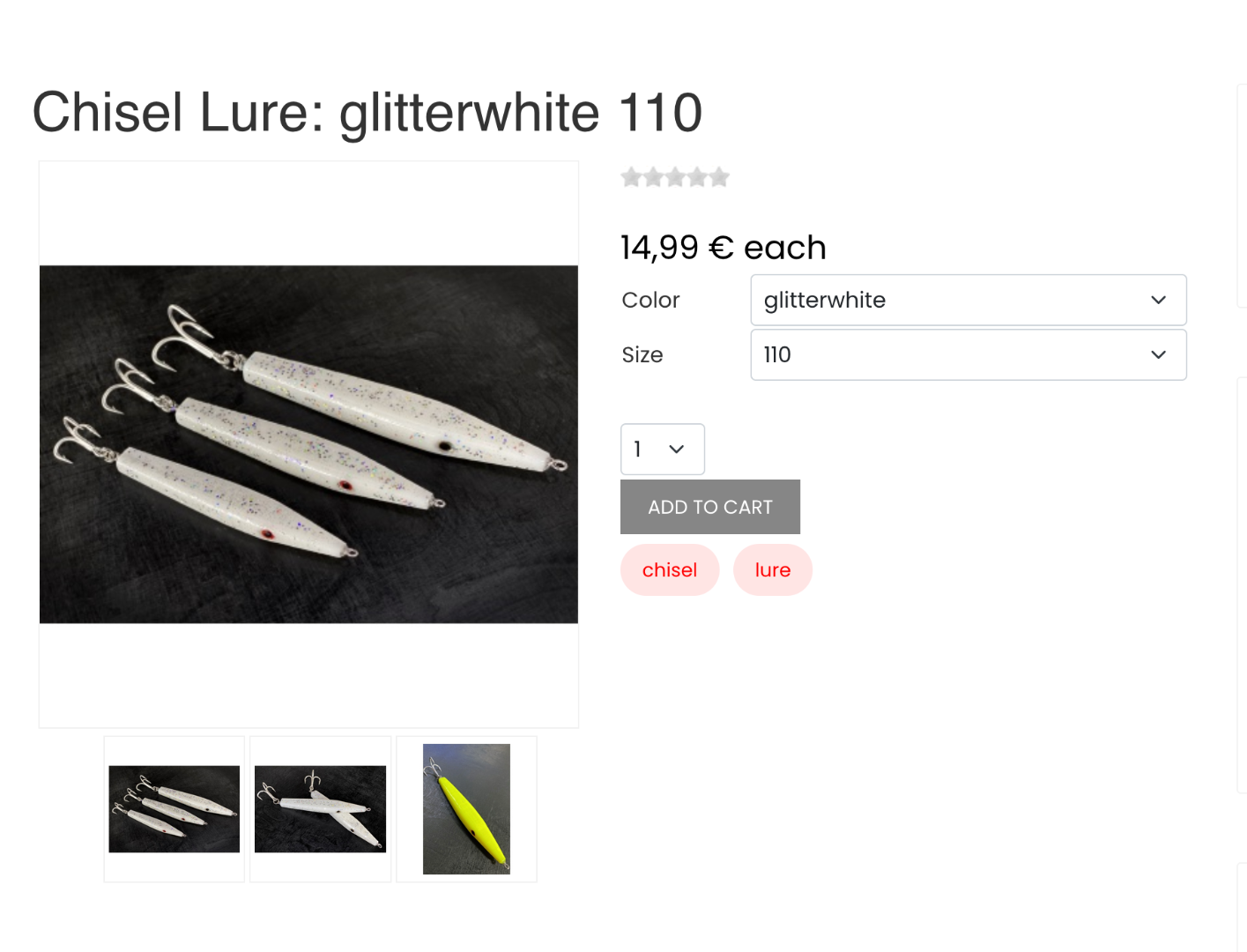
The problem is:
I want colour and size to be selectable options for the product.
But this is only possible as long as there is one variant. If I have several variants, the second option for selection disappears
So if I have saved several variants of the product in different colours AND different sizes, only the colour option appears on the product page and no size can be selected.
I want colour and size to be selectable options for the product.
But this is only possible as long as there is one variant. If I have several variants, the second option for selection disappears
So if I have saved several variants of the product in different colours AND different sizes, only the colour option appears on the product page and no size can be selected.
Last edit: 2 years 9 months ago by skolblaka.
Please Log in or Create an account to join the conversation.

2 years 9 months ago #358213
by nicolas
Replied by nicolas on topic Specifications not demonstrated in the front page.
Hi,
When you have several characteristics, you need to select the first one to be able to see the second characteristic, and when you select the second characteristic, you'll see the add to cart button.
That's because the "Characteristics dynamic display" setting in your HikaShop configuration is set to "For 2 characteristics or more". Set it to "No" and you'll always have both dropdowns displayed on the product page.
When you have several characteristics, you need to select the first one to be able to see the second characteristic, and when you select the second characteristic, you'll see the add to cart button.
That's because the "Characteristics dynamic display" setting in your HikaShop configuration is set to "For 2 characteristics or more". Set it to "No" and you'll always have both dropdowns displayed on the product page.
The following user(s) said Thank You: skolblaka
Please Log in or Create an account to join the conversation.
Time to create page: 0.072 seconds