
|
|
Description
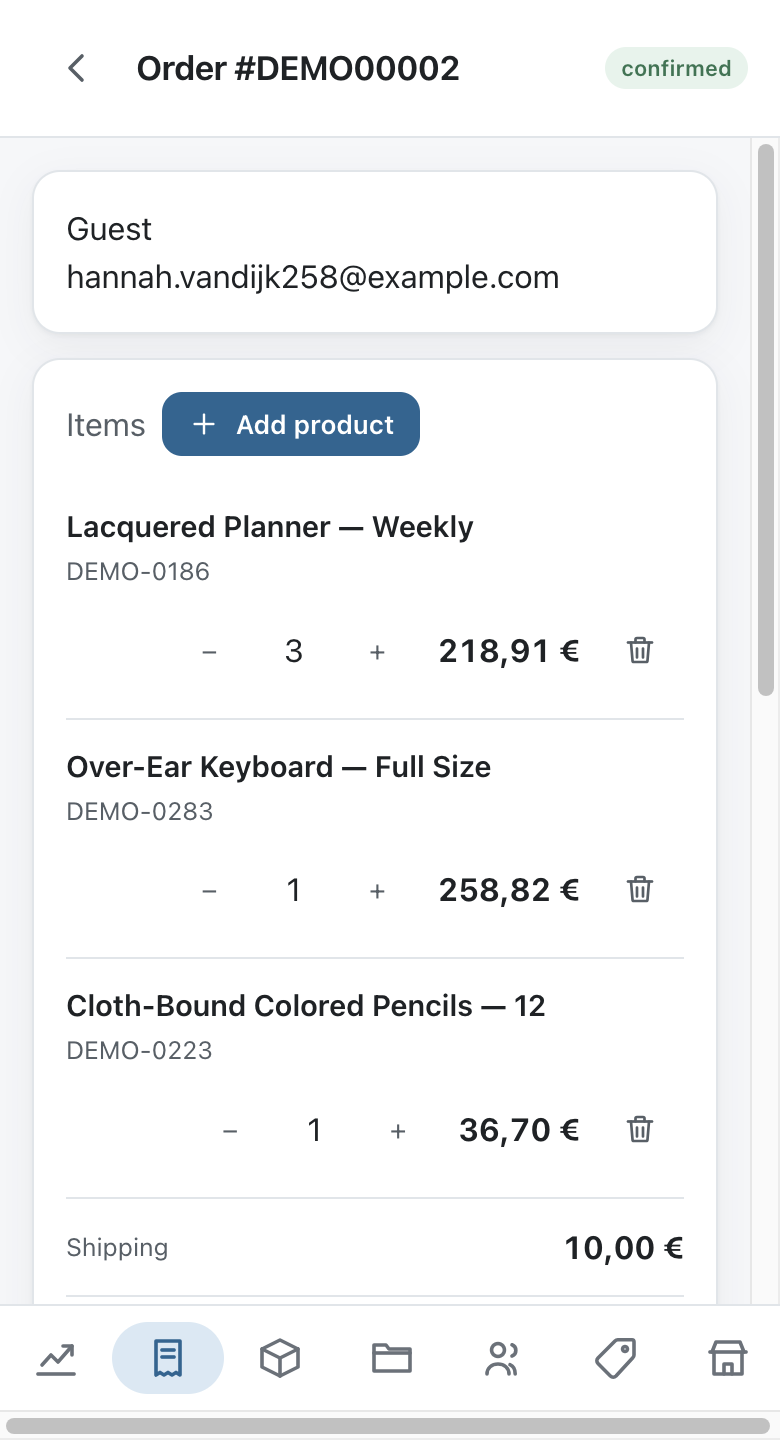
The HikaShop application runs your shop from your phone, your tablet or any browser: your orders, your products, your categories, your customers, your discounts and what sold this week, without opening the Joomla or WordPress administration.
It is free, and it talks to your own site directly. There is no account to create, no service in the middle, and nothing about your shop is stored anywhere except on your server and on the device you paired.
The application is not needed to run your shop, and it changes nothing on your site until you pair a device with it.
What you need
- HikaShop Business 6.6.0 or newer, on Joomla or on WordPress. The application talks to a plugin which ships inside the Business package, so Essential and Starter shops do not answer it. There is nothing to install: the plugin is already there and stays dormant until a device is paired.
- HTTPS on your shop. Connecting sends a single use code and the reply carries that device's own key, which every request afterwards carries too. A shop served over plain http exposes that key to anyone on the same network.
Getting the application
On Android, get it on Google Play. If you would rather not go through the store, the same build is published as an APK on the latest release, and Android warns you when installing from outside the Play Store.
On a computer, or on any phone, open the web version. It installs itself from your browser's menu, like any other application, and behaves the same way as the Android one.
The application is open source under the same licence as HikaShop. Its code, its issues and its releases are on GitHub.
Connecting it to your shop
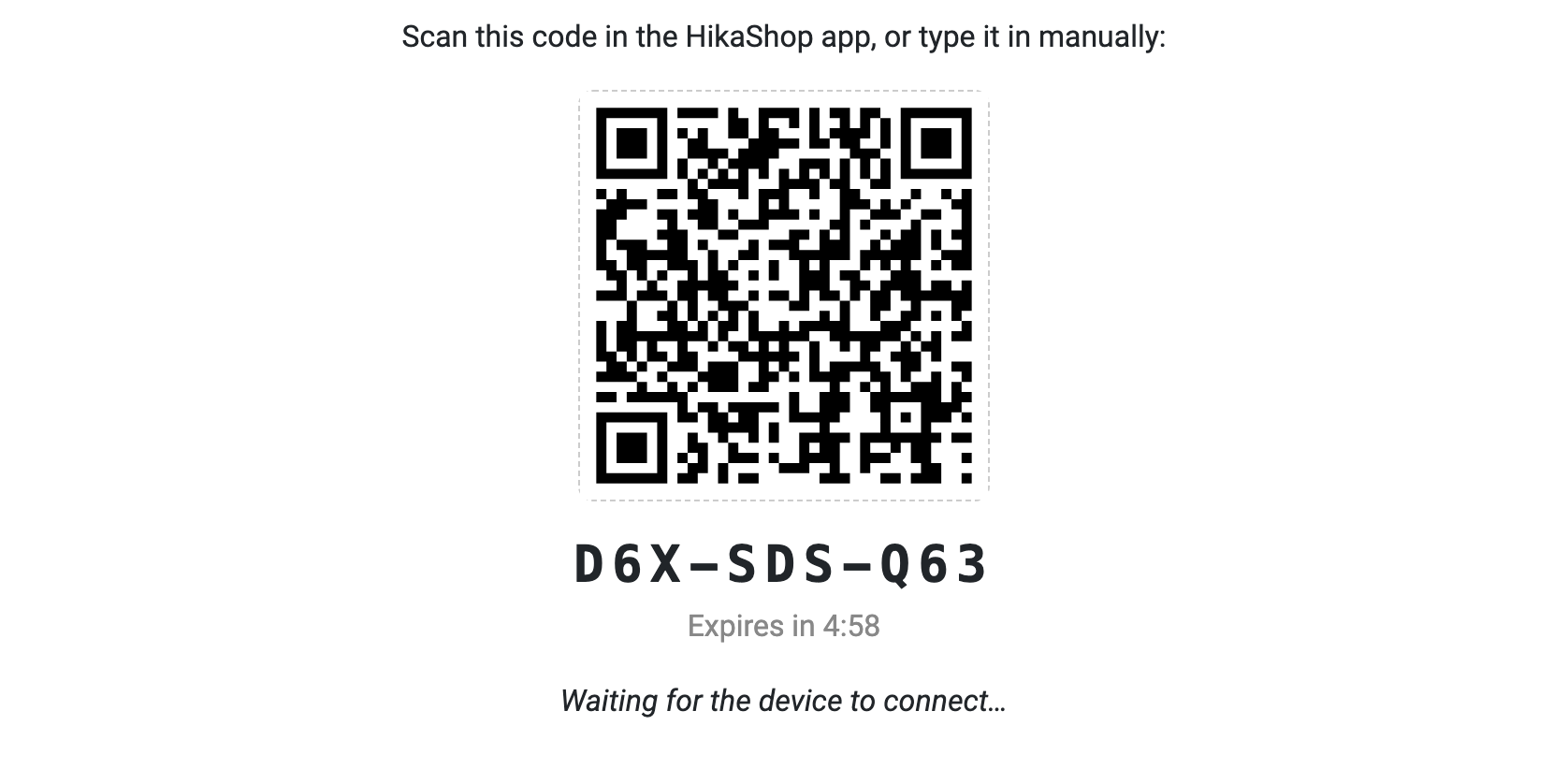
Your password is never typed into the application. Instead, your backend hands it a key of its own, by way of a QR code which lasts five minutes and works once.
In your backend, go to the HikaShop menu System>App Devices, and click on New.
The page tells you which account the device will act as, yours, and what it will be allowed to do: read your shop and change it. Click on the button and a QR code appears, with the same code written out underneath for a device which has no camera, and a countdown.
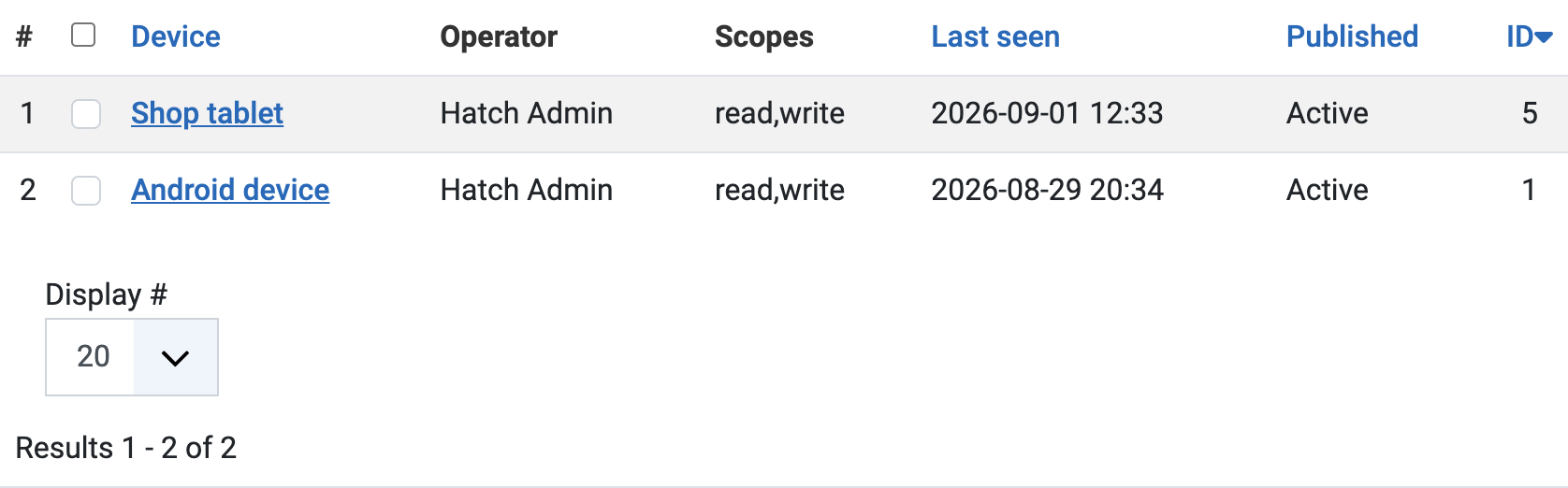
In the application, add a shop, scan the code, and the two are connected. The backend page notices on its own and returns to the listing, where the device now appears under the name the application gave it, with the date it was last used.
If the five minutes run out before you get to it, the code simply stops working: make another one. A code which has been redeemed cannot be redeemed a second time, so a photograph of your screen is of no use to anybody.
What each person can see
A paired device acts as the person who paired it. What it may read and change comes from the access levels of your Joomla or WordPress site and from the "Access levels" tab of the HikaShop configuration, exactly as it does in the backend.
So an employee paired with their own device gets the shop you gave them and nothing more, and you did not have to configure anything twice. On top of that, each device is given only what you ticked when you created it, which can be less than the person is allowed, never more.
This is what makes the application useful to a web agency: a client who is not technical gets their orders, their products and their customers on their phone, without the administration around it, and without you giving them a backend account with more in it than they need.
Following your sales
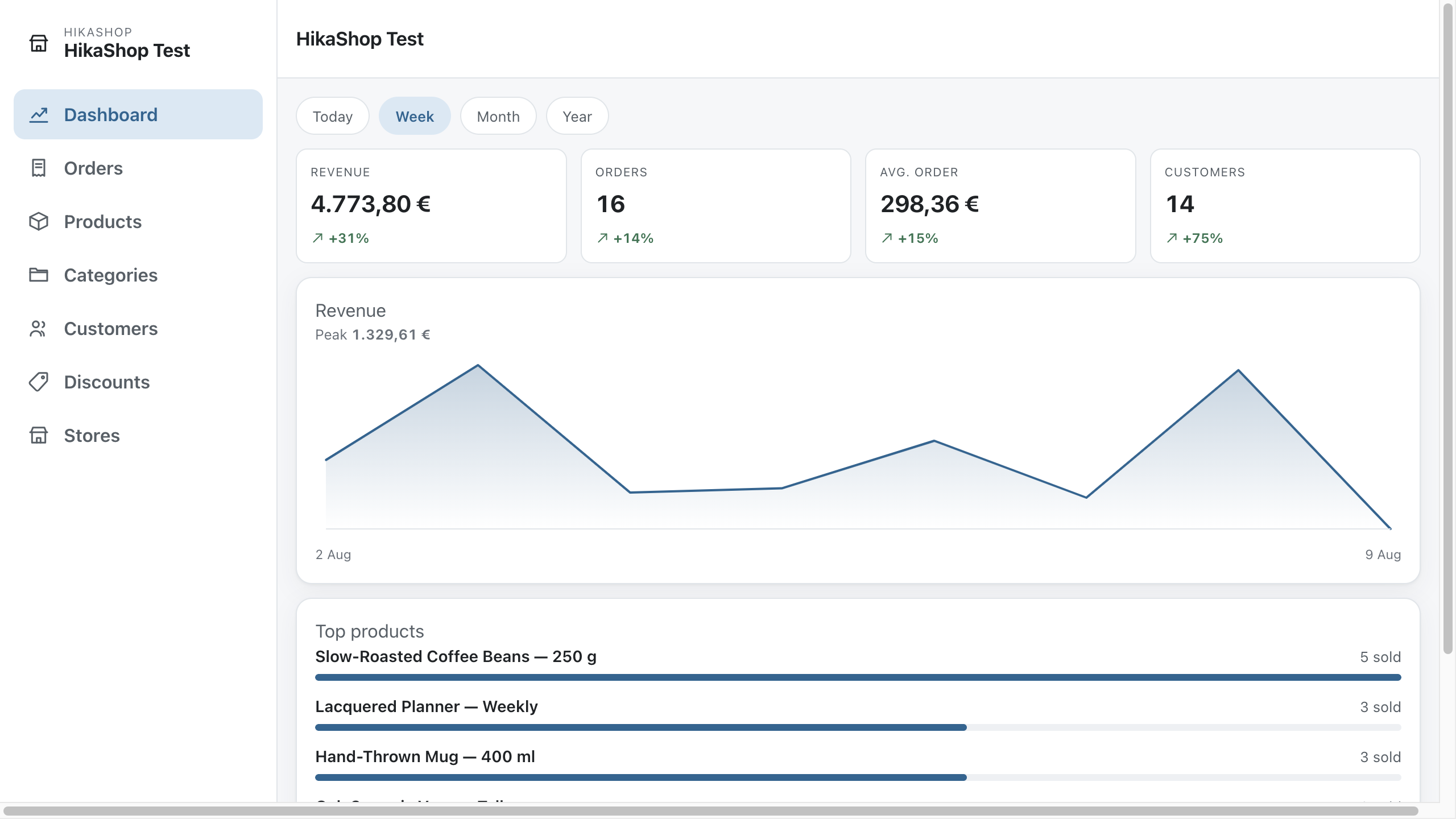
The dashboard shows your revenue, your number of orders, your average basket and your number of customers, for today, this week, this month or this year, with your best sellers underneath and the shape of the period as a curve.
The figures are your shop's own: they are computed on your site, in the currency that shop uses and rounded the way that shop rounds it.
Orders
Read them, search them and filter them by status, open one and change its status, edit its addresses, its products and its shipping and payment fees, or write an order by hand for a customer who called you.
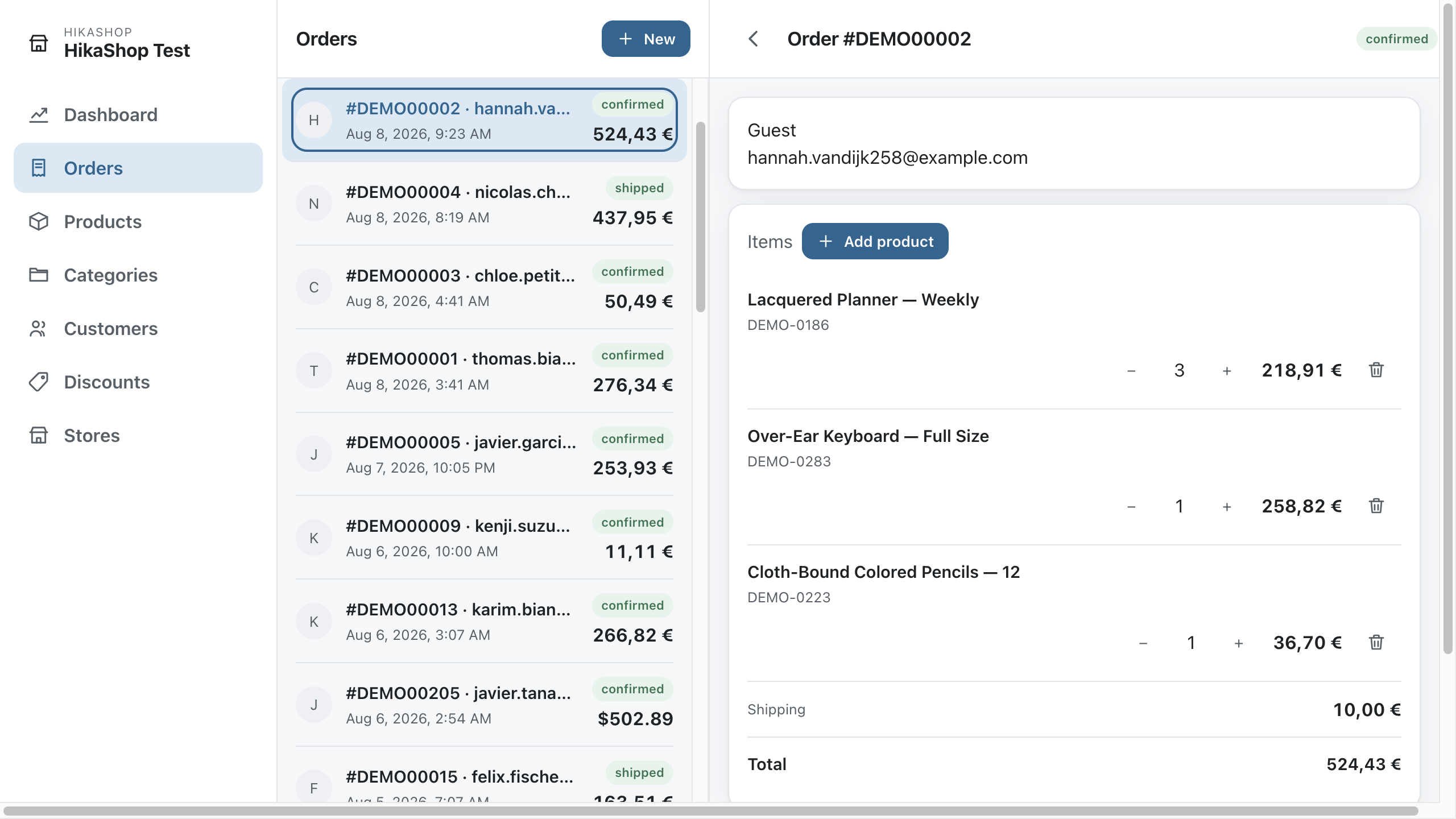
Changing a status sends the same emails your shop already sends, because it is your shop doing the work. The application asks; nothing about your order logic lives in it.
Products, stock and barcodes
Products can be edited in full: images, prices, variants, characteristics, related products, files and your own custom fields. An image can be cropped, zoomed and rotated before you attach it. On a multilingual shop, the name, the description and your translatable custom fields can be written in each of your languages without leaving the application.
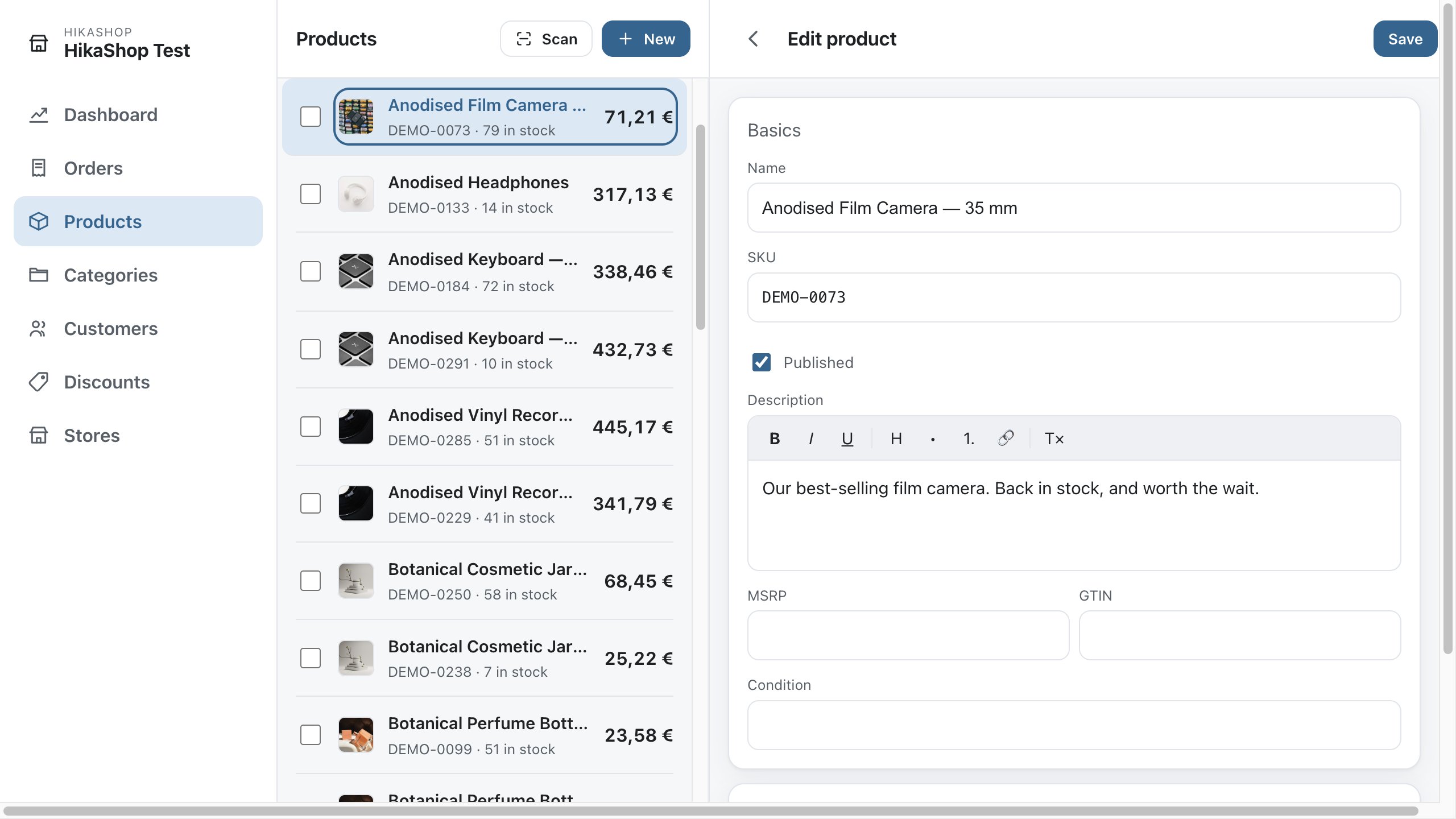
For stock, press Scan and point the camera at the barcode on the box: the product comes up with its quantity ready to change. It works with a plugged-in barcode reader too, the sort which types for you, so a tablet by the stockroom door becomes a stock terminal. Without a camera and without a reader, type the barcode, the code or the name.
For a batch at once, the mass actions you have set to appear on a listing of your backend appear in the application as well: tick the products, choose the action, and it runs on your shop exactly as it would there.
Several shops at once
Pair as many shops as you like and switch between them from the top of the menu. They can sit on different servers, on Joomla and on WordPress, in different languages and in different currencies.
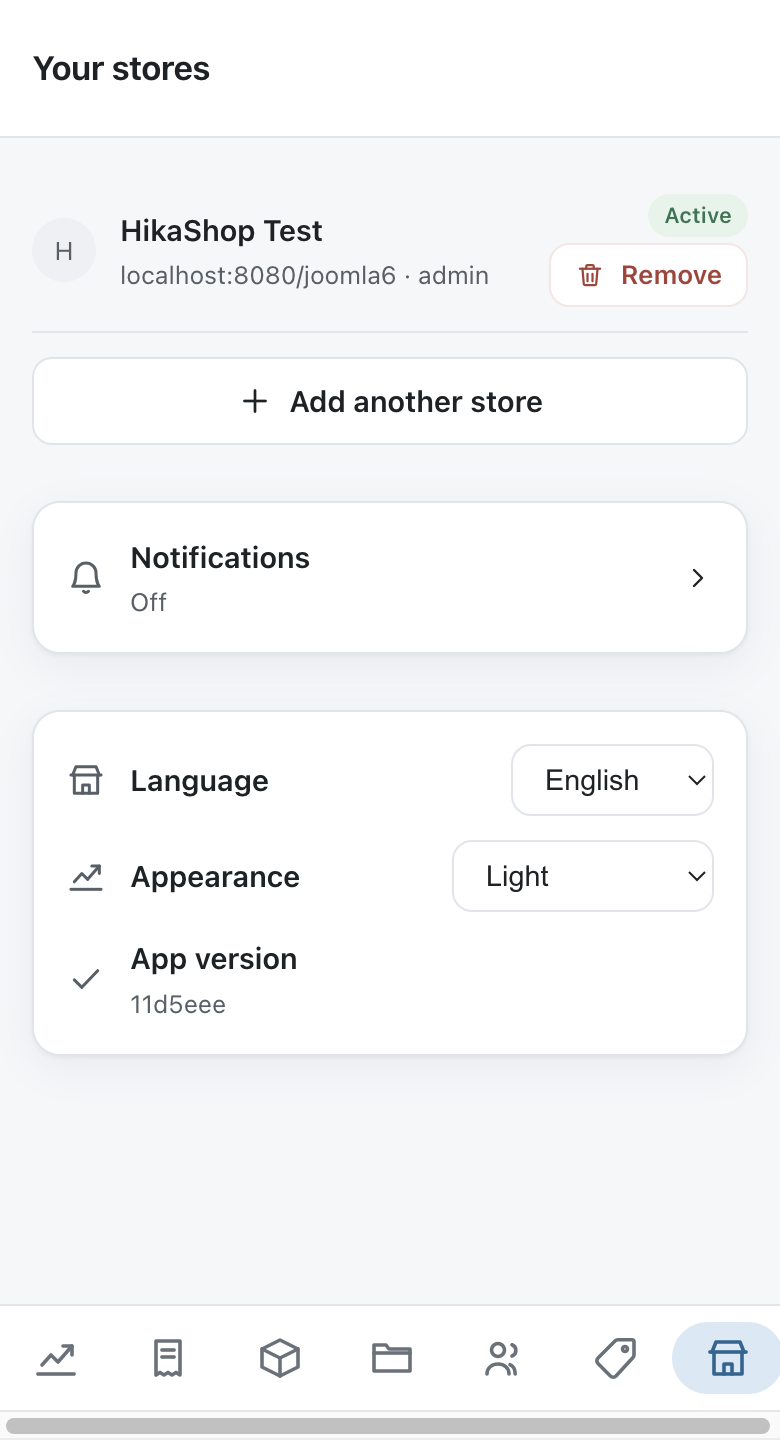
Each shop keeps its own key and remembers its own filters and searches, so you come back to a shop as you left it.
Notifications
Turn notifications on and the application watches the shop you have open, raising a notification with the order number, the customer and the total, and a short chime for a sale. Tap it and you are looking at the order. You choose what is worth interrupting you for: new orders, stock running low, or both, and at which stock level.
It is worth being straight about how this works, because it changes what to expect. The application asks your shop every thirty seconds; your shop does not push to the application. While it is open, or left open on a counter tablet or an office screen, you hear about a sale within half a minute. Once a phone puts the application to sleep, Android decides how often anything may run in the background, which is usually every fifteen minutes or so. If you want a screen which tells you the moment a sale lands, leave the application open on it.
In your own language
The application is offered in every language HikaShop is translated into, fifty-eight of them counting the regional variants, and it starts in the one your phone or your browser is set to. You can pick another on the shops screen, and it stays picked on that device.
What your shop calls things comes from your shop. Your order statuses, the labels of your custom fields and the wording of your address forms are read from the HikaShop translation installed on that site, so they read as they do in your backend rather than being translated a second time.
Revoking a device
Every device you have paired is listed in System>App Devices with the date it was last used. Unpublishing one revokes its key immediately, and the application on that device stops being answered by your shop from the next request onwards. Deleting it does the same and removes the line.
This is what you do when a phone is lost or when somebody leaves, and it touches nobody else: the other devices keep working, and no password has to be changed.
Where your data is
The application keeps your shop's address and one key per shop, on the device, in the phone's secure storage on Android. Nothing is sent anywhere except to your own shop. There is no analytics of any kind, no account, and nobody in the middle.
That also means the application is only as reachable as your site: if your shop is behind a maintenance page or a firewall which your phone cannot cross, the application cannot cross it either.