
|
|

Description
This screen enables you to create or edit an order status.
In HikaShop, orders are categorized through different statuses, or to put it another way, different state depending on the current step of the order.
Toolbar

- Save : Save the current order status and stay on the current configuration page.
- Save & Close: Save the current order status as previous but return to the order statuses Management screen..
- Save & New : Save the current order status and go to an another order statuses Management screen, in order to create a new one.
- Cancel : Return to the previous screen without saving the modifications.
- Help : This button enables you to turn ON/OFF the help section, this screen will appear or disappear.
Main Options
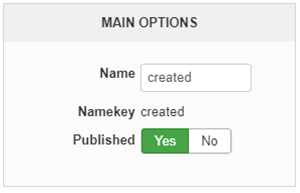
- Name : Define here the name of your order status, note that this name will be used directly in your order listing (backend and frontend).
- Namekey : The Namekey is used by your database and will be associated to the order in its own database.
- Published : Switch it to No, if you want deactivate the Order Status.
Description
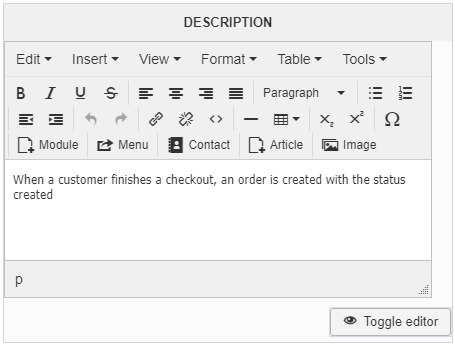
The description won't be displayed anywhere in your website, and so use it like a memo or a user manual to define for yourself the purpose of this order status for example.