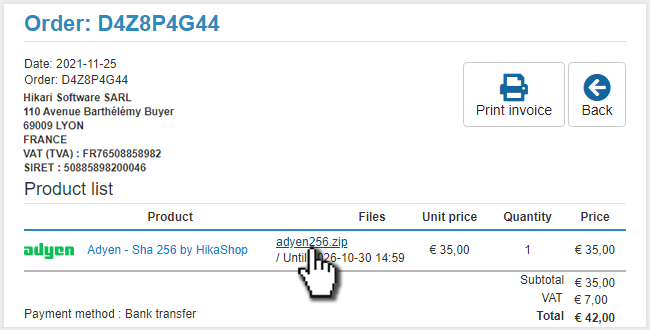
The purpose of this page is to guide you on how to download your paid plugins on the HikaShop website via your user account.

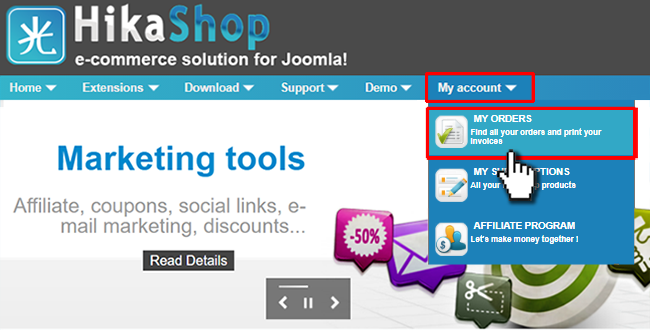
In order to find your download, you first have to access your orders listing. You can do so via the My account => My orders menu, after logging in.
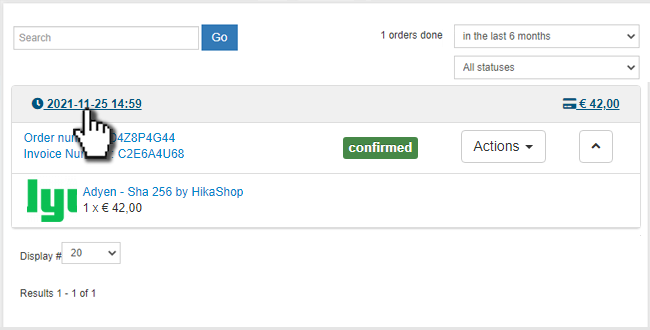
On your orders listing, select the order by clicking on the order date, the total value or the order number.
You might also want to change the top-right filter on the date if you're searching for old orders.
On your order details page, look at the products list. There, you'll find the download link for the install package of the latest version of your plugin, next to the product name: