



|
This view give you the entire list of your subscriptions. |
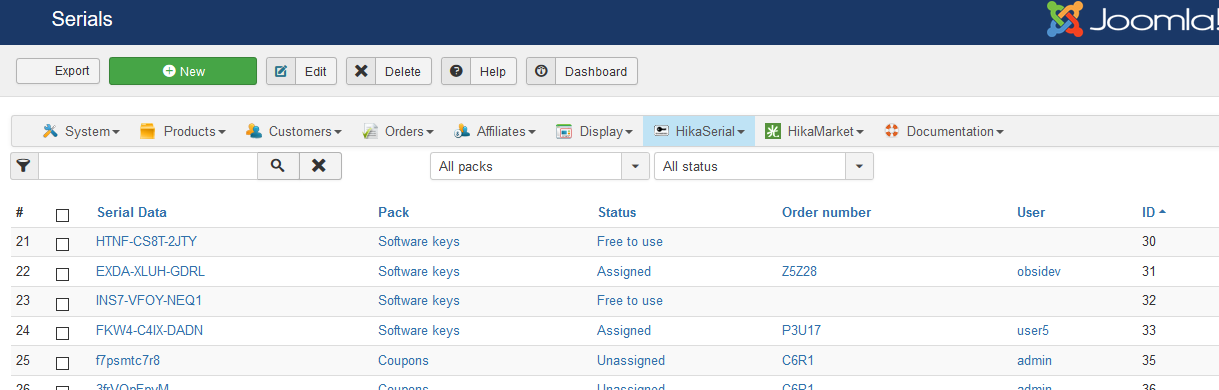 |
Subscription listing
The fields that are displayed are:
-
The subscription data
Click: show details of the subscription
It is the special (and unique) code for the customer subscription. -
The Plan name
Click: show details of the plan -
Start date
Indicate when the subscription started. -
End date
Indicate when the subscription will end. If there is no date, the subscription is unlimited. -
Subscription status
See if the subscription is active, expired, closed... -
User
Click: HikaShop user edition
The user related to the subscription.

